TradeStation review 2026: is it worth it for active traders?
Table of contents
- Why TradeStation still gets attention in 2026
- What TradeStation is
- Core features
- Pricing and fees
- Platform experience (desktop, web, mobile)
- Tools and analytics
- Order execution
- Education and research
- Pros and cons
- Who it fits
- Alternatives
- Final thoughts
—
Why TradeStation still gets attention in 2026
Most trading apps today look similar. Free stock trades, simple mobile screens, basic charting. For casual use, that’s usually enough.
TradeStation is aimed at a different group.
It’s still one of the platforms built around active trading, strategy work, and tighter control over execution. People tend to look at it when simpler apps start feeling limiting.
That said, it’s not automatically better. It just serves a different type of trader.
—
What TradeStation is
TradeStation is a brokerage and trading platform used mainly for:
- Stock trading
- Options trading
- Futures trading
- Strategy-based and algorithmic trading
It combines brokerage access with a desktop trading platform that includes advanced charting and automation tools.
You can trade multiple asset classes in one place, including stocks, ETFs, options, futures, and crypto through partners in some regions.
—
Core features
Charting
Charting is one of TradeStation’s strongest areas. It supports:
- Multiple timeframes
- Technical indicators
- Historical data access
- Strategy testing on charts
It feels closer to professional trading software than most retail apps.
—
Strategy automation (EasyLanguage)
TradeStation includes its own scripting language called EasyLanguage.
With it, you can:
- Build trading strategies
- Test them on historical data
- Automate entries and exits
It’s not modern programming in the usual sense, but it is designed specifically for trading logic.
—
Market scanning (RadarScreen)
RadarScreen lets you monitor and sort large numbers of symbols in real time.
You can:
- Track many assets at once
- Create alerts
- Filter by technical conditions
This is useful for traders who don’t want to manually cycle through charts all day.
—
Backtesting
Backtesting is built in and is one of the more useful parts of the platform.
You can test how a strategy would have performed using historical data, including:
- Entry and exit rules
- Risk settings
- Multi-asset strategies
It helps move trading decisions away from guesswork.
—
Pricing and fees
TradeStation pricing has become more competitive over time, but it’s not always as simple as newer commission-free apps.
Typical costs may include:
- Stocks and ETFs: often commission-free depending on account type and region
- Options: per-contract fees
- Futures: competitive pricing, but not free
- Data feeds: some real-time data costs extra
- Platform requirements: some features depend on account activity or balance
The bigger cost is not always fees. It’s complexity.
TradeStation is built for people who trade often and actually use advanced tools. For light or occasional trading, the platform may feel like more than you need.
—
Platform experience
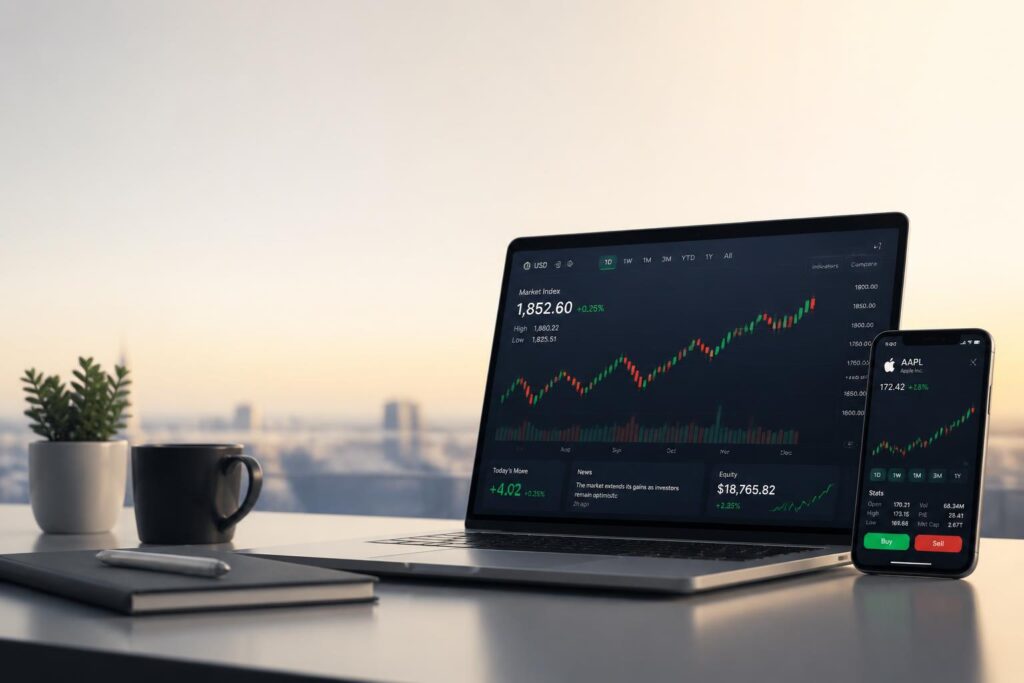
Desktop
This is the main platform.
Strengths:
- Highly customizable
- Fast execution
- Deep functionality
Weak points:
- Takes time to learn
- Can feel overwhelming at first
—
Web
A simplified version of the desktop platform.
- Easier to access
- Less customization
- Good for monitoring positions
—
Mobile
Mobile works, but it’s not the main strength.
It’s fine for checking positions or placing trades, but not ideal for analysis or deeper decision-making.
—
Tools and analytics
TradeStation focuses heavily on technical tools:
- Advanced indicators
- Options analysis tools
- Portfolio risk metrics
- Real-time scanning
It fits traders who prefer structured systems rather than discretionary, quick decisions.
For simple investing, most of these tools won’t be necessary.
—
Order execution
Execution quality is one of the reasons traders still use platforms like this.
TradeStation generally offers:
- Fast order routing
- Low latency execution
- Access to advanced routing options
For active traders, especially those working short timeframes, execution speed can matter more than chart features.
—
Education and research
There are webinars, tutorials, and market commentary available.
The content is useful, but the learning experience feels a bit dated compared to newer platforms that focus more on interactive education.
—
Pros and cons
Pros
- Strong charting and technical tools
- Strategy testing and automation support
- Good for active and advanced traders
- Solid execution performance
- Wide range of markets
Cons
- Steep learning curve
- Mobile experience is limited
- Too complex for casual investors
- Some features take time to set up properly
—
Who it fits
TradeStation tends to work best for:
- Day traders
- Technical analysis-focused traders
- Options and futures traders
- People building or testing strategies
It’s less suited for:
- Long-term passive investors
- Beginners who want a simple interface
- Casual traders who trade occasionally
—
Alternatives
Depending on your style, other platforms may fit better if you want something simpler or more modern in design.
A general comparison of day trading platforms can help narrow it down: Best day trading
—
Final thoughts
TradeStation in 2026 is still clearly aimed at serious trading activity.
It stands out because of depth, control, and strategy tools rather than simplicity or ease of use.
For someone trading occasionally, it may feel like too much platform for too little need. For someone actively building trading systems, it becomes much more relevant.
The real question is not whether it is good or bad. It is whether you actually need that level of control in the first place.