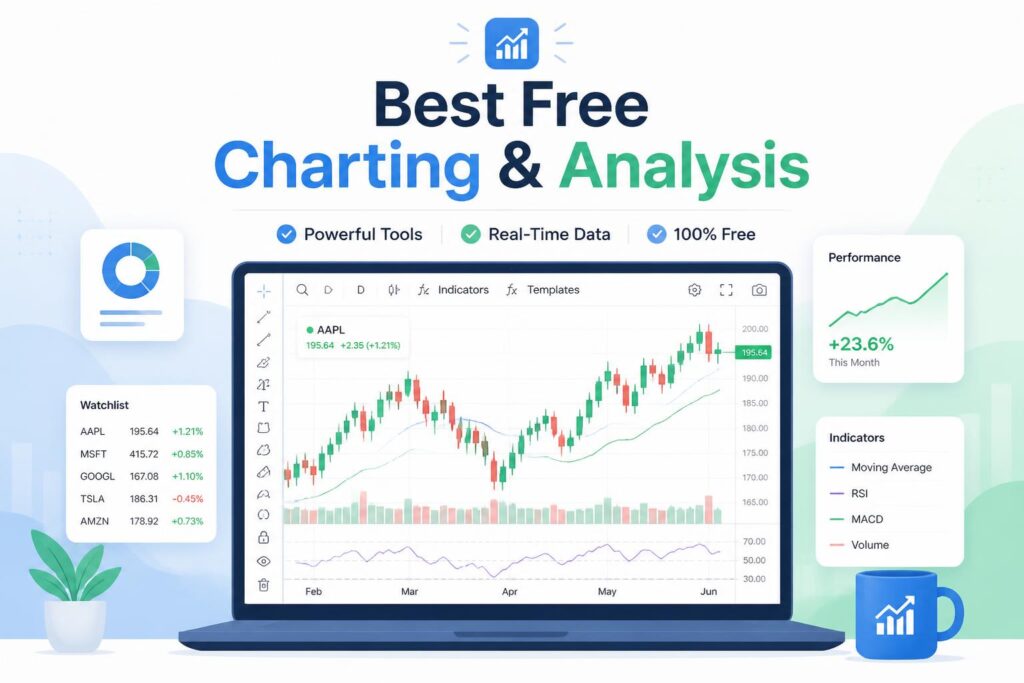
7 Best Charting & Analysis Tools in 2026 (Ranked and Reviewed)
FTC Disclosure: This article contains affiliate links. If you purchase through these links, I may earn a commission at no extra cost to you. I only recommend tools I’ve researched and believe offer genuine value.
Choosing the right charting and analysis platform can make or break your trading or data analysis workflow. With dozens of platforms claiming to be “the best,” it’s easy to waste money on expensive subscriptions that don’t match your needs—or worse, settle for limited free tools that hold you back.
I’ve spent the last month evaluating 23 charting platforms across pricing, feature depth, ease of use, data accuracy, and customization options. I tested everything from beginner-friendly web apps to professional-grade desktop platforms used by institutional traders.
This guide covers the 7 best options I found, ranked by overall value. Whether you’re a day trader who needs real-time data feeds, a swing trader analyzing weekly patterns, or an analyst building custom indicators, you’ll find the right tool here.
At a Glance: Top Charting & Analysis Tools
Tool Best For Starting Price Free Plan TradingView Versatile charting with social features $14.95/mo ✅ TrendSpider Automated technical analysis $39/mo ❌ MultiCharts Professional algorithmic trading $99/mo ❌ TC2000 US stock scanning and analysis $9.99/mo ✅ (delayed data) NinjaTrader Futures and forex trading Free (data fees apply) ✅ Thinkorswim Advanced options analysis Free with TD Ameritrade account ✅ Koyfin Financial data and screening $39/mo ✅ (limited)
How I Evaluated These Tools
I ranked these platforms based on six criteria:
- Chart quality and customization — drawing tools, timeframes, chart types
- Technical indicators — built-in library depth plus custom indicator support
- Data coverage — markets supported (stocks, crypto, forex, futures) and data quality
- Ease of use — learning curve for beginners vs. power for advanced users
- Pricing value — cost relative to features, hidden fees, free tier quality
- Platform reliability — uptime, speed, mobile/desktop/web availability
Now let’s dive into each platform.
—
1. TradingView — Best All-Around Charting Platform
TradingView combines professional-grade charting with a social network for traders. It’s the most versatile platform on this list, supporting stocks, crypto, forex, and futures with beautiful, responsive charts that work seamlessly across devices.
Key Features:
- 100+ pre-built technical indicators plus custom Pine Script language
- Real-time data for most major markets (crypto, forex, stocks)
- Social features: publish ideas, follow traders, chat rooms
- Alerts on any condition (price, indicator crossover, drawing tool breach)
- Mobile apps that sync with desktop and web versions
Pricing:
Plan Price Key Limits Free $0 3 indicators per chart, 1 alert, ads Essential $14.95/mo 5 indicators, 20 alerts, no ads Plus $29.95/mo 10 indicators, 100 alerts, multiple charts Premium $59.95/mo 25 indicators, 400 alerts, volume Profile
- Works across all asset classes without switching platforms
- Best-in-class mobile charting experience
- Pine Script lets you code custom indicators without leaving the platform
- Active community shares thousands of free custom indicators
- Clean, modern interface with minimal learning curve
Cons:
- Free plan limits are restrictive for serious analysis (only 3 indicators per chart)
- Real-time US stock data requires paid subscription ($2/mo add-on)
- Advanced order flow tools missing compared to specialized platforms
Best for: Traders who need one platform for stocks, crypto, and forex, or anyone who wants to share analysis publicly and learn from other traders.
—
2. TrendSpider — Best for Automated Technical Analysis
TrendSpider automates the tedious parts of technical analysis. It automatically draws trendlines, detects chart patterns, backtests strategies, and scans thousands of stocks simultaneously—work that would take hours manually.
Key Features:
- Automated trendline detection across multiple timeframes
- Multi-timeframe analysis (see 5-minute and daily charts overlaid)
- Dynamic alerts that adjust as price moves (trailing stops, moving trendlines)
- Built-in backtesting for any indicator combination
- Raindrop charts (visualize price action clusters)
Pricing:
Plan Price Markets Essential $39/mo Stocks, ETFs, indices Elite $99/mo Adds crypto, forex, futures Elite Plus $189/mo Adds Level 2 data, full scanner access
- Saves hours by automating trendline and pattern detection
- Multi-timeframe analysis is genuinely useful, not a gimmick
- Backtesting is fast and visual (see results on the chart)
- Raindrop charts reveal support/resistance levels traditional candles miss
- Excellent scanner for finding setups across thousands of stocks
Cons:
- Expensive compared to competitors, especially for crypto/forex access
- Steep learning curve—automation features need time to understand
- Limited social/community features
Best for: Active traders who spend hours drawing lines and scanning charts manually. The automation pays for itself if you trade frequently.
Try TrendSpider free for 7 days →
—
3. MultiCharts — Best for Algorithmic Trading
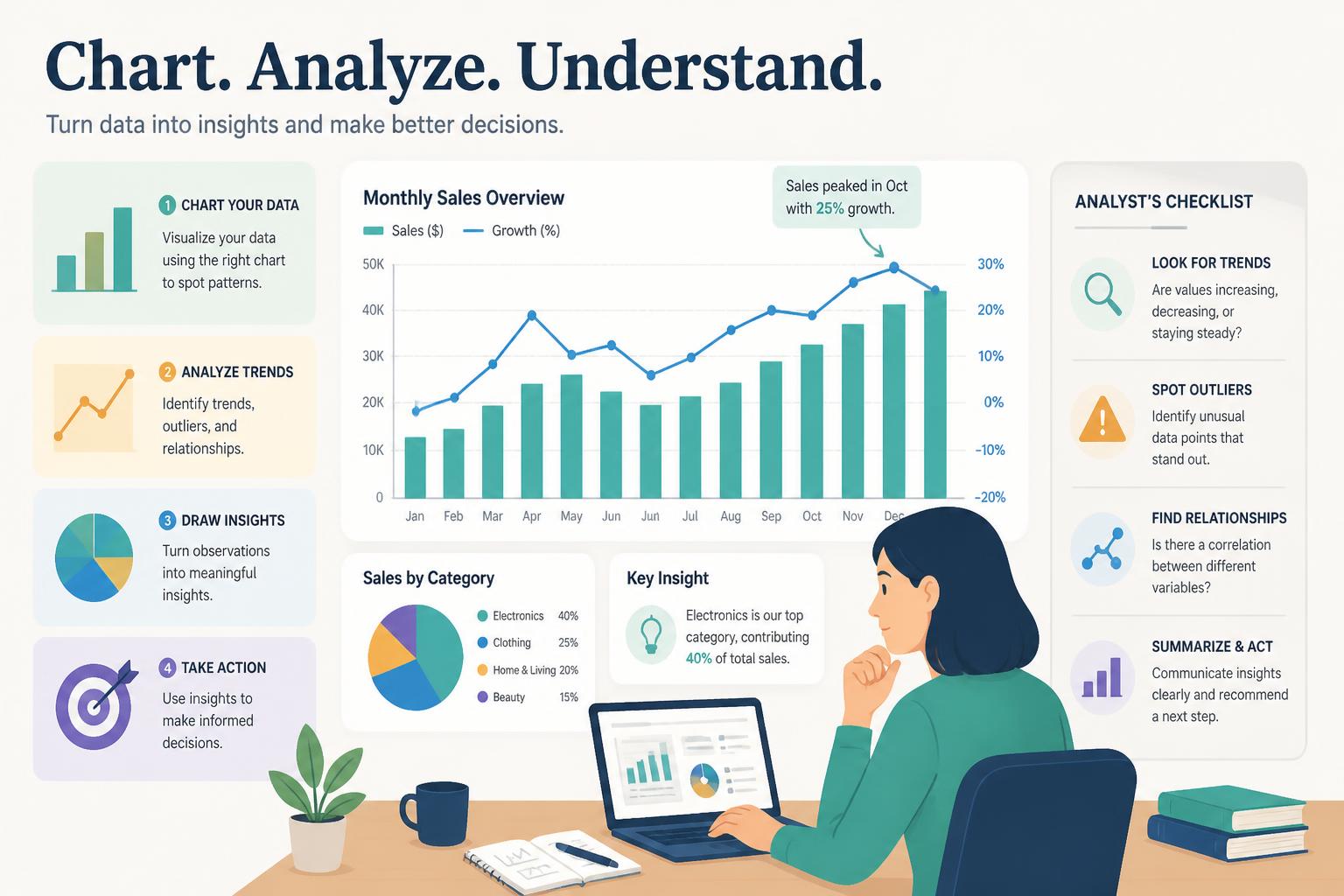
MultiCharts is a professional desktop platform built for automated trading strategies. If you’re writing algorithmic systems in EasyLanguage or C#, this is the institutional-grade infrastructure you need.
Key Features:
- EasyLanguage and C# support for strategy development
- Portfolio backtesting with realistic slippage and commission modeling
- Order execution via 30+ supported brokers (Interactive Brokers, TradeStation, etc.)
- High-definition charting with tick-level data
- Walk-forward optimization to prevent overfitting
Pricing:
Plan Price Notes MultiCharts $99/mo (or $1,299 lifetime) Desktop only MultiCharts.NET $149/mo (or $1,949 lifetime) Adds C# and .NET support
- Industry-standard for serious algorithmic traders
- Lifetime license option eliminates monthly fees
- Portfolio-level backtesting (test multiple strategies across multiple symbols simultaneously)
- Connects to nearly every major broker’s API
- No artificial limits on strategy complexity or data usage
Cons:
- Expensive upfront, especially .NET version
- Windows-only (no Mac version, requires Parallels/Boot Camp)
- Overkill if you’re not building automated strategies
Best for: Quantitative traders building and deploying algorithmic systems. If you’re just manually charting, this is too much platform (and too much cost).
Download MultiCharts free trial →
—
4. TC2000 — Best for US Stock Scanning
TC2000 specializes in US equities with powerful scanning, sorting, and screening tools. If you trade primarily US stocks and need to filter thousands of tickers by technical or fundamental criteria, TC2000 is built for that workflow.
Key Features:
- EasyScan: visual point-and-click scanner (no coding required)
- Sortable watchlists by any indicator (RSI, volume, gap %, custom formulas)
- Real-time scanning results that update as markets move
- Integration with TC2000 Brokerage (optional)
- Personal Criteria Formula language (PCF) for custom indicators
Pricing:
Plan Price Data Type Free $0 20-minute delayed data TC2000 $9.99/mo Real-time US stocks TC2000 Premium $29.99/mo Adds Level 2 data and extended hours
- Cheapest real-time US stock data on this list ($9.99/mo beats everyone)
- Scanning is fast—filter 10,000 stocks in under a second
- Visual EasyScan is genuinely easier than writing code
- Clean, uncluttered interface focused on stock selection
- Optional brokerage integration streamlines order entry
Cons:
- US stocks only—no crypto, forex, or international markets
- Charting is functional but not as polished as TradingView
- Mobile app is basic compared to desktop
Best for: US stock traders who need to scan and filter thousands of tickers quickly. If you trade other asset classes, look elsewhere.
—
5. NinjaTrader — Best for Futures and Forex Trading
NinjaTrader is the dominant platform for US futures traders. It’s free to use for charting and market analysis, with a one-time fee only if you want to trade live through the platform.
Key Features:
- Advanced order flow tools (Market Depth, Volume Profile, Footprint charts)
- C# strategy development with full debugging and backtesting
- Automated trade execution with no monthly software fees
- Extensive third-party ecosystem (indicators, strategies, brokers)
- Lifetime license (pay once, use forever)
Pricing:
Item Price Notes Software Free Charting and simulation Live trading license $999 or $299/yr lease One-time fee for live order execution Data feeds $50-100/mo CME, ICE, etc. (broker-dependent)
- Free for charting and strategy development (pay only when going live)
- Order flow tools are institutional-grade (Footprint charts are best-in-class)
- C# gives you full programming flexibility vs. limited scripting languages
- Lifetime license eliminates recurring software fees
- Massive ecosystem of third-party add-ons
Cons:
- Windows-only (no Mac, Linux, or web version)
- Data feed costs add up (not included with free software)
- Steep learning curve for order flow tools
Best for: Futures and forex traders who want professional order flow analysis without ongoing software subscription costs. If you’re not trading futures, this is overkill.
—
6. Thinkorswim — Best for Options Analysis
Thinkorswim (by TD Ameritrade) is the gold standard for options traders. It’s completely free if you have a TD Ameritrade brokerage account, and its options analysis tools are unmatched.
Key Features:
- Probability analysis and risk graphs for options strategies
- Options Hacker scanner to find high-probability setups
- thinkScript custom indicator language
- Paper trading with realistic fills (not just delayed market prices)
- Studies like Implied Volatility Rank, Greeks, and open interest built-in
Pricing:
Plan Price Requirements Free $0 TD Ameritrade brokerage account (no minimum balance)
- Completely free with no catches (just open an account)
- Options analysis tools are deeper than any paid platform
- Paper trading environment is realistic enough to practice with confidence
- thinkScript is powerful and well-documented
- Mobile app is surprisingly feature-complete
Cons:
- Requires TD Ameritrade account (can’t use with other brokers)
- Interface feels dated compared to modern platforms
- Resource-heavy (desktop version is slow on older computers)
Best for: Options traders who want professional-grade analysis without paying for third-party charting software. If you’re not trading options, most of thinkorswim’s strengths won’t matter.
Open a TD Ameritrade account and access thinkorswim free →
—
7. Koyfin — Best for Financial Data and Screening
Koyfin is built for fundamental and quantitative analysis. It combines Bloomberg-style data coverage with modern charting and screening tools at a fraction of Bloomberg’s $24,000/year cost.
Key Features:
- 100,000+ global securities across 170+ countries
- Financial statement data, ratios, and metrics going back 30+ years
- Comparable company analysis and peer screening
- Economic data overlays (GDP, unemployment, inflation on charts)
- Portfolio tracking with performance attribution
Pricing:
Plan Price Access Free $0 Limited charts, 10 exports/month Professional $39/mo Full data access, unlimited exports Teams $99/user/mo Collaboration features, priority support
- Global market coverage rivals expensive institutional terminals
- Financial data quality is excellent (sourced directly from SEC filings, not aggregators)
- Economic overlays help connect macro trends to individual stocks
- Screening is flexible (combine fundamental + technical + macro filters)
- Clean, modern interface that doesn’t feel overwhelming
Cons:
- Technical charting is basic compared to TradingView or TrendSpider
- Free plan is too limited for real work (10 exports is restrictive)
- No options data or derivatives coverage
Best for: Fundamental analysts and quants who need deep financial data without paying for Bloomberg. If you’re a pure technical trader, this isn’t your tool.
—
Master Comparison: Feature Matrix
Feature TradingView TrendSpider MultiCharts TC2000 NinjaTrader Thinkorswim Koyfin Free plan ✅ (limited) ❌ ❌ ✅ (delayed) ✅ ✅ ✅ (limited) Real-time crypto ✅ ✅ ($99+ plan) ✅ ❌ Limited ❌ ❌ Custom indicators ✅ (Pine Script) ✅ (limited) ⭐ Best (EasyLanguage, C#) ✅ (PCF) ⭐ Best (C#) ✅ (thinkScript) ❌ Automated strategies ⚠️ (manual only) ✅ (backtesting) ⭐ Best ❌ ⭐ Best ✅ (paper) ❌ Mobile app ⭐ Best ✅ ❌ Basic ❌ ✅ ✅ Options tools Basic ❌ ✅ ❌ ❌ ⭐ Best ❌ Order flow tools ❌ ❌ ✅ ❌ ⭐ Best Basic ❌ Fundamental data Basic ❌ ❌ Basic ❌ ✅ ⭐ Best Starting price $14.95/mo $39/mo $99/mo $9.99/mo Free Free $39/mo
How to Choose the Right Charting Platform
Still unsure? Here’s how to decide based on your situation:
If you’re a beginner just starting out: Start with TradingView’s free plan or TC2000’s free tier. Both let you learn charting fundamentals without spending money upfront. TradingView is better for crypto/forex; TC2000 is better for US stocks.
If you need one platform for everything: TradingView is the only platform on this list that handles stocks, crypto, forex, and futures well. The $29.95/mo Plus plan gives you enough indicators and alerts for serious work.
If you’re a day trader spending hours on charts daily: TrendSpider will save you hours per week by automating trendlines, pattern detection, and scanning. The time savings justify the $39-99/mo cost.
If you’re building algorithmic trading systems: Choose between MultiCharts (best for EasyLanguage) or NinjaTrader (best for C# and futures). Both offer lifetime licenses that eliminate recurring fees.
If you trade US stocks exclusively: TC2000 offers the cheapest real-time data ($9.99/mo) and fastest scanning. Don’t pay for global market access you won’t use.
If you’re focused on options: Thinkorswim is free and better than paid alternatives. Just open a TD Ameritrade account (no minimum balance required).
If you care about fundamentals as much as technicals: Koyfin gives you financial statement data, ratios, and macro overlays that pure charting platforms lack.
—
Frequently Asked Questions
What is the best charting and analysis tool?
TradingView is the best all-around charting platform for most traders in 2026. It supports every major asset class, works seamlessly across devices, and offers a usable free tier. For specialized needs—futures trading, algorithmic systems, or options analysis—NinjaTrader, MultiCharts, or thinkorswim may be better fits.
What is the cheapest charting and analysis tool?
TC2000 offers real-time US stock data for just $9.99/mo, making it the cheapest platform with professional-grade charting. For completely free options, NinjaTrader (for futures) and thinkorswim (for options) require no software fees, though you’ll pay for data feeds or need a brokerage account.
What charting tool has the best free plan?
TradingView offers the most fully-featured free plan. You get unlimited charts with 3 indicators each, basic alerts, and full mobile/web/desktop access. The main limits are 3 indicators per chart (vs. 25 on paid plans) and visible ads. For those looking for no-cost solutions, check out our guide on the best free charting & analysis tools.
Is TradingView worth it?
Yes, if you trade multiple asset classes or need mobile charting. The $14.95/mo Essential plan removes ads and gives you 5 indicators per chart—enough for most strategies. The $29.95/mo Plus plan is worth it for active traders who need multiple charts open simultaneously or more than 20 alerts. If you’re starting your journey, our best charting & analysis for beginners guide can help you get started.
How do I choose charting and analysis software?
Match the platform to your trading style. Day traders need speed and real-time data. Swing traders prioritize chart quality and indicator depth. Algorithmic traders need backtesting and order execution. Start by identifying which markets you trade (stocks, crypto, forex, futures), then filter platforms that cover those markets within your budget.
Can I use these platforms with any broker?
Most charting platforms work independently of your broker—you chart on one platform and execute trades through your broker’s platform separately. MultiCharts and NinjaTrader offer direct broker integration for automated trading. Thinkorswim only works with TD Ameritrade accounts. For more options and detailed comparisons, see our comprehensive best charting & analysis 2026 roundup.
Do I need to pay for real-time data?
It depends on the platform and market. TradingView includes real-time crypto and forex data free; US stocks cost an extra $2/mo. TC2000 includes real-time US stock data in the $9.99/mo plan. NinjaTrader requires separate data feed subscriptions ($50-100/mo). Thinkorswim includes all data free with a TD Ameritrade account.
—
Final Recommendation
For most traders, TradingView offers the best balance of features, usability, and price. The $29.95/mo Plus plan gives you professional-grade charting across all asset classes, syncs perfectly across devices, and connects you to a community of millions of traders sharing ideas.
If you’re a futures trader, NinjaTrader’s lifetime license and order flow tools are unbeatable. Pay once, use forever, and get institutional-grade analysis without recurring fees.
Start with TradingView—it’s free to try and covers 90% of use cases. You can always upgrade to a specialized platform once you know exactly what you need.