10 Free Frugal Living Tools and Strategies for 2026
Introduction
Frugal living is less about cutting everything out and more about noticing where money quietly slips away. When spending becomes visible, it gets easier to adjust without feeling restricted.
In 2026, there are plenty of free tools that help with budgeting, tracking expenses, meal planning, and reducing unnecessary costs. Some are apps, some are simple systems you can run on paper or spreadsheets.
This guide looks at a mix of both. Nothing here requires paid subscriptions to be useful.
—

At a Glance
Tool / Strategy Best For Starting Price Free Plan Budgeting apps and Mint alternatives Expense tracking $0 Yes Manual budgeting (envelope / zero-based) Spending control $0 Yes Google Sheets budget setup Custom tracking $0 Yes Meal planning systems Grocery savings $0 Yes Cashback and reward tools Small passive savings $0 Yes Subscription audit systems Cutting recurring costs $0 Yes Expense review method Long-term behavior change $0 Yes Cash budgeting Spending discipline $0 Yes Price comparison tools Smarter purchases $0 Yes Frugal living communities Shared ideas and support $0 Yes
How these were chosen
These tools were selected based on simple questions:
- Is it easy to start without setup stress?
- Does it still work after a few weeks or months?
- Does it actually help reduce spending or just track it?
- Can it be used at different income levels?
- Is it free without major limitations?
—
1. Budgeting apps and Mint alternatives
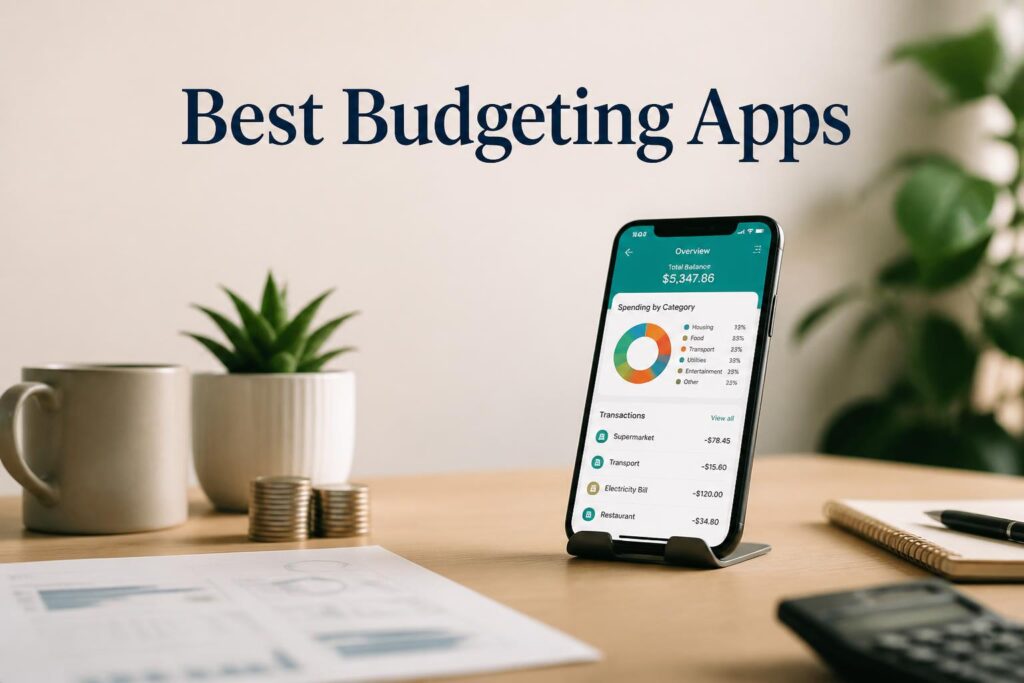
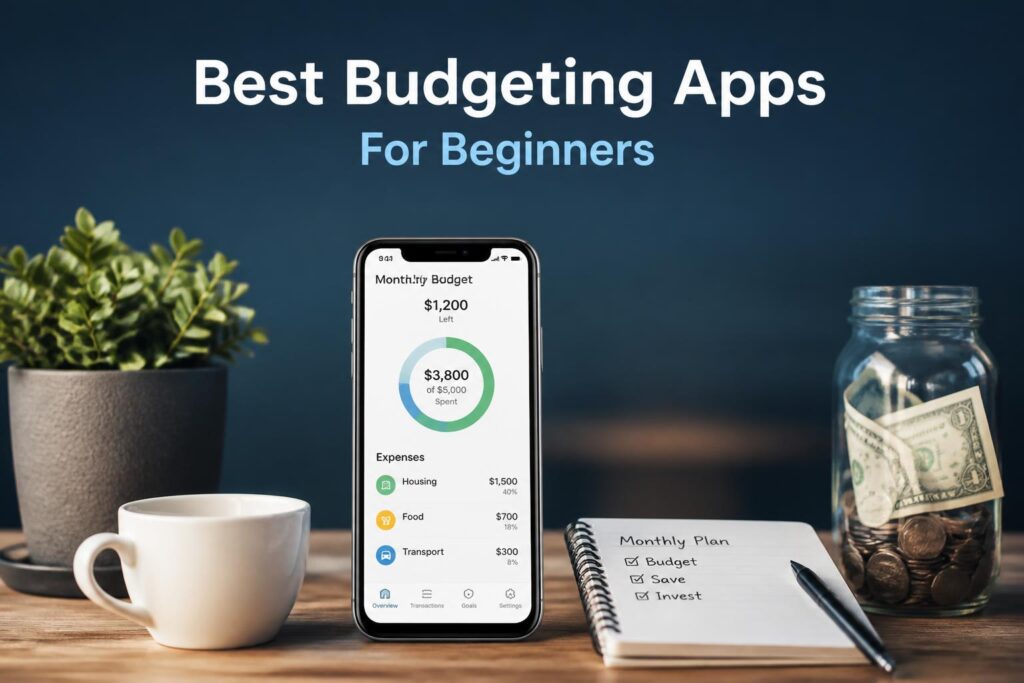
Budgeting apps are usually the starting point for most people. They connect to bank accounts and show where money goes each month.
The main benefit is clarity. Many people only realize their spending habits after seeing them broken down.
Key features
- Automatic transaction sorting
- Monthly spending breakdowns
- Subscription detection
- Basic trend charts
Pricing
- Free plan available
- Paid upgrades optional
Pros
- Quick setup
- Clear spending overview
- Helps reduce impulse spending
Cons
- Requires linking bank accounts
- Some limits in free versions
- Occasional syncing issues
Best for: People who want a clear overview of spending without manual tracking.
—
2. Manual budgeting systems (envelope and zero-based)
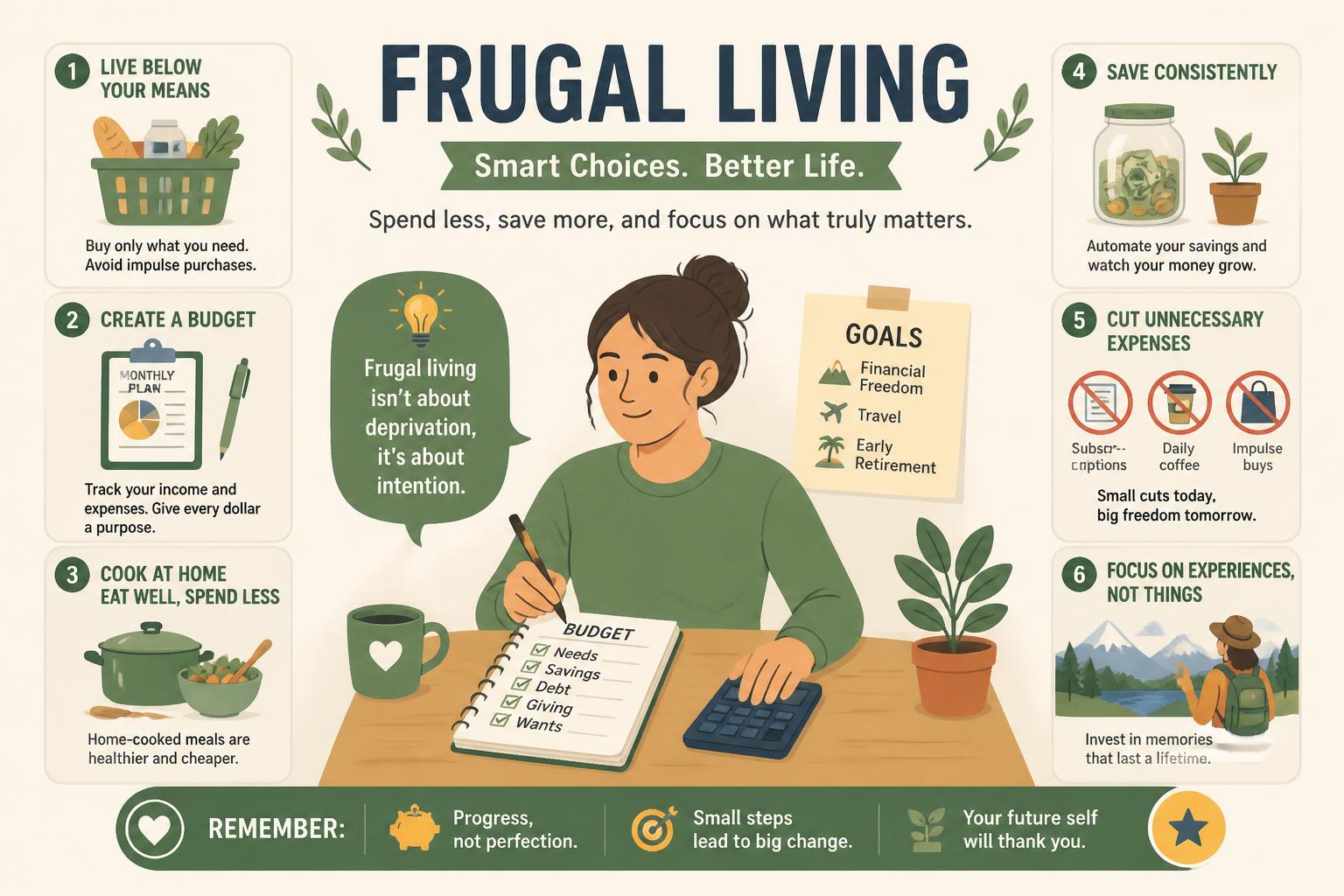
This approach removes automation completely. Every dollar is assigned a purpose before it is spent.
The envelope system splits money into categories like food, transport, and savings. Zero-based budgeting assigns every unit of income a job so nothing is left unplanned.
Key features
- Spending planned in advance
- Category limits
- Works without apps
- Strong behavioral structure
Pricing
- Free
Pros
- Builds spending awareness
- Works in any situation
- Prevents overspending early
Cons
- Needs regular attention
- Less convenient day-to-day
Best for: People who tend to overspend without noticing.
—
3. Google Sheets budget systems
A spreadsheet setup gives full control without relying on apps. Many people build simple dashboards to track income, expenses, and savings goals.
Key features
- Custom categories
- Automatic calculations
- Monthly tracking
- Works across devices
Pricing
- Free
Pros
- Flexible setup
- No subscription needed
- Fully customizable
Cons
- Takes time to build
- Needs manual updates
Best for: People who like adjusting their own system over time.
—
4. Meal planning systems
Food costs add up quickly, especially when shopping without a plan. Meal planning reduces waste and cuts down on impulse grocery purchases.
The idea is simple: plan a few meals in advance, buy only what is needed, and reuse ingredients where possible.
Key features
- Weekly meal planning
- Grocery lists
- Leftover planning
- Batch cooking
Pricing
- Free (templates or notebooks)
Pros
- Reduces food waste
- Lowers grocery bills
- Saves time during the week
Cons
- Requires planning habit
- Less flexibility for last-minute changes
Best for: Households trying to reduce grocery costs.
—
5. Cashback and reward tools
These tools return a small percentage of what you already spend. It is not dramatic savings, but it adds up over time.
Most work through browser extensions or apps that activate discounts automatically.
Key features
- Cashback tracking
- Coupons and discounts
- Reward points
- Store integration
Pricing
- Free
Pros
- Passive savings
- Easy to use
- Works with normal spending
Cons
- Encourages extra spending if careless
- Delayed payouts
- Limited partner stores
Best for: Regular online shoppers.
—
6. Subscription audit systems
Many people lose track of recurring payments. A subscription audit helps identify and cancel services that are no longer needed.
This is one of the fastest ways to reduce monthly expenses.
Key features
- Subscription tracking
- Renewal reminders
- Cancellation overview
Pricing
- Free options available
Pros
- Quick savings
- Clears unnecessary costs
- Easy to maintain
Cons
- Requires initial cleanup
- Needs occasional review
Best for: Anyone with multiple subscriptions.
—
7. Expense review method
This is less of a tool and more of a habit.
Each month, expenses are reviewed with a simple question: is this still worth it?
Over time, this tends to reduce unnecessary spending without strict rules.
Key features
- Monthly review
- Spending reflection
- Habit adjustment
Pricing
- Free
Pros
- Long-term impact
- No tools needed
- Builds awareness
Cons
- Results take time
- Requires consistency
Best for: People focused on long-term financial habits.
—
8. Price comparison tools
These tools help check prices across different stores before buying something. They are especially useful for electronics, travel, and larger purchases.
Key features
- Multi-store comparison
- Price tracking
- Discount alerts
Pricing
- Free
Pros
- Helps avoid overpaying
- Easy to use
- Useful for big purchases
Cons
- Not always perfectly updated
- Limited regional coverage
Best for: People who shop online regularly.
—
9. Frugal living communities
Online communities are where people share ideas, mistakes, and practical tips. Some discussions are very detailed and based on real experience.
Key features
- Shared tips and advice
- Budget challenges
- Real-life examples
- Accountability
Pricing
- Free
Pros
- Constant idea flow
- Motivation
- Practical insights
Cons
- Mixed quality advice
- Requires filtering
Best for: People who like learning from others.
—
10. Cash-based spending system
Using cash for daily spending creates a natural limit. Once the cash is gone, spending stops.
It removes the distance that cards and apps create between buying and spending.
Key features
- Physical spending limits
- Category separation
- Immediate feedback
Pricing
- Free
Pros
- Strong discipline effect
- Simple to understand
- Prevents credit overspending
Cons
- Less convenient
- Not ideal for online payments
Best for: People who struggle with card-based overspending.
—
Choosing what to start with
Different situations call for different starting points:
- If spending feels unclear → start with budgeting apps
- If spending feels impulsive → try envelope or cash systems
- If groceries are high → use meal planning
- If small leaks add up → check subscriptions
- If habits need changing → use monthly expense reviews
Most people end up combining two or three approaches.
—
FAQ
What is the simplest frugal living tool?
A budgeting app or a basic spreadsheet is usually the easiest entry point.How do I start frugal living?
Track spending for a month first. Patterns usually show up quickly.Do budgeting apps actually help?
They help most when they change behavior, not just record data.Is cash budgeting better than digital?
Cash helps with discipline. Digital tools are better for tracking.When do results show up?
Most people notice changes within a few weeks if they stay consistent.—
Final thoughts
Frugal living works best when it stays simple. One tool for awareness, one habit for control, and a bit of cleanup usually goes a long way.
The goal is not to track everything perfectly. It is to spend with more intention and fewer surprises.
—
Supplementary notes
Image ideas
- Budget app dashboard
- Weekly meal plan sheet
- Envelope cash setup
- Subscription list screenshot
- Price comparison page