How to Use Stock Trading Platforms: Step-by-Step Guide (2026)
This post contains affiliate links. If you click through and make a purchase, we may earn a commission at no additional cost to you. Read our full disclosure.
Over 150 million people traded online last year—a 20% jump from 2025. If you’re one of them, or thinking about starting, you’ve probably noticed the overwhelming number of platforms out there. Too many choices, confusing fee structures, and features you’re not sure you even need.
By the end of this guide, you’ll know exactly how to choose the right stock trading platform for your goals, set up your account, and execute your first trades without wasting money on unnecessary fees or getting lost in complicated interfaces.
You’ll learn: how to evaluate platforms based on what actually matters, avoid common beginner mistakes, and use the tools that helped equipped traders average 14% annual returns in 2026 (compared to just 5% for those using basic platforms).
Let’s start with what you need before opening any account.

What You Need Before Starting
Prerequisites:
- A valid government-issued ID (driver’s license or passport)
- Social Security number or Tax ID
- Bank account for funding (checking or savings)
- Basic information: employment status, annual income, net worth estimates
- 10-15 minutes for account setup
Estimated time to complete this guide: 30-45 minutes (including research and setup)
Note: You don’t need money to open most accounts in 2026—many platforms have $0 minimums. But you’ll need funds to start trading.
—
Step 1: Identify Your Trading Style
Before comparing platforms, figure out what kind of trader you’ll be. This determines which features actually matter.
Ask yourself:
- How often will you trade? Once a month? Daily? Multiple times per day?
- What will you trade? Just US stocks? ETFs? Options? International markets?
- How hands-on do you want to be? DIY research, or do you want guided recommendations?
Common trading styles:
- Long-term investor: Buy and hold stocks/ETFs for years. Prioritize low fees and research tools.
- Active trader: Trade weekly or daily. Need advanced charting and fast execution.
- Intraday trader: Buy and sell within the same day. Require real-time data and low latency.
You should see: A clear answer to “I’m primarily a [style] trader.” This guides everything else.
> Note: Research shows diversified traders outperform single-asset traders by 15% in risk-adjusted returns. Don’t lock yourself into a platform that only offers stocks if you might want ETFs or options later.
—
Step 2: Compare Fee Structures
Most platforms advertise “commission-free trading,” but fees hide in other places. Here’s what to check:
Key fees to evaluate:
- Stock/ETF commissions: Should be $0 in 2026. If a platform charges per trade, skip it.
- Options contracts: Typically $0.50-$0.65 per contract. Adds up for active options traders.
- Account minimums: Most top platforms now require $0 to open, but some still require $500-$1,000.
- Mutual fund transaction fees: Can be $20-$75 per trade if you buy funds outside the platform’s no-transaction-fee list.
- Wire transfer fees: $25-$30 for outgoing wires. Use ACH transfers instead (usually free).
- Inactivity fees: Rare now, but some platforms charge if you don’t trade for 12+ months.
Where to find this information:
- Look for “Pricing” or “Commissions” in the platform’s footer menu
- Check the fee schedule PDF (always linked in fine print)
- Use comparison tools at NerdWallet or CNBC Select
You should see: A clear breakdown showing total cost for YOUR trading style. For example: “If I trade 10 stock trades per month + 5 options contracts, my monthly cost is $2.50.”
—
Step 3: Evaluate Platform Features
In 2026, the gap between basic and advanced platforms is huge. According to recent data, traders using platforms with advanced charting tools were 30% more likely to mitigate losses during market downturns.
Must-have features for beginners:
- Mobile app (60% of trades are now app-based)
- Fractional shares (start with as little as $1)
- Educational content (articles, videos, webinars)
- Paper trading mode (practice without real money)
Advanced features for active traders:
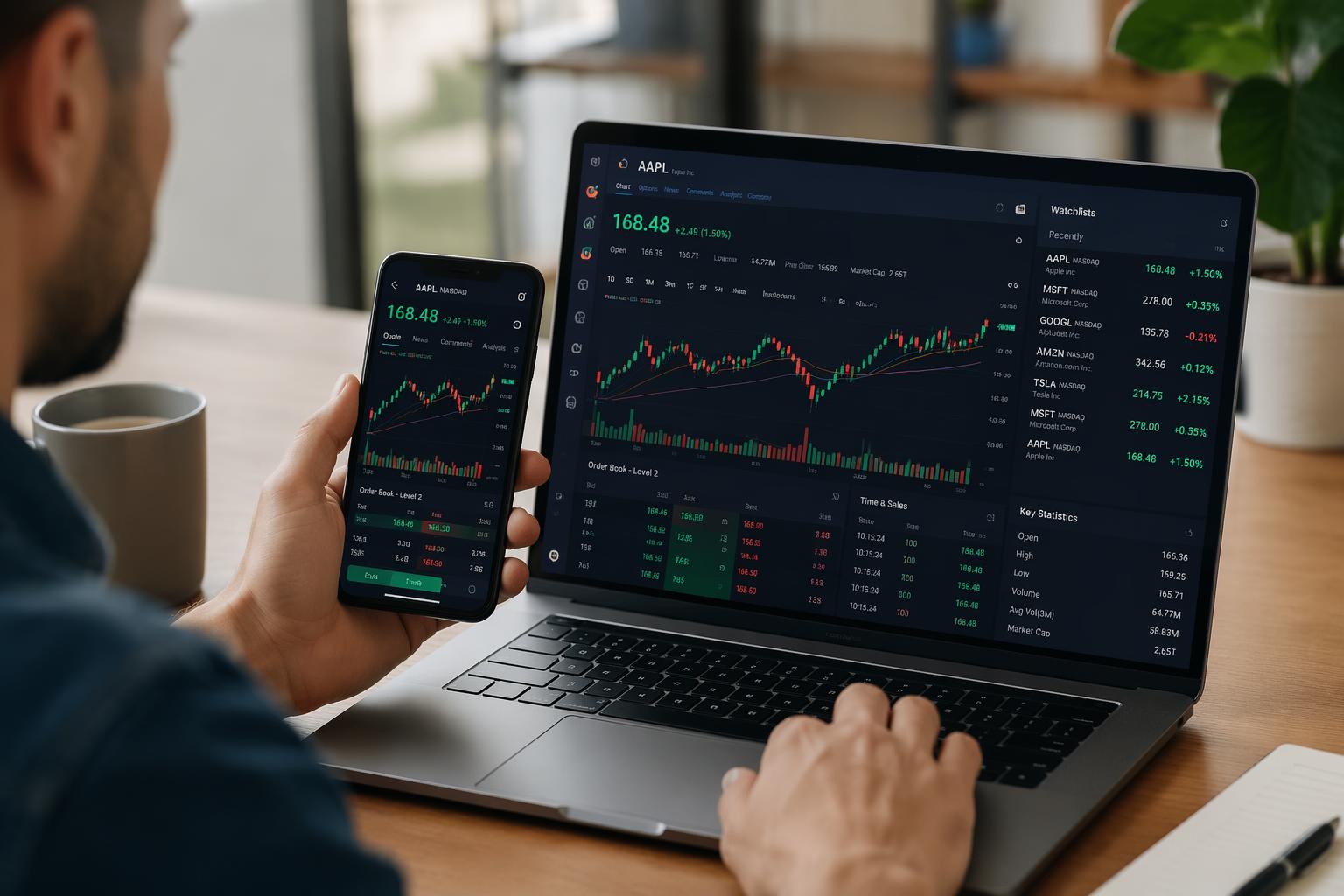
- Real-time Level 2 data
- Advanced charting with technical indicators
- Customizable watchlists and alerts
- API access for algorithmic trading
Research tools to look for:
- Stock screeners with customizable filters
- Analyst ratings and reports
- Earnings calendars
- News feeds integrated into the platform
You should see: A checklist of features matched to your trading style from Step 1.
> Important: 68% of successful traders rely on integrated research tools. Don’t pick a bare-bones platform just because it’s free if you need data to make decisions.
—
Step 4: Check Customer Support Quality
When you can’t access your account or a trade fails, you need help fast. Support quality varies wildly.
What to check:
- Phone support hours: 24/7 or business hours only?
- Live chat availability: Instant or 20-minute wait times?
- Email response time: Same-day or 2-3 business days?
- Help center quality: Can you find answers yourself, or is documentation sparse?
Top-rated platforms for support (2026):
- Fidelity Investments: Top-ranked customer service, phone support 24/7
- Charles Schwab: Extensive branch network for in-person help
- Interactive Brokers: 24/7 multilingual support for global traders
You should see: Clear contact methods listed on the platform’s website. If you have to hunt for a phone number, that’s a red flag.
—
Step 5: Verify Security and Insurance
With phishing attacks up 30% in 2023 (and continuing into 2026), platform security isn’t optional.
Security features to confirm:
- Two-factor authentication (2FA): Required for login
- Biometric login: Fingerprint or face ID on mobile
- SIPC insurance: Protects up to $500,000 if the brokerage fails (standard in the US)
- Additional insurance: Some platforms offer extra coverage beyond SIPC
In Europe: Look for Investor Compensation Fund protection (up to €20,000).
Red flags:
- No mention of encryption on the website
- Optional (not required) 2FA
- Frequent reported breaches (Google “[platform name] security breach”)
You should see: A dedicated “Security” page explaining protections, plus SIPC membership confirmed.
—
Step 6: Open Your Account
Once you’ve chosen a platform, account setup takes 10-15 minutes.
Step-by-step process:
- Click “Open Account” or “Get Started” on the platform’s homepage
- Choose account type:
– Individual brokerage (most common)
– Joint account (with partner/spouse)
– Retirement account (IRA, Roth IRA)
- Enter personal information:
– Full legal name
– Date of birth
– Social Security number
– Home address
– Phone number and email
- Answer employment and financial questions:
– Employment status
– Annual income range
– Net worth estimate
– Investment experience level
- Review and sign agreements electronically
- Verify your identity (upload ID photo or answer knowledge-based questions)
You should see: An email confirmation within minutes. Some platforms approve instantly; others take 1-2 business days.
> Note: Don’t exaggerate your experience level. Platforms use this to determine which products you can trade (like options). You can always request upgrades later.
—
Step 7: Fund Your Account
You’ve got an approved account—now you need money in it to trade.
Funding methods (fastest to slowest):
- Instant deposit from bank: Available on Robinhood and a few others—trade immediately with up to $1,000 while the transfer processes
- ACH transfer: Links to your bank account, takes 3-5 business days, free
- Wire transfer: Same-day, but costs $25-$30
- Check deposit: Mobile check deposit via app, clears in 2-5 days
- Transfer from another brokerage: ACAT transfer, takes 5-7 business days, usually free
How to do an ACH transfer:
- Navigate to “Transfer” or “Deposit Funds” in your account
- Select “Link Bank Account”
- Enter your bank’s routing number and account number (find these on a check or bank statement)
- Confirm the microdeposits (platform sends two small deposits under $1 to verify ownership—takes 1-2 days)
- Once verified, initiate your transfer
You should see: A pending transfer in your account history. Most platforms show your buying power immediately, even if the cash hasn’t fully settled.
> Warning: Don’t trade with unsettled funds if you plan to withdraw soon—you’ll trigger a good faith violation and potentially restrict your account.
—
Step 8: Navigate the Platform Interface
Open the platform (web or mobile app) and get oriented before placing any trades.
Key sections to locate:
- Dashboard/Home: Overview of your account balance, positions, and performance
- Watchlist: Track stocks you’re interested in without buying
- Research/Markets: News, stock screeners, analyst reports
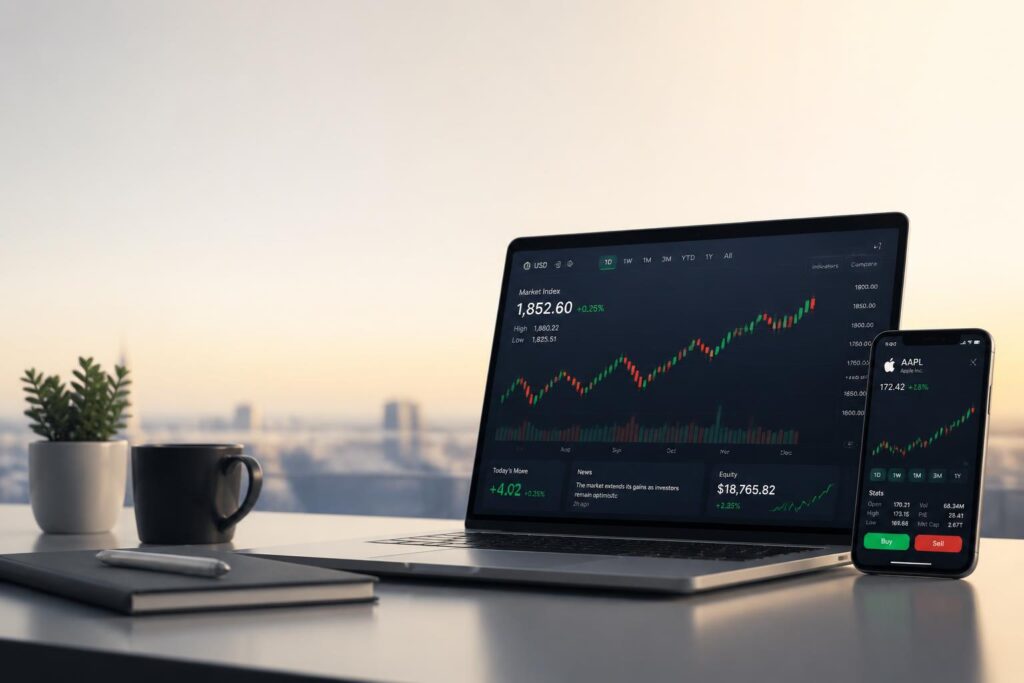
- Trade ticket: Where you’ll enter orders (usually a “Trade” or “Buy/Sell” button)
- Account settings: Update personal info, enable 2FA, set notifications
Action items:
- Add 5-10 stocks to a watchlist (practice finding tickers and reading quotes)
- Explore the charting tool—change timeframes, add indicators
- Set up price alerts for a stock you’re watching
- Read one research report or news article in the platform
You should see: Familiarity with where everything is. Spend 10 minutes clicking around before you place any real trades.
—
Step 9: Place Your First Trade
Time to execute. Start small—this is about learning the mechanics, not making a fortune.
How to place a basic stock order:
- Click “Trade” or tap the search bar
- Enter the stock ticker symbol (e.g., AAPL for Apple)
- Select “Buy”
- Choose order type:
– Market order: Buys immediately at current price (best for beginners)
– Limit order: Buys only if price reaches your specified amount
- Enter quantity:
– Whole shares (e.g., “10 shares”)
– Dollar amount (e.g., “$100” if fractional shares are available)
- Review the order preview:
– Check total cost including any fees
– Verify you’re buying (not selling)
– Confirm the ticker is correct
- Submit the order
You should see: An order confirmation screen immediately. Market orders execute in seconds during trading hours (9:30am-4pm ET). Check your “Positions” or “Portfolio” tab to see your new holding.
> Common mistake: Placing a market order after hours. The order will execute at the next day’s opening price, which could be very different. Use limit orders if trading outside market hours.
—
Step 10: Set Up Portfolio Tracking
Now that you own shares, monitor performance without obsessing over every tick.
What to track:
- Overall portfolio value: Check daily or weekly, not every hour
- Individual position performance: Gain/loss in dollars and percentage
- Dividends: If you own dividend stocks, track payment dates
- Cost basis: What you originally paid (important for taxes)
Action items:
- Enable portfolio performance notifications (daily summary emails are enough)
- Set up a spreadsheet or use the platform’s portfolio analyzer
- Add any outside investments (401k, other brokerage accounts) if the platform supports aggregation
You should see: A clear picture of total returns, not just what’s in this one account.
—
Step 11: Use Research Tools to Make Informed Decisions
The difference between guessing and informed trading is using the tools in front of you. Remember: equipped users averaged 14% annual returns compared to 5% for basic users in 2026.
Essential tools to explore:
- Stock screeners:
– Filter by market cap, P/E ratio, dividend yield, sector
– Preset screens like “Top gainers today” or “Undervalued growth stocks”
- Analyst ratings:
– See how many analysts rate a stock Buy/Hold/Sell
– Read recent upgrade/downgrade reports
- Earnings calendars:
– Know when companies report (prices often move significantly)
– Review consensus estimates vs. actual results
- News feeds:
– Integrated news specific to stocks in your watchlist
– Set alerts for major events (earnings, FDA approvals, etc.)
Action item: Before your next trade, use the screener to find 3 stocks that meet criteria you care about (e.g., “dividend yield above 3%, market cap over $10B”). Read analyst reports on each. Then decide if any are worth buying.
You should see: Confidence in WHY you’re buying something, not just that “it’s going up.”
—
Step 12: Practice Risk Management
Good traders don’t just pick winners—they protect themselves from big losses.
Key risk management strategies:
- Position sizing: Don’t put more than 5-10% of your portfolio in any single stock
- Stop-loss orders: Automatically sell if a stock drops to a certain price (limits downside)
- Diversification: Own stocks across multiple sectors, not just tech or one industry
- Cash reserves: Keep 10-20% in cash for opportunities or emergencies
How to set a stop-loss:
- Open the position in your portfolio
- Select “Create Alert” or “Set Stop-Loss” (wording varies by platform)
- Enter the price at which you want to sell automatically
- Choose “Good-til-canceled” so it stays active
You should see: A safety net. If the stock drops unexpectedly, you’re out before catastrophic losses.
> Tip: Research shows traders on platforms with advanced charting tools were 30% more likely to mitigate losses during downturns. Use alerts and stops—don’t rely on checking manually.
—
You Just Completed Your First Trade Setup
You now have:
- An account at a platform suited to your trading style
- Your first position entered and tracked
- Research tools bookmarked and ready
- Risk management in place
This is the foundation. From here, you can explore advanced strategies like options trading, dividend investing, or algorithmic approaches (which outperformed manual trading by 22% in returns in recent studies).
What to do next:
- Make at least 5 more practice trades before committing serious capital
- Review your portfolio monthly, not daily (overtrading kills returns)
- Take advantage of your platform’s educational content—webinars, articles, and tutorials
- Consider paper trading for high-risk strategies before using real money
Most platforms mentioned in this guide offer commission-free stock trading, strong research tools, and mobile apps. If you haven’t chosen one yet, start with platforms like Fidelity Investments (top-rated customer service), Charles Schwab (fractional shares for 30+ S&P 500 companies), or Interactive Brokers (best for active traders).
—
Troubleshooting Common Issues
“My bank link failed during funding”
This usually means you entered the wrong routing or account number. Double-check a physical check or your bank’s app. If correct, contact your bank—some block brokerage links for fraud protection.
“My order didn’t execute immediately”
Market orders execute during trading hours (9:30am-4pm ET). If you placed it outside those hours, it’s queued for the next open. Check order status under “Orders” or “History.”
“I can’t trade options even though I selected experience”
Platforms require approval for options trading. Go to Account Settings → Trading Permissions → Request Options Approval. You may need to answer additional questions or wait 1-2 days.
“I was charged a commission but the site says free trading”
Commission-free usually applies to stocks and ETFs only. Check if you traded options (per-contract fees), mutual funds (transaction fees), or placed an order outside regular hours (some platforms charge for extended hours).
“My watchlist disappeared”
If you logged in from a different device, watchlists may not sync automatically. Check platform settings for “Sync across devices” and enable it.
—
Frequently Asked Questions
Do I need a paid plan to follow this tutorial?
No. All major platforms mentioned have $0 account minimums and commission-free stock trading. You only pay when you buy investments (using your own money).
How long does it take to start trading?
Account approval is usually instant to 2 business days. Funding via ACH takes 3-5 days. You can potentially trade within 10 minutes if using instant deposit platforms like Robinhood.
Can I do this without a stock trading platform?
Not practically. You need a brokerage to legally buy and sell stocks in the US. Direct stock purchase plans (DSPPs) exist for individual companies, but they’re slow and limited.
Is the cheapest broker always the best broker?
No. The cheapest might lack research tools, customer support, or product variety. According to 2026 data, equipped users (those with advanced tools) averaged 14% annual returns vs. 5% for basic platform users. The $0 commission savings don’t matter if poor tools cost you thousands in bad trades.
Is my money insured at brokerage firms?
Yes, if the platform is a SIPC member (standard in the US). SIPC protects up to $500,000 in securities if the brokerage fails. This does NOT protect against investment losses—only brokerage failure. In Europe, look for Investor Compensation Fund coverage up to €20,000.
What makes a good intraday trading platform?
Real-time data, fast execution, advanced charting, and low latency. Platforms like Interactive Brokers, TradeZero, and XTB are rated best for intraday trading in 2026 due to these features.
—
Final Checklist
Before you consider yourself “set up,” confirm you’ve done these:
- [ ] Identified your trading style (long-term, active, or intraday)
- [ ] Compared at least 3 platforms on fees and features
- [ ] Opened and funded an account
- [ ] Placed at least one successful trade
- [ ] Set up a watchlist and price alerts
- [ ] Explored research tools (screener, analyst reports, news)
- [ ] Configured a stop-loss or alert on at least one position
- [ ] Enabled two-factor authentication
If you checked all boxes: you’re ready to trade with confidence. If not, revisit the steps above—rushing leads to expensive mistakes.
—
Affiliate Disclosure: This post contains affiliate links to stock trading platforms. If you sign up through our links, we may earn a commission at no additional cost to you. We only recommend platforms we’ve researched and believe offer genuine value. Your trading results depend on your own decisions—no platform guarantees profits.