How to Pick a Crypto Exchange Without Getting Fleeced (2026)
Disclosure: This article contains affiliate links. If you sign up through one of these links, I earn a commission at no extra cost to you.
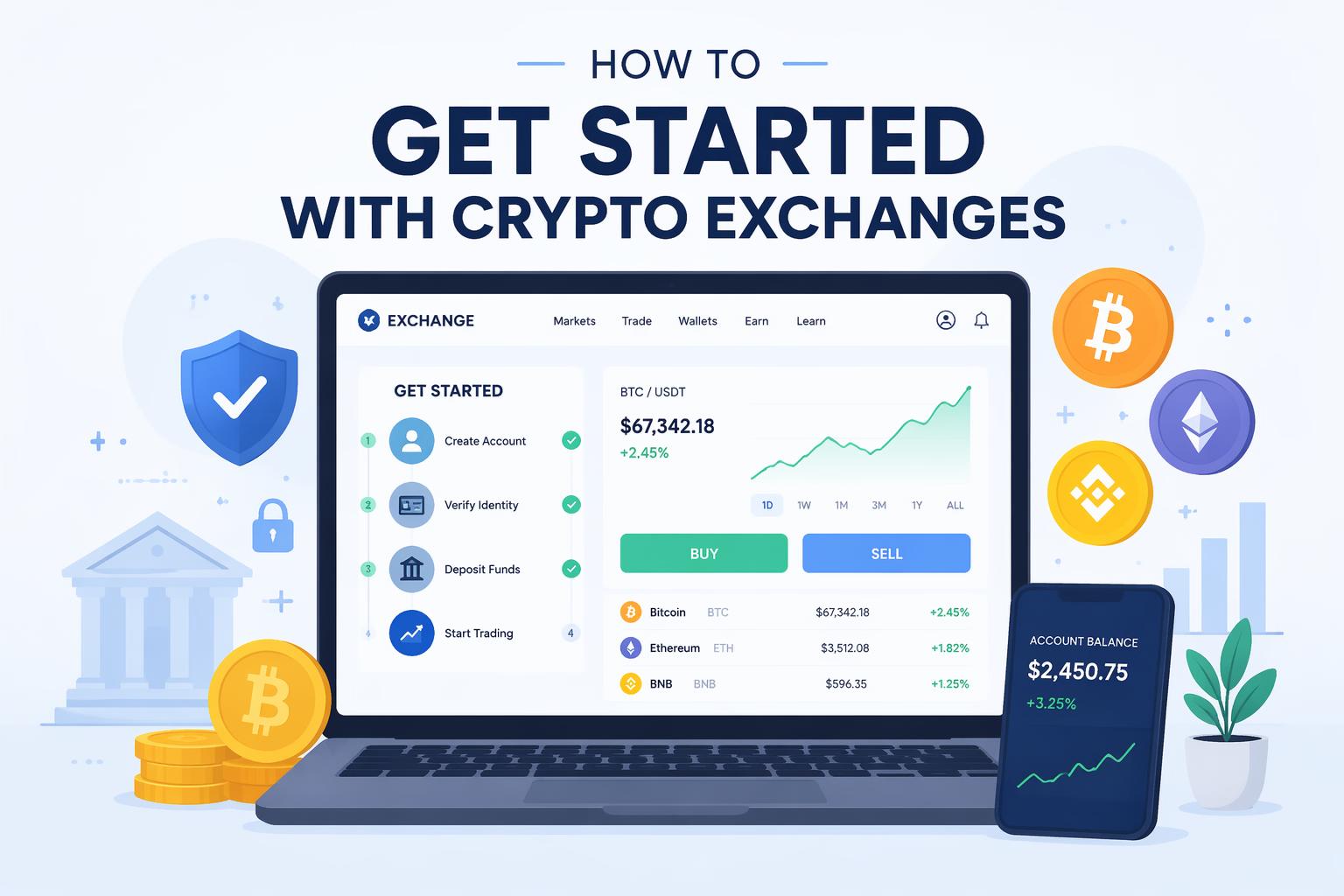
Picking a crypto exchange is confusing because every platform claims to have the lowest fees, best security, and most coins. Most don’t. You end up paying spread markups you didn’t know existed or discovering your state isn’t supported after you’ve already uploaded your ID.
This guide shows you how to evaluate exchanges based on what actually costs you money: fee structures that matter for your trade size, security that isn’t just marketing, and whether the platform supports the coins you want. By the end, you’ll know which exchange fits your situation instead of guessing based on whoever spent the most on Google ads.
What you need:
- Government ID
- Email address (use a dedicated one, not your main account)
- 15 minutes
Three exchanges dominate most use cases in 2026. Kraken has solid security and reasonable fees. Coinbase is the easiest to figure out if you’ve never traded anything. Gemini leans heavy on compliance, which matters if you’re moving serious money. The rest of this guide helps you decide between them and a few others depending on what you’re actually doing.
—
Figure out what you’re doing first
Before you compare fee schedules, answer these:
- How often will you trade? Daily, weekly, or buy-and-forget?
- Do you want Bitcoin and Ethereum, or are you hunting random altcoins?
- Have you traded stocks before, or is this your first time touching any market?
If you don’t know, assume you’ll trade less than you think. Most people do. Start with a beginner platform and add a second account later if you need advanced tools.
—
Fees are messier than the marketing page admits
Exchanges advertise their trading fee (0.1%, 0.5%, whatever), but that’s not the only number that matters.
Three fees hit you:
- Trading fee – the percentage they take per trade (0% to 0.6% depending on platform and volume)
- Spread – the hidden markup between buy and sell price, baked into the quote you see
- Withdrawal fee – charged when you move crypto off the exchange
A 0.3% trading fee with tight spreads often costs less than a 0.1% fee with wide spreads. If you’re buying $500 of Bitcoin on Crypto.com’s simple interface, you pay $1.25 in stated fees but another $5-10 in spread. Same trade on Kraken’s pro interface costs $2.50 total.
Small buyers ($100-$1,000) get hit harder by spread than percentage fees. Volume traders ($10,000+) care more about the absolute percentage. Run the math for your actual trade size before you pick.
—
Security that you can verify
A secure exchange shows you proof, not promises.
Look for:
- Proof of reserves – public audits showing the exchange actually holds the crypto it claims
- Two-factor authentication – required for login and withdrawals, not optional
- Cold storage percentage – how much of user funds stay offline
- Track record – did the platform freeze withdrawals during the last market crash?
Kraken publishes quarterly proof of reserves and has operated since 2011 without a major hack. Gemini is audited and leans into regulatory compliance. If an exchange’s security page is vague or buried, move on.
Most hacks happen because users reuse passwords or fall for phishing emails, not because the exchange itself gets breached. Turn on 2FA with an authenticator app (not SMS). Use a unique password. Don’t click links in emails claiming to be from the exchange.
—
Coin availability matters less than you think
Coinbase lists 275+ coins. Crypto.com has 400. BitMart claims 1,700.
More coins sounds better until you realize most of those 1,700 have zero liquidity. If you try to buy, the spread eats you alive.
For most people:
- Bitcoin and Ethereum only – any major exchange works
- Top 50 coins – Kraken or Crypto.com cover you
- Altcoin hunting – you’ll probably end up on BitMart or a decentralized exchange like Uniswap eventually
Check if your specific coins are listed before signing up. Go to the exchange’s markets page and search by name or ticker.
—
The interface matters more than you’d expect
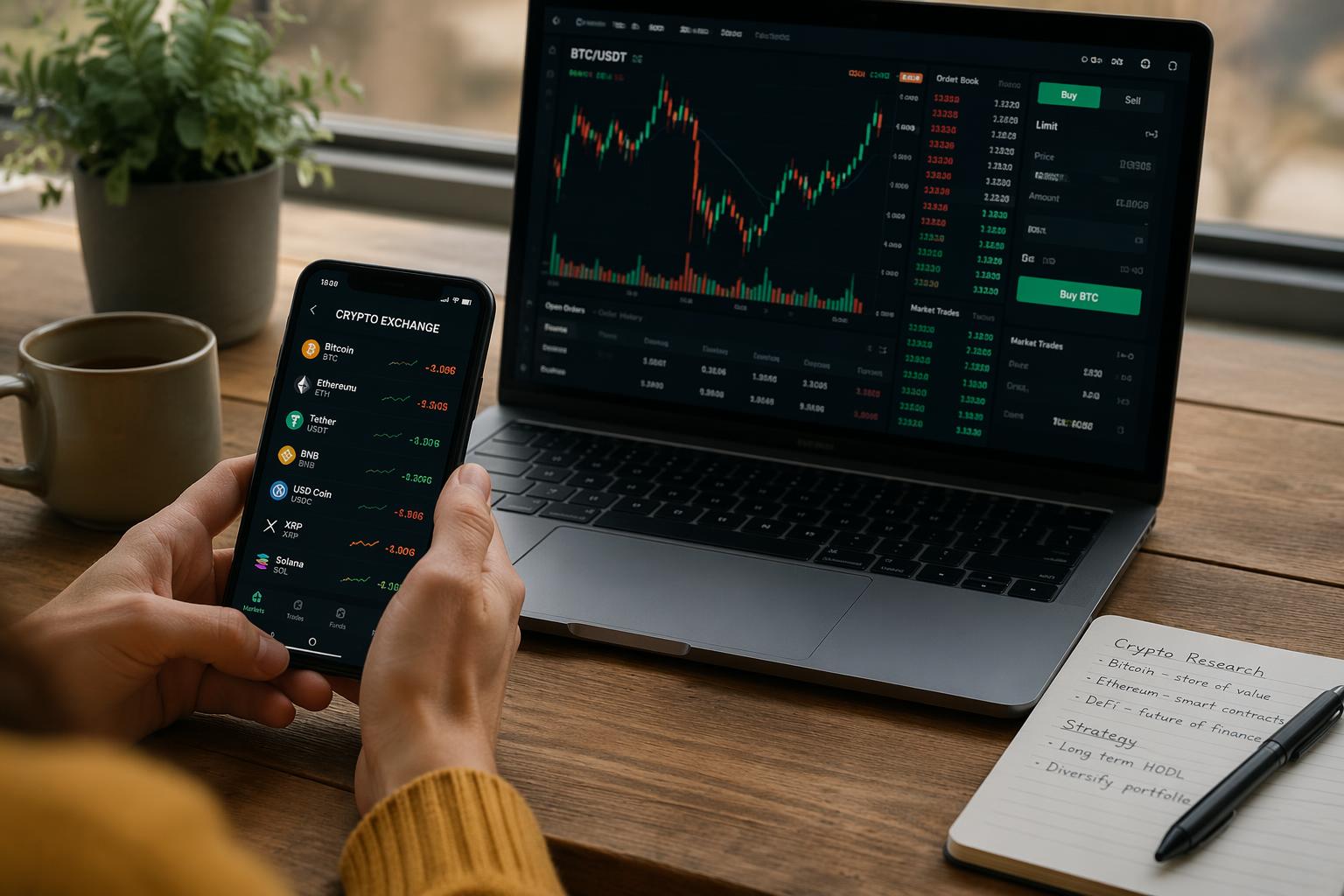
Coinbase is dead simple. You click “buy,” enter an amount, and it happens. Gemini’s interface assumes you know what a limit order is. Kraken has both: a simple mode for beginners and a pro mode for people who want full control.
Most exchanges let you create an account without depositing. Do that. Click around for five minutes. Try to find where you’d place a buy order, check your balance, and change security settings.
If it still feels confusing after ten minutes, pick something simpler. You’re going to be staring at this interface when Bitcoin drops 15% in an hour and you’re trying to decide what to do. Stress makes everything harder.
—
Mobile apps vary wildly
Some exchanges treat mobile as an afterthought. Others put real work into it.
Crypto.com has the best mobile app in 2026. You can do everything: trade, deposit, withdraw, adjust security settings. Kraken’s app is solid. Coinbase’s app works but feels slower than the desktop version.
Download the app before you commit. Test the login process, try placing a fake trade (you don’t have to execute), and navigate to security settings. If core features require switching to desktop, that’s annoying.
—
Deposits and withdrawals matter more than you think
Getting money in:
- Bank transfer (ACH): 3-5 days, usually free
- Debit card: Instant, 2-4% fee
- Wire transfer: Same day, $10-30 fee
Getting money out:
- Fiat withdrawal: Often free, sometimes $10-25
- Crypto withdrawal: Varies by coin and network congestion
Most major exchanges have a $1 minimum deposit. You can test with almost nothing.
Withdrawal fees for crypto can surprise you. Moving Bitcoin off an exchange might cost $5-20 depending on network congestion. Ethereum varies wildly. Check the fee schedule before you buy.
—
Geographic restrictions are real
Some exchanges don’t operate in certain states. Binance pulled out of several U.S. states due to regulations. If you’re in New York, Texas, or Hawaii, double-check the supported locations page before you upload your ID.
—
Start with a test deposit
Pick your exchange. Then:
- Create an account and upload your ID
- Turn on 2FA
- Deposit $50-100
- Buy a small amount of crypto
- Transfer it to an external wallet (tests the withdrawal process)
- Send it back to the exchange (tests deposits from external wallets)
This reveals the actual processing times, hidden fees, and whether customer support responds if something breaks. Do this before you move $5,000 in.
—
Lock down your account before scaling up
Once the test deposit works, set up:
- Withdrawal whitelist – only allow withdrawals to specific wallet addresses you pre-approve
- Security alerts – get notified for every login, password change, and withdrawal
- Anti-phishing code – a unique code in all legitimate emails from the exchange
Test the whitelist by trying to withdraw to a random address. It should block you or force a 24-48 hour waiting period.
—
Centralized vs decentralized exchanges
Centralized (Kraken, Coinbase, Binance): You give them your ID. They hold your crypto. You can convert fiat to crypto. If you forget your password, customer support can help. If the exchange gets hacked or goes under, your funds might disappear.
Decentralized (Uniswap): No ID required. You control the private keys. No fiat on-ramps, so you need crypto already. If you lose your wallet seed phrase, your money is gone forever. No customer support.
Most people start with a centralized exchange because buying crypto with a bank account is easier. Once you understand wallet management, decentralized exchanges make sense for certain use cases. You don’t have to pick one forever.
—
Make a simple comparison chart
Rate the exchanges you’re considering on what matters to you:
Factor Exchange A Exchange B Exchange C Trading fees for my trade size Security reputation Has the coins I want Interface usability (1-10) Mobile app quality (1-10) Deposit method I prefer
—
Common issues
“My bank blocked the deposit” Call your bank and pre-authorize the transaction. Some banks flag all crypto purchases as fraud. If that doesn’t work, use a debit card for the first deposit to establish a pattern.
“Verification is taking forever” Advertised 24-hour verification often stretches to 3-5 business days during high volume. Submit your documents on a weekday morning and make sure your ID photo is clear.
“The coin I want isn’t listed” Open a second account on an exchange with more coins (BitMart has 1,700), or buy Bitcoin first and transfer it to a decentralized exchange like Uniswap where you can swap for anything.
“Fees are higher than advertised” You’re seeing spread on top of the trading fee. Switch to the advanced trading view to see the order book and reduce spread costs.
“My withdrawal is stuck pending” Crypto withdrawals need network confirmations. Bitcoin takes 30-60 minutes. Ethereum takes 5-15 minutes. Check the blockchain explorer link the exchange provides to see confirmation status.
—
What to do after you pick an exchange
- Dollar-cost average the first month – split your initial investment into four weekly purchases instead of dumping everything in at once
- Get a hardware wallet for long-term holdings – Ledger or Trezor, not keeping everything on the exchange
- Track performance across platforms if you expand – CoinGecko or Delta work
- Start tracking for taxes now – crypto trades are taxable events in most places, and retroactive tracking sucks
The exchanges that show up at the top of most 2026 reviews:
- Kraken – good security, reasonable fees
- Coinbase – easiest for beginners
- Gemini – heavy compliance, good for moving serious money
- Crypto.com – best mobile app
- Binance – lowest trading fees if your state allows it
Pick one. Test it with $50. Scale up once you’re comfortable. The market doesn’t care if you understand everything on day one.
—
FAQ
Do I need a paid account? No. Most exchanges let you start with $1.
How long does setup take? Ten minutes to create an account. 24-48 hours for identity verification, sometimes longer. First deposit depends on method: instant for debit cards, 3-5 days for bank transfers.
Can I use multiple exchanges? Yes. Some people use Binance for low fees and Crypto.com for the mobile app. Just remember you have to secure each account separately.
Is it safe to keep crypto on an exchange long-term? For small amounts you trade actively, fine. For larger holdings you’re keeping for months, move it to a hardware wallet. Rule of thumb: if losing it would hurt, move it to self-custody.
What if the exchange doesn’t work in my state? Pick your second choice. Coinbase and Kraken have the widest U.S. coverage.
How do I know if I’m paying too much in fees? Calculate: (total fees ÷ trade amount) × 100. For trades over $1,000, you should pay under 0.5% total. If you’re consistently above 1%, switch to the advanced trading view or try a different exchange.