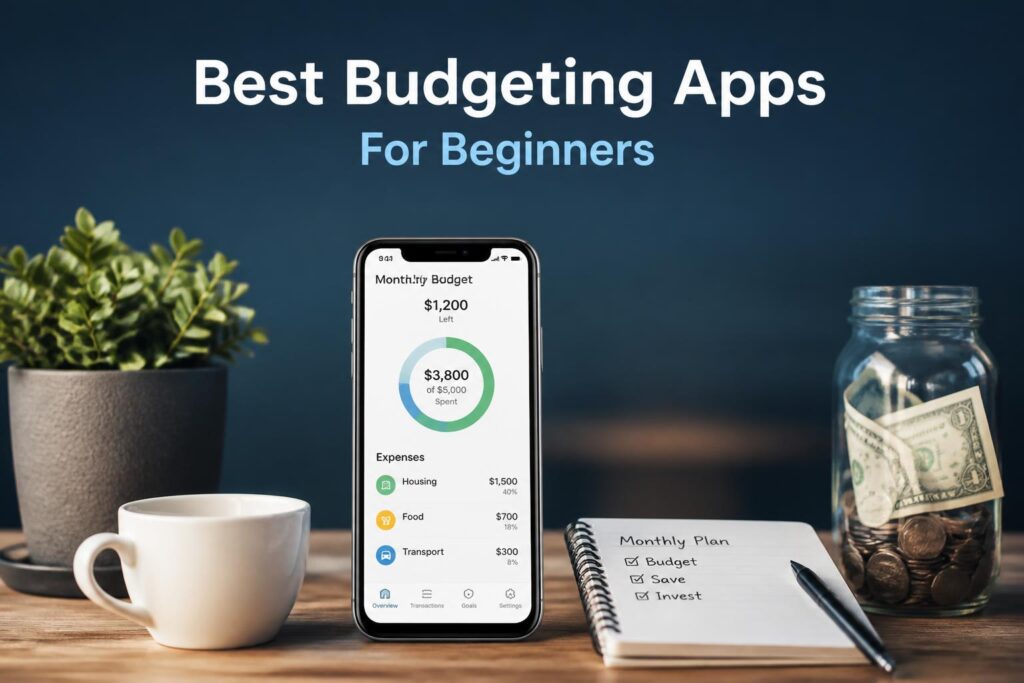
How to Choose Budgeting Apps: A Step-by-Step Guide (2026)
Affiliate Disclosure: This article contains affiliate links. If you sign up for a service through our links, we may earn a commission at no additional cost to you. This helps support our work bringing you honest financial guidance.
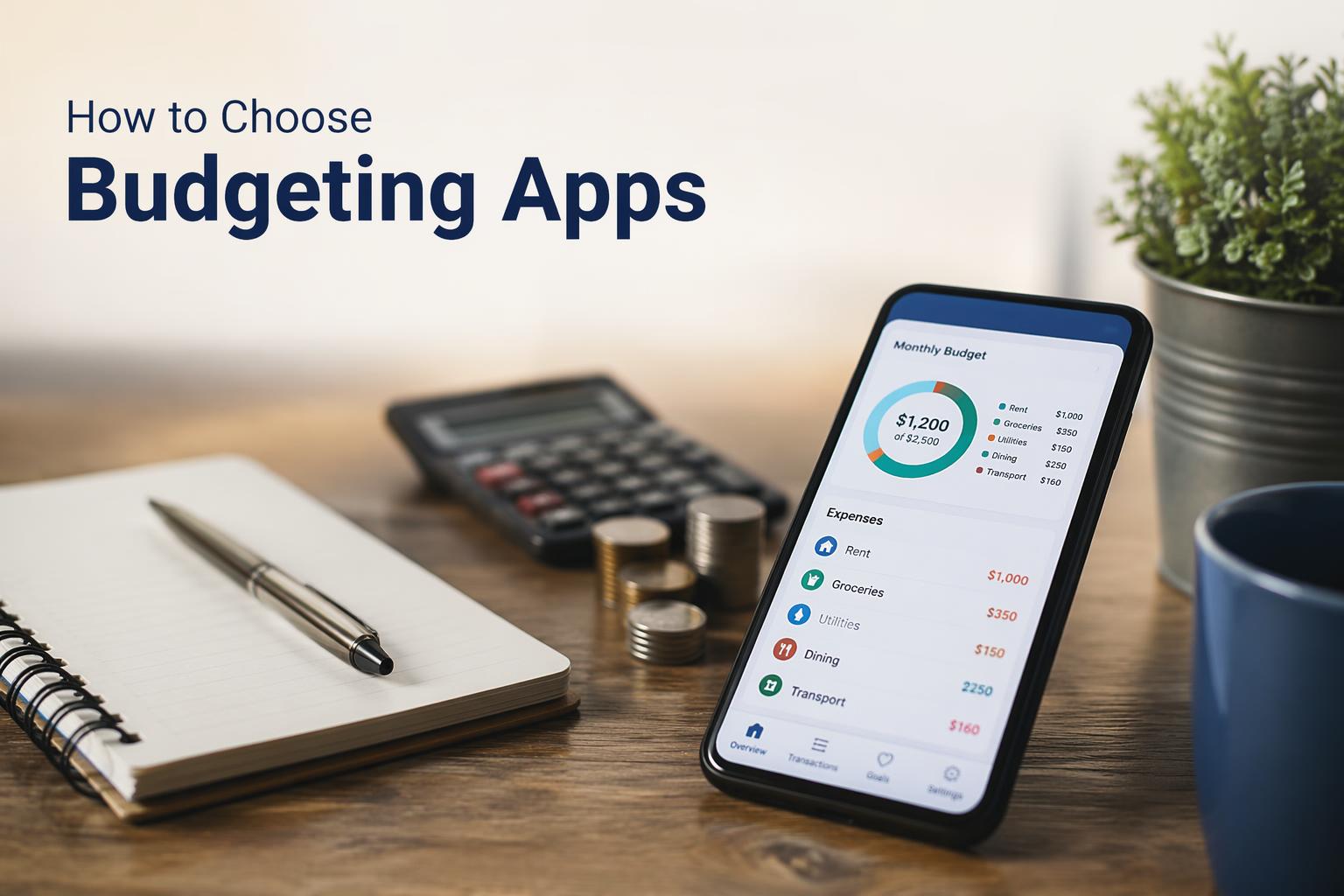
You need a budgeting app. You’ve scrolled through dozens of options, read conflicting reviews, and you’re still staring at the App Store wondering which one won’t waste your time or money.
The problem isn’t that there aren’t enough budgeting apps. There are too many, and most comparison articles just rank them by commission payout.
By the end of this guide, you’ll have a clear way to evaluate budgeting apps against your actual needs. You’ll know which features matter, which are marketing fluff, and how to avoid overpaying for tools you won’t use. You’ll walk away with a specific app choice that fits your financial situation, not someone else’s affiliate structure.
What you need before starting:
- 15 minutes to work through this guide
- A clear picture of your biggest money frustration right now
- Your monthly income range (we’ll use this to evaluate pricing)
- Estimated time: 15-20 minutes
Step 1: Identify Your Primary Money Problem
Before comparing features, name the specific problem you’re trying to solve. Not “I’m bad with money.” The actual friction point.
Pick the statement that makes you say “yes, that’s me”:
- “I don’t know where my money goes each month” → You need automatic transaction tracking and spending categorization
- “I overspend on random things and regret it later” → You need real-time spending alerts and “safe to spend” calculations
- “My partner and I fight about money” → You need collaborative features and shared budget visibility
- “I have irregular income and can’t predict cash flow” → You need flexible budgeting (not zero-based) and cash flow forecasting
- “I’m drowning in subscriptions I forgot about” → You need subscription tracking and cancellation tools
- “I never hit my savings goals” → You need automated savings and goal tracking features
Write down your answer. This single decision will eliminate 70% of the apps on the market.
You should see one clear pain point. If you picked multiple, choose the one that causes the most financial stress right now.
Step 2: Determine Your Budgeting Methodology Match
Budgeting apps aren’t neutral tools. They each enforce a specific philosophy. Using the wrong methodology is like forcing a left-handed person to use right-handed scissors. It works, but it’s exhausting.
Here are the three main approaches used by apps in 2026:
Zero-Based Budgeting (ZBB) Every dollar gets assigned a job before the month starts. Popular with apps like YNAB ($109/year) and EveryDollar ($79.99/year).
Best for: People with predictable income who like tight control Red flag if: You have irregular income or hate feeling restricted
Envelope Budgeting Digital version of the cash envelope system. You allocate money to categories and stop when the envelope is empty. GoodBudget ($80/year premium) uses this approach.
Best for: Visual thinkers who overspend in specific categories Red flag if: You have many small transactions or complex financial accounts
Flexible Tracking Monitor spending patterns without rigid category limits. Apps like Monarch Money ($99/year) and PocketGuard ($74.99/year) use this model.
Best for: People who want awareness without restriction, irregular income earners Red flag if: You need external accountability to stick to limits
Most budgeting app comparisons skip this entirely and just rank by features. But using a ZBB app when you need flexible tracking is why 60% of people abandon budgeting apps in the first month.
You should see one methodology that matches how your brain thinks about money. If you’re unsure, flexible tracking is the safest starting point.
Step 3: Evaluate Bank Syncing and Security Standards
Marketing claims meet reality here. In 2026, security standards have improved across major budgeting apps. Most use bank-level encryption and multi-factor authentication. But not all platforms are equal in compliance transparency.
What to verify:
- U.S. bank syncing reliability — Does the app support your specific bank? Check the app’s website for a supported institutions list. Apps like Origin and Monarch sync with thousands of U.S. banks and brokerages in real time.
- Encryption standard — Look for 256-bit encryption (bank level). This should be prominently displayed on the security page, not buried in fine print.
- Two-factor authentication — Non-negotiable in 2026. If an app doesn’t offer this, skip it.
- Read-only access — The app should only read your transactions, never move money. Check the permissions during setup.
- Data sharing policy — Does the app sell your data to third parties? Read the privacy policy section titled “How We Use Your Data” or “Third-Party Sharing.”
Common security red flags:
- No clear encryption disclosure on their website
- Customer service can access your login credentials (they shouldn’t be able to)
- Unclear data retention policies
- No mention of SOC 2 or similar compliance certifications
You should see clear security documentation and a supported institutions list that includes your bank. If you can’t find this information in 5 minutes on their website, that’s a red flag.
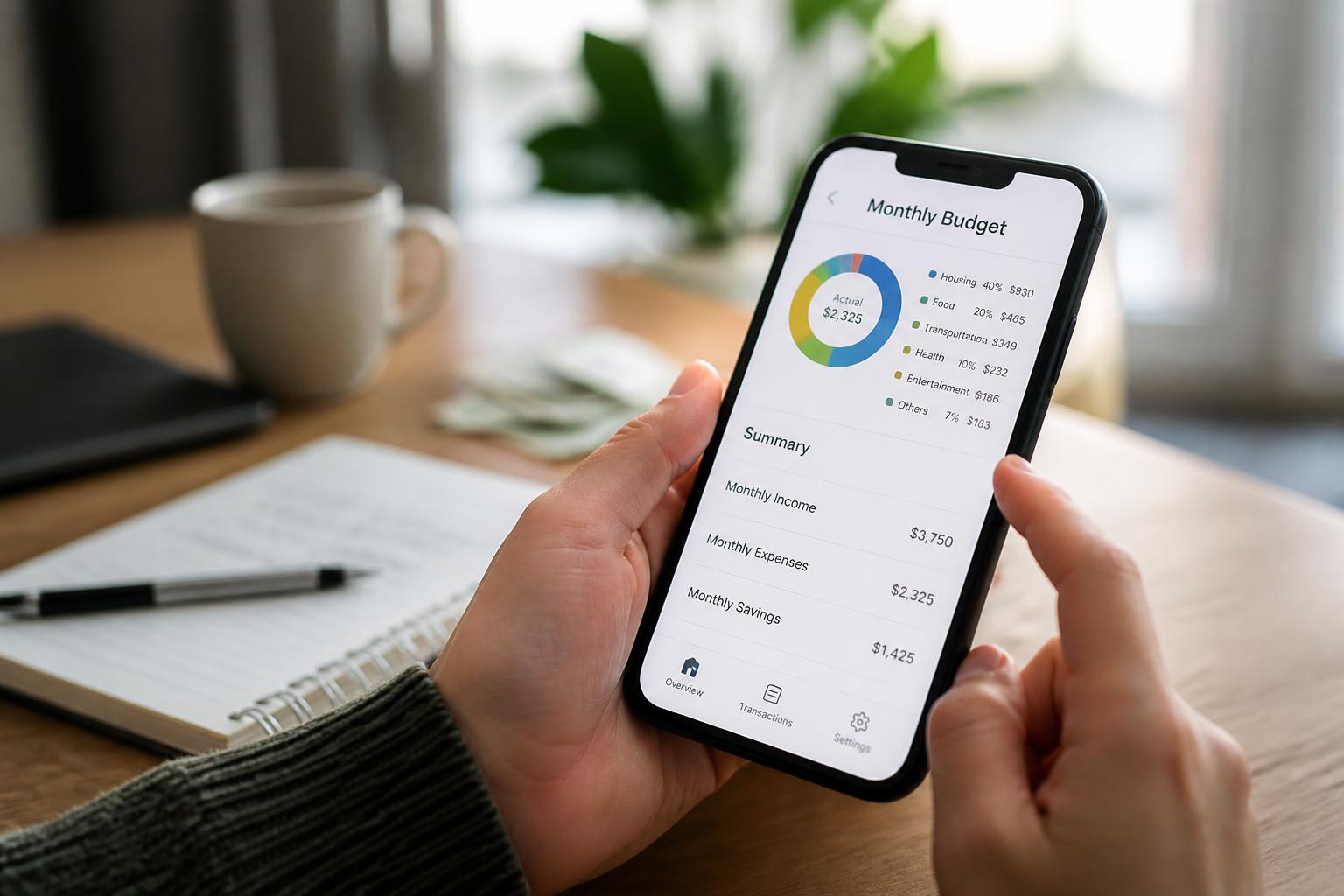
Step 4: Calculate Your True Cost (Not Just the Subscription Price)
Budgeting apps use pricing psychology to hide the real cost. Here’s how to see through it.
The 2026 pricing landscape:
According to data from 38 budgeting apps analyzed in 2026:
- Free tier apps: Usually limited to manual entry or single account syncing
- Mid-tier ($5-10/month): Basic automation, bank syncing, limited accounts
- Premium ($10-15/month): Full features, unlimited accounts, partner access
Price comparison for popular apps (2026):
- YNAB: $14.99/month or $109/year (34-day free trial)
- Monarch Money: $14.99/month or $99.99/year (7-day free trial)
- PocketGuard: $12.99/month or $74.99/year
- EveryDollar: $17.99/month or $79.99/year
- GoodBudget: Free basic tier, $80/year premium
- CalendarBudget: $11.99/month or $89.99/year (30-day free trial)
Calculate your cost per value:
Take the annual price and divide by 12. Then ask:
“If this app saved me [monthly cost] per month in avoided overdraft fees, forgotten subscriptions, or impulse purchases, would it pay for itself?”
For most people, avoiding one $35 overdraft fee or canceling two forgotten subscriptions covers a year of even the most expensive budgeting app.
You should see a monthly cost that feels proportional to the financial chaos you’re trying to fix. If you’re hemorrhaging $400/month on DoorDash, a $10/month app is a bargain. If you’re already disciplined and just want better visibility, a free tier might be enough.
Apps with longer free trials (YNAB’s 34 days, CalendarBudget’s 30 days) let you test the methodology match from Step 2 before committing. Prioritize these if you’re uncertain.
Step 5: Test the “Daily Use” Friction Level
A budgeting app is only useful if you actually open it. The best features in the world don’t matter if the interface makes you want to throw your phone.
What to test during your free trial:
- Transaction categorization accuracy — Connect your bank and check how many transactions it miscategorizes. If you’re manually fixing more than 20% of transactions, the automation isn’t good enough.
- Time to see your most important metric — Open the app. How many taps to see your “safe to spend” amount, upcoming bills, or biggest spending category? If it’s more than two, the UX is bloated.
- Mobile vs. desktop preference — Some apps (like Lunch Money, $50-150/year) are desktop optimized. If you’re a phone-first person, you’ll hate it. Test on the device you actually use.
- Notification quality — Enable alerts and wait 48 hours. Are they helpful (“You’re 80% through your grocery budget”) or annoying spam (“🎉 You spent money today!”)?
The 3-day engagement test:
Use the app naturally for 3 days. Don’t force yourself to check it. On day 4, ask:
- Did I open it without setting a reminder?
- Did I learn something new about my spending?
- Did it stop me from making an impulse purchase?
If the answer is “no” to all three, the app doesn’t fit your natural workflow. Move to the next option.
You should see an app you check voluntarily, not out of obligation. If using it feels like homework, you won’t stick with it past February.
Step 6: Verify Partner/Family Sharing Features (If Needed)
If you share finances with a partner or manage a household budget, single-user apps become expensive fast when you need to pay for two seats, or impossible if they don’t support collaboration at all.
What to check:
- Shared budget view — Can both people see the same real-time budget, or does each person need their own account? Apps like Monarch Money and HoneyDue (free) are designed for couples.
- Permission levels — Can you give a partner view-only access, or is it all-or-nothing account sharing?
- Sync conflicts — What happens when both people categorize the same transaction differently? How does the app resolve it?
- Additional user cost — Some apps charge per user, others include partner access. GoodBudget’s free tier allows sharing across multiple devices, which works well for couples on a tight budget.
For household budgeting:
If you’re managing a family budget or household expenses, look for:
- Multiple budget categories (groceries, childcare, school expenses)
- Ability to track shared vs. individual spending
- Historical data that shows seasonal patterns (back-to-school spikes, holiday spending)
You should see explicit language on the app’s website about “couples” or “shared budgets.” If it’s not a selling point on their homepage, assume single-user is the primary design.
Step 7: Check for Deal-Breaker Missing Features
Now that you’ve narrowed your options, run each finalist through this feature checklist. One missing item might be fine. Three is a deal breaker.
Critical feature audit:
- Goal tracking — Can you set savings goals and track progress automatically?
- Debt payoff tracking — Does it support debt reduction plans if you’re paying down credit cards or loans?
- Recurring transaction detection — Does it automatically identify subscriptions and recurring bills?
- Bill reminders — Will it alert you before bills are due to avoid late fees?
- Net worth tracking — If you care about total financial picture (assets minus debts), this matters
- Export capability — Can you export your data if you switch apps later?
- Investment account syncing — Do you need to track investment accounts alongside checking/savings?
Emerging 2026 features worth considering:
According to the 38-app analysis conducted in 2026, these features are becoming standard in premium tiers:
- AI-powered insights — Apps like Origin’s AI Advisor provide contextual financial analysis based on your patterns
- Subscription cancellation — Rocket Money ($7-14/month) specializes in finding and canceling forgotten subscriptions
- Automated savings — Albert ($11.99-21.99/month) moves money to savings based on spending patterns
You should see at least 5 of the 7 critical features checked. If an app scores less than that, it’s either too basic for your needs or designed for a different use case.
Step 8: Make Your Final Decision
You’ve done the analysis. Now commit to one app and give it a fair shot.
Your decision framework:
Review your notes from Steps 1-7 and score each finalist app:
Criteria Weight App A Score (1-5) App B Score (1-5) Solves my primary problem (Step 1) 3x Matches my methodology (Step 2) 3x Security standards met (Step 3) 2x Pricing feels fair (Step 4) 1x Low daily friction (Step 5) 2x Partner features (if needed) (Step 6) 2x Has critical features (Step 7) 1x
Pick your app and commit to the free trial:
Based on the 2026 data:
- If you need zero-based budgeting discipline: Try YNAB free for 34 days → (4.8/5 App Store rating, 4.6/5 Google Play rating)
- If you want flexible tracking with beautiful UX: Try Monarch Money free for 7 days → (4.9/5 App Store rating, 4.7/5 Google Play rating)
- If you share finances with a partner: Try HoneyDue free → (4.5/5 App Store rating, 4.2/5 Google Play rating)
- If you need to see exactly what you can safely spend today: Try PocketGuard → (4.6/5 App Store rating, 4.2/5 Google Play rating)
- If you prefer calendar-based budgeting: Try CalendarBudget free for 30 days →
Set a reminder for 3 days before your free trial ends. On that day, run the 3-day engagement test from Step 5. If you passed, convert to paid. If not, cancel and try your second choice.
You should see one clear winner with a total score at least 10 points higher than the alternatives. If two apps are tied, pick the one with the longer free trial.
—
What You’ve Just Accomplished
You now have a way to evaluate budgeting apps that cuts through marketing hype and affiliate ranking bias. You’ve identified your specific money problem, matched it to a budgeting methodology, verified security standards, calculated true costs, tested daily friction, checked collaboration features, and audited critical functionality.
Unlike the 60% of people who download a budgeting app based on a listicle and abandon it within a month, you’ve made a choice based on your actual financial workflow.
Next steps:
- Set up your chosen app today — Connect your primary checking account and run through the onboarding flow
- Schedule your 3-day check-in — Add a calendar reminder to evaluate whether you’re actually using it
- Add one money goal — Pick your most important financial goal and track it in the app (even if it’s just “stop overdrafting”)
The app you chose can do more than just track spending. Once you’re comfortable with the basics, explore features like:
- Debt payoff calculators to accelerate credit card payments
- Savings goal automation to fund your emergency fund
- Spending pattern analysis to identify your “money leaks”
- Net worth tracking to see your full financial picture
Troubleshooting Common Issues
“My bank won’t connect” This usually means your bank uses an older API or requires manual verification. Try: 1) Check if your bank is on the app’s supported institutions list, 2) Update your banking app to the latest version, 3) Temporarily disable two-factor authentication on your bank account during the connection process (re-enable immediately after), 4) Contact the budgeting app’s support—they often have bank-specific connection instructions.
“Every transaction is categorized wrong” The AI learns from your corrections. Manually fix categories for the first week, and accuracy improves dramatically. If it’s still bad after 20 transactions, the app’s categorization engine isn’t good enough. Switch apps.
“I connected all my accounts and now I’m overwhelmed” Start with just your primary checking account. Once that feels manageable, add savings, then credit cards, then investments. You don’t have to track everything on day one.
“My partner won’t use it” Focus on solving one problem they care about. If they hate overdraft fees, show them the “safe to spend” feature. If they forget bills, show them bill reminders. One useful feature beats lectures about “we should both track spending.”
“The app is making me feel bad about my spending” You might have chosen a restrictive methodology (zero-based budgeting) when you needed flexible tracking. Budgeting should create awareness, not shame. Switch to an app with a gentler approach like Monarch or PocketGuard.
Frequently Asked Questions
Do I need a paid plan to follow this guide? No. Many apps have free tiers (GoodBudget, HoneyDue) and all premium apps offer free trials ranging from 7 to 34 days. You can complete the entire evaluation process without paying anything.
Is it safe to link my bank account to a budgeting app? In 2026, security standards have improved across major budgeting apps. Most use bank-level encryption and multi-factor authentication. Apps only get read-only access to your transactions—they cannot move money. Not all platforms are equal in compliance transparency, which is why Step 3 focuses on verification.
What if my income is irregular (freelance, gig work, commission)? Avoid zero-based budgeting apps like YNAB or EveryDollar. Choose flexible tracking apps (Monarch, PocketGuard) that focus on cash flow forecasting rather than pre-allocating every dollar. Look for apps with “income fluctuation” or “irregular income” features mentioned in their marketing.
Can I switch apps later if this one doesn’t work? Yes, but you’ll lose historical data unless the app offers export functionality (Step 7 checklist). Most apps let you export to CSV. The earlier you make the switch, the less data you lose. This is why the 3-day engagement test in Step 5 matters—catch a bad fit early.
How long does it take to see results from using a budgeting app? Most people notice spending awareness within the first week and see behavioral changes (fewer impulse purchases, catching forgotten subscriptions) within 30 days. If you’re not seeing any impact after 45 days of consistent use, either the app is wrong for you or you need a different financial intervention (like increasing income rather than tracking spending).
What’s the best free budgeting app? In 2026, HoneyDue (free, 4.5/5 App Store rating) is best for couples, and GoodBudget’s free tier (4.6/5 App Store rating) works well for envelope budgeting with manual entry. Free tiers usually lack automatic bank syncing, which means more manual work for you.