Day trading platforms in 2026: a practical comparison of the main options
Introduction
Picking a day trading platform isn’t just about features on paper. Execution speed, fees, and how comfortable you feel using the tools all matter once you’re actually in a fast market.
In 2026, traders tend to split across a handful of well-known platforms. Some are built for professionals who care about execution quality and global access. Others focus more on simplicity, charting, or social trading.
This guide breaks down the main options based on what they’re actually useful for: trading speed, charting, costs, order flexibility, and overall usability.
—
Platforms at a glance
Platform Main strength Cost range Interactive Brokers Low-cost execution and global access From $0 commissions (varies) TradingView Charting and technical analysis Free to ~$15/month+ Thinkorswim (Schwab) Deep analysis tools for stocks and options Free MetaTrader 5 Forex and automated strategies Free NinjaTrader Futures trading and testing tools Free to ~$99/month Webull Simple trading for beginners Free TradeStation Active trading tools in the US $0–$10/month range eToro Copy trading and social features Free (spreads apply)
What we used to compare them
The main things that matter for day trading tend to be pretty consistent:
- How fast and reliable order execution feels
- Real trading costs, including hidden fees
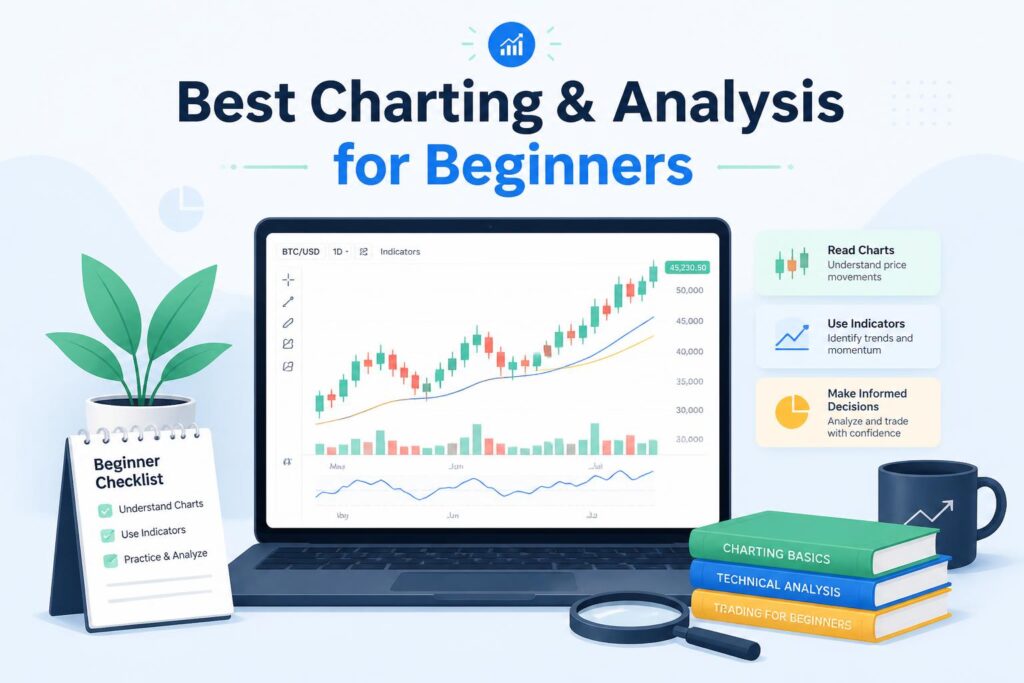
- Charting tools and indicators
- Order types and flexibility
- Stability during volatile markets
- Ease of use for beginners vs experienced traders
- Range of assets (stocks, forex, crypto, futures)
—
Interactive Brokers
Interactive Brokers is often the choice for traders who care more about execution and cost efficiency than interface design.
It gives access to many global markets and supports more advanced order types than most retail platforms.
Key capabilities
- Direct market access
- Advanced order types like VWAP and TWAP
- Stocks, options, forex, and futures in one place
- Pro-level trading environment (IBKR Pro)
Pricing
- IBKR Lite: no commission on US stocks (conditions apply)
- IBKR Pro: tiered pricing depending on volume
What stands out
- Very low trading costs
- Strong execution quality
- Wide market coverage
Trade-offs
- Not very beginner-friendly
- Interface can feel complex at first
Best suited for traders who are already comfortable with active trading and want tighter control over execution costs.
—
TradingView
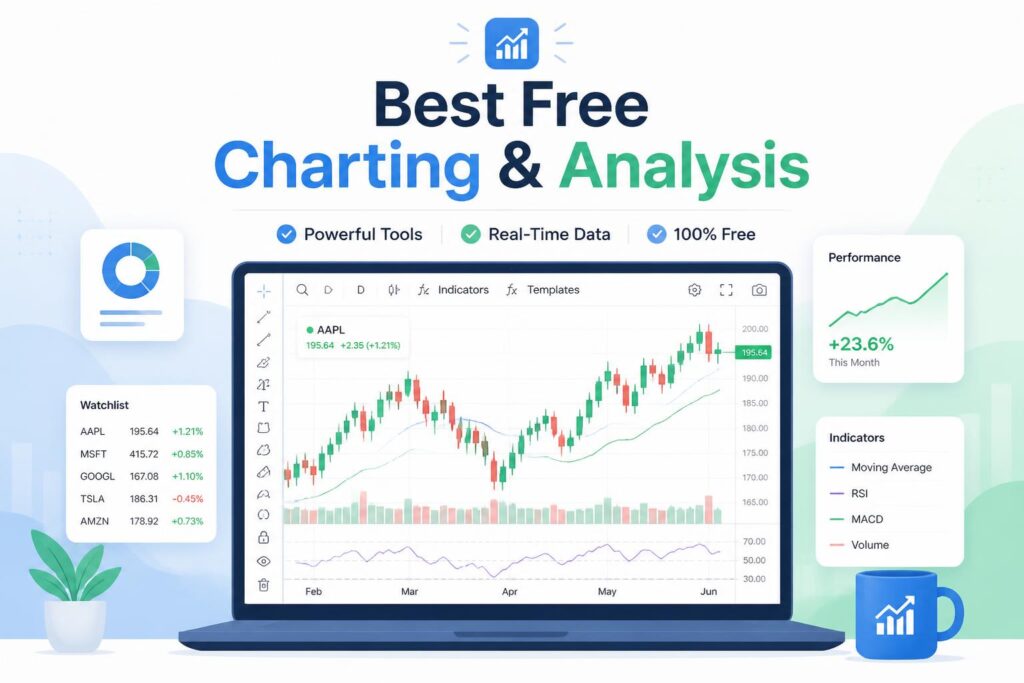
TradingView is mostly a charting platform rather than a broker. Many traders use it alongside another platform to actually place trades.
What it does well
- Clean, fast charting interface
- Large library of indicators
- Pine Script for custom strategies
- Community ideas and shared analysis
Pricing
- Free basic version
- Paid plans unlock more indicators and features
Limitations
- No built-in brokerage (you still need one to execute trades)
- Some useful features are behind paywalls
It’s most useful when your main focus is planning trades and analyzing setups rather than execution itself.
—
Thinkorswim (Schwab)
Thinkorswim is one of the more advanced retail platforms in the US, especially for options traders.
Key tools
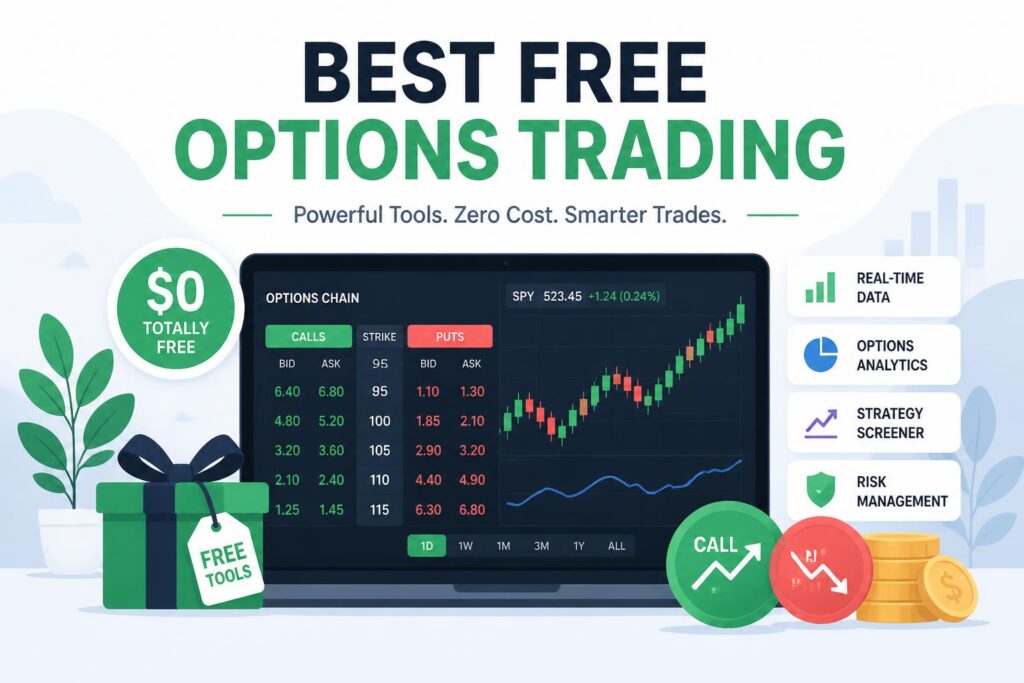
- Detailed options chain analysis
- Real-time Level II data
- Paper trading mode
- Strong scanning and research tools
Cost
- Free for Schwab users
Strengths
- Deep analytical tools
- Particularly strong for options
Weaknesses
- Steeper learning curve
- Can feel heavy or complex
It’s better suited for traders who already know what they’re doing or are willing to spend time learning the platform.
—
MetaTrader 5
MetaTrader 5 is still widely used in forex and algorithmic trading.
Core features
- Automated trading through Expert Advisors
- Custom indicators and scripts
- Access to many forex brokers
- Multi-asset support in some setups
Cost
- Free
Strengths
- Strong for automation and bots
- Lightweight and widely supported
Weaknesses
- Interface feels dated
- Limited appeal for stock-focused traders
It remains a standard in forex trading, especially for strategy automation.
—
NinjaTrader
NinjaTrader focuses heavily on futures trading and strategy development.
Features
- Futures-focused charting
- Backtesting tools
- Market replay for practice
- Low-latency execution options
Pricing
- Free basic version
- Paid plan around $99/month for advanced features
Strengths
- Strong testing and simulation tools
- Good for futures and scalping
Trade-offs
- Narrow focus compared to multi-asset platforms
- Takes time to learn properly
—
Webull
Webull is designed for simplicity and accessibility.
Features
- Commission-free trading
- Mobile-first design
- Paper trading available
- Extended trading hours
Strengths
- Easy to get started with
- Clean interface
- No commissions on basic trades
Limitations
- Fewer advanced tools
- Limited asset depth compared to pro platforms
It’s often used as a starting point rather than a long-term advanced platform.
—
TradeStation
TradeStation sits somewhere between beginner and professional tools.
Features
- Advanced charting
- Strategy automation
- Market scanning tools
- Historical data access
Pricing
- Free or low monthly fees depending on usage
Strengths
- Solid balance of tools and usability
- Good for active US traders
Weaknesses
- Interface feels a bit dated in places
- Some fees depending on account activity
—
eToro
eToro is known for its copy trading system rather than traditional trading tools.
Features
- CopyTrader functionality
- Social trading feed
- Stocks and crypto access
- Simple interface
Strengths
- Easy for beginners
- Social trading angle is unique
- Simple portfolio diversification
Limitations
- Higher spreads compared to some brokers
- Not built for advanced trading strategies
—
How they compare in practice
In reality, traders often mix tools rather than rely on one platform.
- Interactive Brokers is often used for execution
- TradingView for charting and analysis
- Thinkorswim for US options trading
- MetaTrader for forex automation
- NinjaTrader for futures work
Each one solves a different part of the workflow.
—
Choosing one
A simple way to think about it:
- Low fees and global markets: Interactive Brokers
- Charting and analysis: TradingView
- US options trading: Thinkorswim
- Forex or automation: MetaTrader 5
- Futures trading: NinjaTrader
- Beginner-friendly start: Webull or eToro
- Balanced active trading: TradeStation
—
Final note
No platform is perfect on its own. Most active traders end up combining at least two tools—one for analysis and one for execution.
Interactive Brokers tends to be the most complete foundation for serious trading, while TradingView is often paired with it for chart work.