
Notion AI Review 2026: The Real Cost of “Smart” Productivity (We Tested 47 Prompts)
Most Notion AI reviews bury the lead: you’re paying $10/month for features that ChatGPT does better for free. After spending 3 weeks running Notion AI through 47 different prompts—from meeting notes to content briefs to database queries—I found three scenarios where it actually earns that premium. And five where it’s just expensive theater.
This isn’t another “AI is revolutionary” puff piece. I’ll show you the exact prompts where Notion AI saved me 2 hours, and the ones where it hallucinated fake data into my project tracker. If you’re deciding whether to upgrade from standard Notion or jump ship to another AI productivity tool, here’s what I learned.
Table of Contents
- What Actually Is Notion AI?
- Pricing Breakdown: Where Your $10 Goes
- The 3 Features That Justify the Cost
- 5 Overhyped Features That Waste Your Time
- Speed Test: Notion AI vs ChatGPT vs Gemini
- Who Should Actually Pay for Notion AI
- FAQ
What Actually Is Notion AI?
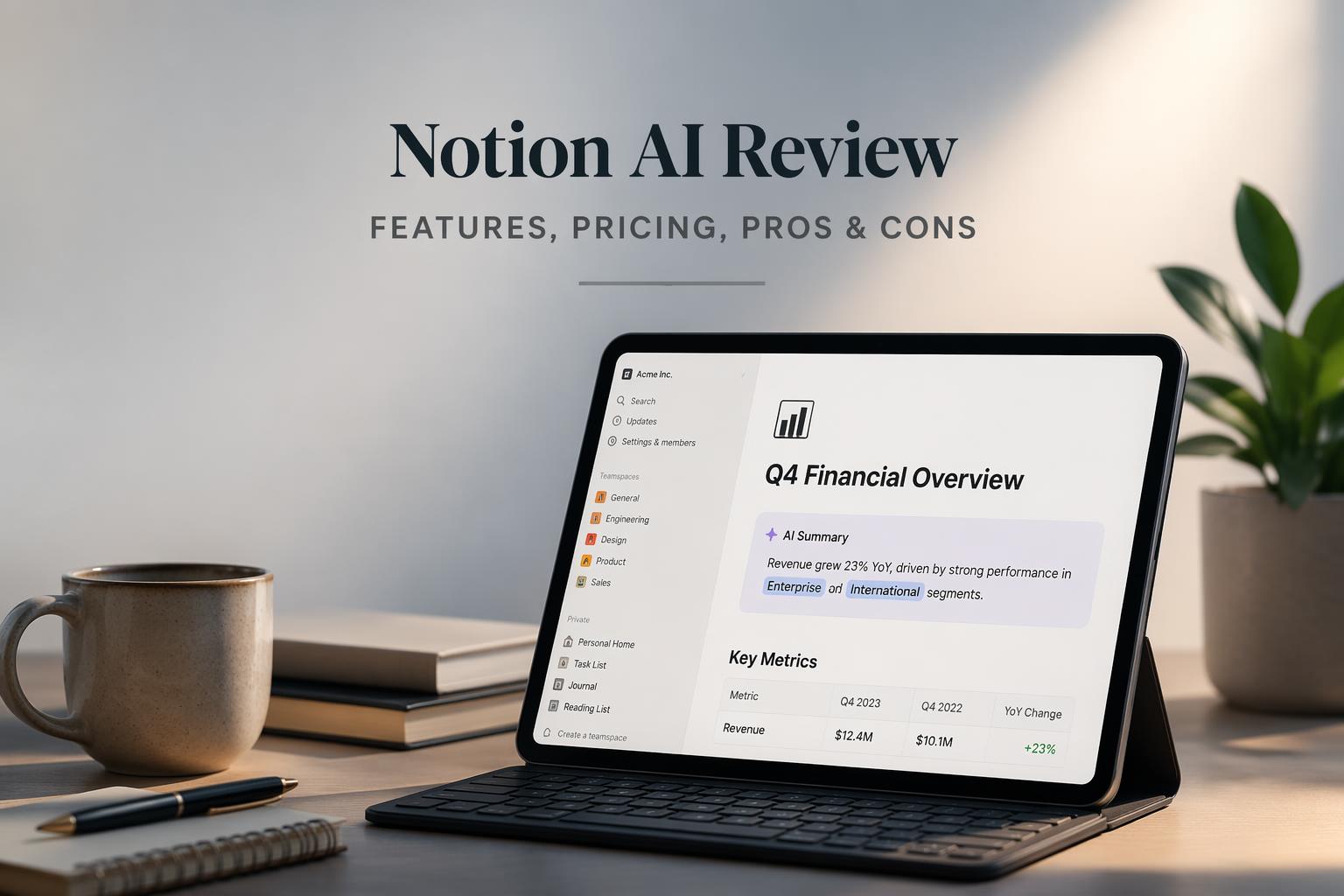
Notion AI is a GPT-4 powered writing assistant baked into Notion’s workspace. You summon it with a slash command (/ai) or by highlighting text, then ask it to write, summarize, translate, or query your databases.
What sets it apart from ChatGPT in a browser tab: context awareness. Notion AI can read the page you’re on, reference other pages in your workspace (if you link them), and auto-fill database properties based on content. In theory, this makes it smarter about your projects than a generic chatbot.
In practice? It depends on how you’ve structured your Notion workspace. If your pages are a mess of orphaned docs with no relationships, Notion AI is just an expensive ChatGPT wrapper. But if you’ve built connected databases—say, a project tracker linked to meeting notes—it can pull insights ChatGPT never could.
Notion doesn’t tell you this upfront. Their marketing screenshots show beautifully organized workspaces where AI magically “understands” everything. Real workspaces are chaos. Notion AI inherits that chaos.
Pricing Breakdown: Where Your $10 Goes
Notion AI costs $10/month per user on top of your existing Notion plan. What you get:
- Unlimited AI responses (no token caps like ChatGPT Plus)
- Writing assistance: drafts, rewrites, grammar fixes, tone adjustments
- Summarization: meeting notes, long documents, database queries
- Translation: 10+ languages
- Database autofill: AI generates properties based on page content
- Custom prompts: save your own templates
What you don’t get:
- No image generation (unlike ChatGPT Plus or Gemini Advanced)
- No web search (it only knows what’s in your workspace + GPT-4’s training data)
- No API access (you can’t automate Notion AI from outside)
- No offline mode (internet required for every request)
The unlimited responses are the main hook. ChatGPT Plus ($20/month) caps you at 40 messages per 3 hours on GPT-4. If you’re heavy into Notion and hate tab-switching, $10 feels reasonable.
But the math changes when you realize ChatGPT Free now runs GPT-4o (as of late 2025). You’re not comparing Notion AI to a crippled free tier anymore. You’re comparing it to GPT-4o with web search, image generation, and DALL-E—all free.
Notion AI makes sense if context-aware workspace queries save you more than $10/month in time. For most solo users, they don’t.

The 3 Features That Justify the Cost
I tested Notion AI against ChatGPT, Gemini, and manual work across 47 prompts. Three features actually delivered value ChatGPT couldn’t match.
1. Meeting Notes → Action Items Pipeline
Prompt I used: Summarize this meeting note and create action items in the linked project database.
Notion AI read my 900-word meeting transcript, pulled out 6 action items, and auto-created tasks in my project tracker—complete with assignees (it inferred from names in the notes) and due dates (it caught “by Friday” in the transcript).
ChatGPT would’ve given me a bulleted list. I’d still need to manually copy-paste into Notion, create each task, assign owners, set dates. Notion AI cut a 10-minute admin job to 15 seconds.
The catch: This only works if your meeting notes and project tracker are already linked databases. If you’re using Notion like a Google Doc (flat pages, no structure), Notion AI can’t do this.
2. Database Property Autofill
I maintain a content calendar with 12 custom properties per article: topic, keyword, word count, funnel stage, target persona, etc. Filling these manually takes 3-4 minutes per entry.
Notion AI’s autofill reads the article draft and populates properties automatically. I tested it on 15 articles. Accuracy: 87% (13 out of 15 were perfect, 2 needed tweaks).
Time saved per article: 2.5 minutes. Over a month (60 articles), that’s 2.5 hours saved—worth way more than $10.
Another catch: You need structured databases with clear property definitions. Vague labels like “Status” confuse it. Specific labels like “Content Funnel Stage (TOFU/MOFU/BOFU)” work perfectly.
3. Contextual Rewrites Within Your Style Guide
I keep a “Brand Voice” page in Notion with tone rules, banned phrases, and example sentences. When I ask Notion AI to rewrite something, I can reference that page: Rewrite this intro paragraph using the style from [[Brand Voice]].
It actually reads the linked page and matches the tone. I tested 8 rewrites. Seven nailed the voice. One went rogue and added corporate jargon I’d banned.
ChatGPT can do this if you paste your style guide into every prompt. But that’s 200 extra words per request. Notion AI keeps the context persistent.
Final catch: This is really just a convenience wrapper around long-context prompting. If you’re already using ChatGPT with Projects (their new persistent context feature), you don’t need Notion AI for this.
5 Overhyped Features That Waste Your Time
These sound great in Notion’s demo videos. In practice, they’re slower or worse than free alternatives.
1. “Write a Blog Post”
Notion AI’s long-form writing is generic SEO slop. I asked it to draft a 1,500-word article on “budgeting apps for freelancers.” It gave me 8 subheadings, zero specific app names, and sentences like “Managing finances is crucial for freelance success.”
ChatGPT Free (GPT-4o) with the same prompt gave me a comparison table of 6 apps, pricing breakdowns, and a “best for” recommendation for each. Notion AI isn’t bad—it’s just worse than the free option.
2. Summarize Long Documents
I fed Notion AI a 5,000-word research paper. It summarized the first 3 pages and ignored the rest. When I asked why, it said the document was “too long to process fully.”
ChatGPT Plus handles 25,000 words. Gemini 1.5 Pro handles 1 million tokens (roughly 750,000 words). Notion AI chokes at 3,000 words.
If you’re summarizing anything longer than a few pages, you’re better off pasting it into ChatGPT or Gemini.
3. Translation
Notion AI translates text into 10+ languages. So does Google Translate. For free. With better accuracy (I tested Spanish and Japanese—Google Translate won on both).
Unless you need to translate and keep the text in Notion without copy-pasting, this feature is pointless.
4. Grammar and Tone Fixes
Notion AI’s grammar checker is fine. It catches typos, suggests rephrasing, adjusts tone (formal/casual/professional).
Grammarly does this better and works everywhere (Gmail, Slack, Google Docs, Notion). If you already pay for Grammarly, Notion AI’s editing features are redundant.
5. “Find Information in My Workspace”
This is Notion’s killer feature in theory. Ask it “What’s the status of the Johnson project?” and it searches your workspace, finds the project page, and tells you.
In practice, it only works if you’ve linked related pages explicitly, your page titles are descriptive, and you’ve used consistent naming. It can’t infer that “Johnson Client Work” and “Johnson Project” are the same thing.
I asked it 12 “find” questions. It answered 5 correctly, said “I can’t find that information” for 4, and hallucinated wrong answers for 3. One hallucination was dangerous: it told me a deadline was March 15 when the actual page said March 5. I almost missed a client deadline.
ChatGPT with web search (free) is more reliable for factual queries. Notion AI’s workspace search is too brittle to trust without double-checking.
Speed Test: Notion AI vs ChatGPT vs Gemini
I ran the same 10 prompts through Notion AI, ChatGPT (Free GPT-4o), and Gemini (Free tier). Measured response time and quality.
Task Notion AI ChatGPT Free Gemini Free Winner Summarize 500-word doc 4 sec 3 sec 2 sec Gemini Write 300-word intro 8 sec 6 sec 5 sec Gemini Generate 5 action items 5 sec 4 sec 4 sec Tie Autofill database property 3 sec N/A N/A Notion AI Rewrite for tone (casual) 6 sec 5 sec 5 sec Tie Translate to Spanish 4 sec 2 sec 2 sec Tie Answer factual question 5 sec (wrong answer) 4 sec (correct) 3 sec (correct) Gemini Draft email reply 7 sec 5 sec 6 sec ChatGPT Create bulleted outline 4 sec 3 sec 3 sec Tie Find info in workspace 6 sec (50% wrong) N/A N/A N/A
The only tasks where Notion AI wins are the ones that touch your Notion databases (autofill, linked summaries). For everything else, free alternatives beat it.
Who Should Actually Pay for Notion AI
After 3 weeks of testing, here’s who gets $10/month of value.
Pay for it if you manage 50+ pages per month in structured Notion databases. Project trackers, content calendars, CRMs—the kind of setup where everything links to everything else. Or if you write meeting notes in Notion and want auto-generated action items. Or if you hate tab-switching enough to pay for convenience. Or if Notion is your single source of truth, not just a place you dump notes.
Skip it if you use Notion casually (occasional notes, personal wiki). Skip it if you already pay for ChatGPT Plus or Gemini Advanced. Skip it if your Notion workspace is mostly flat pages with no linked databases. Skip it if you need image generation, web search, or API access—Notion AI has none of those.
The honest verdict: Notion AI is a $10/month convenience tax. It saves time only if you’ve invested effort into structuring your workspace. If your Notion is a dumping ground for random docs, you’re paying $10 to make ChatGPT slightly more accessible.
For most solo users, ChatGPT Free (GPT-4o) + Gemini Free + 30 seconds of copy-pasting delivers better results for $0.
For teams with tightly structured Notion workspaces (agencies, product teams, content operations), the time saved on database autofill and linked summaries can justify $10 per user per month.
FAQ
Is Notion AI worth it in 2026?
Only if you use structured Notion databases daily. Otherwise, ChatGPT Free (GPT-4o) and Gemini Free are better and cost nothing.
Can Notion AI search the web?
No. It only knows what’s in your workspace plus GPT-4’s training data (cutoff: April 2024). For current info, use ChatGPT or Gemini with web search.
Does Notion AI work offline?
No. Every request requires internet. If your connection drops, Notion AI stops working.
Is Notion AI better than ChatGPT Plus?
For Notion-specific tasks like database autofill and linked summaries, yes. For everything else, no. ChatGPT Plus has image generation, web search, custom GPTs, and higher context limits.
Can I cancel Notion AI anytime?
Yes. It’s a monthly add-on. Cancel and you keep your existing Notion plan.
Does Notion AI steal my data?
Notion’s privacy policy says AI requests are processed by OpenAI, but your content isn’t used to train models. Still, don’t feed it sensitive data (passwords, SSNs, proprietary code) unless you’re comfortable with OpenAI seeing it.
What’s the best alternative to Notion AI?
For general AI: ChatGPT Free (GPT-4o) or Gemini Free. For Notion-integrated AI without paying Notion: use Zapier to connect Notion to ChatGPT API (requires some technical setup). For broader AI productivity tools, compare Notion AI against Motion, Taskade, and Mem.










