Rocket Money Review (2026): Is It Worth It?
If you’ve ever checked your bank account and wondered where the money went, this kind of app probably already feels familiar.
Most budgeting tools are good at showing you what happened after the fact. They sort transactions, build charts, and leave you to make sense of it. Rocket Money tries to do something a bit more practical: it looks for ways to cut spending automatically.
The question is whether that actually holds up in 2026, or if it just adds another subscription to your list.
—
What Rocket Money actually does
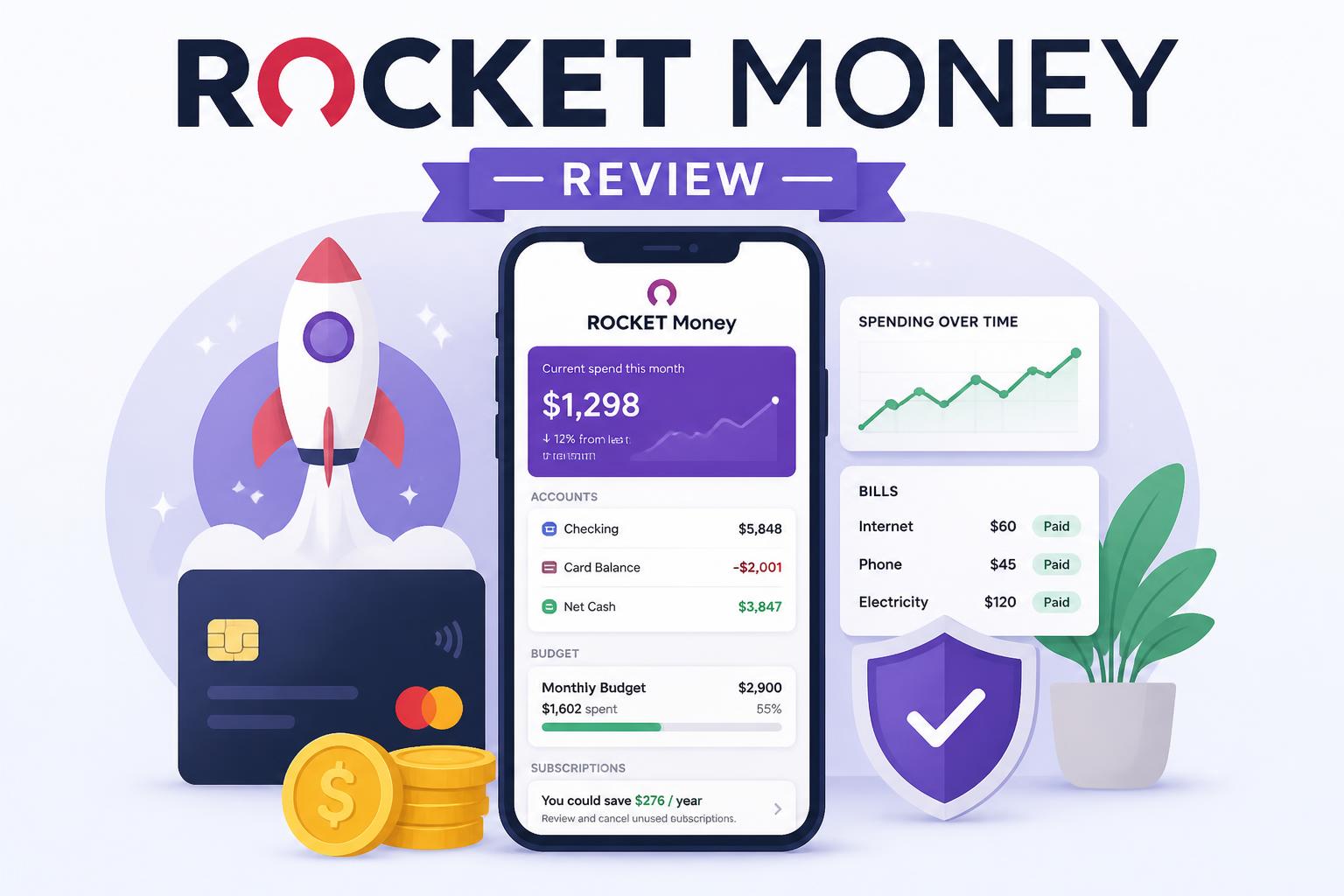
Rocket Money is a personal finance app that connects to your bank accounts and pulls in your transactions.
Once it’s set up, it helps you:
- Track spending without manual entry
- Spot and cancel subscriptions
- Attempt bill negotiations
- Set basic budgets and savings goals
At its core, it’s less about analysis and more about cleaning up recurring costs you may have forgotten about.
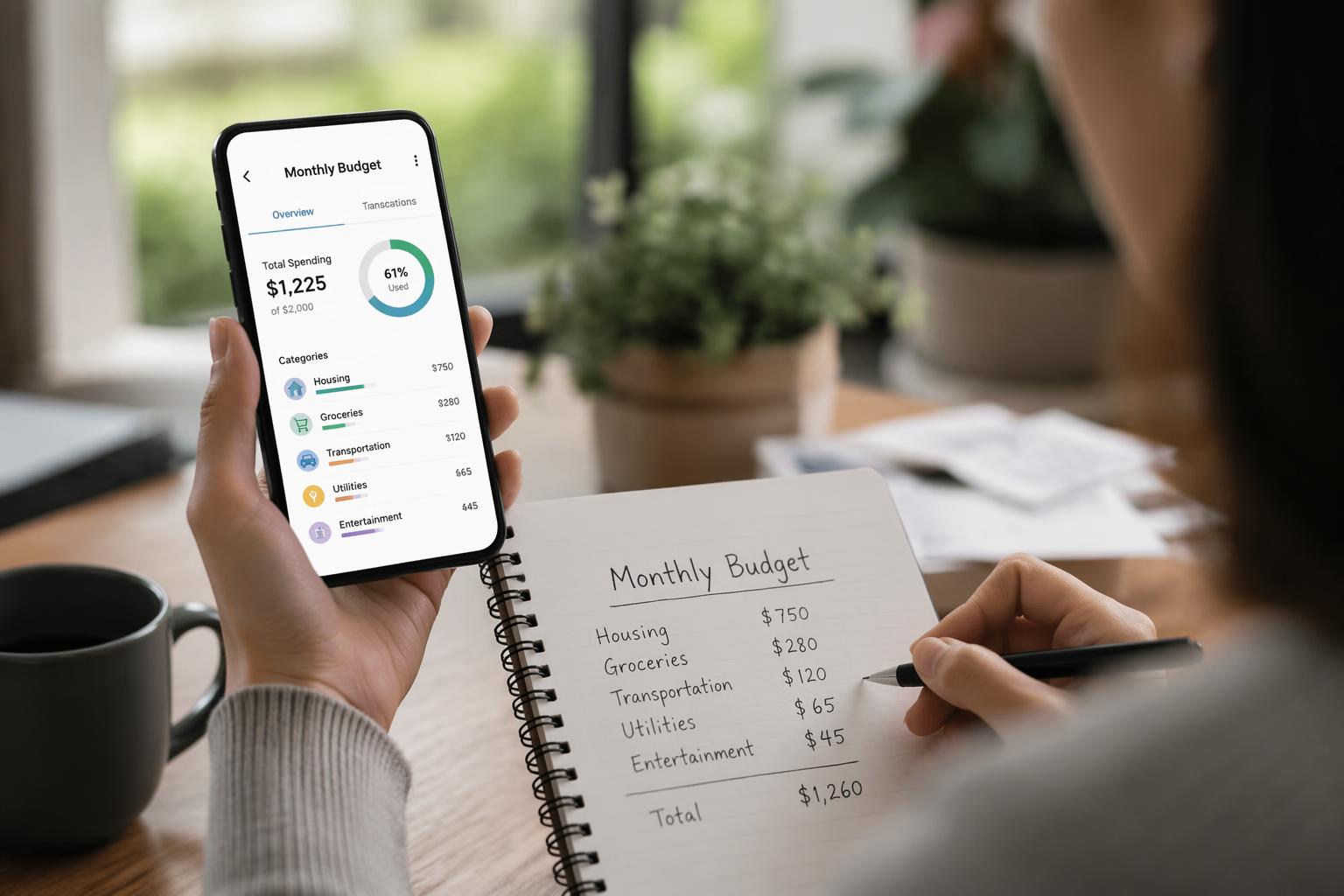
The automation is the main selling point. It works well when your transactions are clearly categorized, and less well when they aren’t.
—
Key features that matter
Subscription tracking
This is the feature most people end up using the most.
It looks through your transactions and flags recurring charges like streaming services, apps, and trials that turned into paid plans.
Everything gets grouped in one place so you can review and cancel what you don’t need.
For many users, this alone is where the savings come from, especially if subscriptions have piled up over time.
—
Bill negotiation
Rocket Money can contact providers on your behalf and try to lower bills for services like internet or phone plans.
They take a cut of whatever you save, usually a percentage of the first year’s reduction.
Results vary a lot. Some people see reductions, others see no change. It depends heavily on the provider and region.
When it works, it’s a low-effort way to reduce monthly costs. When it doesn’t, nothing really happens.
—
Budgeting
The budgeting system is simple by design.
You set spending limits for categories and the app tracks progress as transactions come in.
It’s more of a warning system than a planning tool. You’ll get alerts when you’re close to going over.
For people who don’t want complex budgeting setups, that simplicity is often enough.
—
Net worth tracking
You can connect bank accounts, credit cards, and investments to see an overall net worth view.
It’s useful if you want a broad snapshot, but it’s not something you’ll check every day.
—
Pricing in 2026
Rocket Money uses a mix of free and paid features.
Free version
- Basic budgeting
- Limited subscription tracking
- Account linking
Paid version
- Full subscription management
- Bill negotiation tools
- More detailed insights
- Priority support
Pricing depends on region and account, and in some cases it uses a flexible “pay what you think it’s worth” setup.
The tradeoff is simple: you might pay for the app while trying to save money, so it only really makes sense if you’re using the features regularly.
—
Pros and cons
What it does well
- Quick setup
- Good at finding subscriptions
- Can save money passively if you stay on top of it
- Clean interface
- Easy for beginners
Where it falls short
- Some key tools are behind a paywall
- Bill negotiation is inconsistent
- Not built for advanced budgeting systems
- Easy to stop using after the initial cleanup phase
- Accuracy depends on bank syncing
—
Who it makes sense for
Rocket Money fits best if:
- You’re new to budgeting
- You suspect you have unused subscriptions
- You want something mostly automatic
- You don’t want detailed financial planning tools
It’s less useful if:
- You already use structured budgeting systems
- You prefer full manual control
- You’re focused on investing or long-term planning
—
How it compares to other apps
Different budgeting apps focus on different problems:
- Rocket Money focuses on finding wasted spending
- YNAB focuses on assigning every dollar a job
- Traditional trackers focus on recording everything
Rocket Money is easier to start with, but it doesn’t go as deep as more structured systems.
—
Something most reviews don’t say
The biggest impact usually happens early.
In the first month or two, you’ll likely:
- Cancel forgotten subscriptions
- Fix obvious spending leaks
- Get a clearer picture of recurring costs
After that, there’s less to do. It becomes more of a maintenance tool than something you actively use every day.
If you ignore it, it quietly fades into the background.
—
Final verdict
Rocket Money can be useful, but mostly in specific situations.
If your spending feels messy or you’ve lost track of subscriptions, it can help you clean things up quickly and probably save money in the process.
If your budget is already organized, it doesn’t add much beyond convenience.
In short:
- If things feel disorganized → it’s worth trying
- If you already have a system → you probably don’t need it
The real value isn’t in the app itself. It’s in what it reveals about where your money is actually going.