tastytrade Review 2026: Is It Still Worth Using for Options Traders?
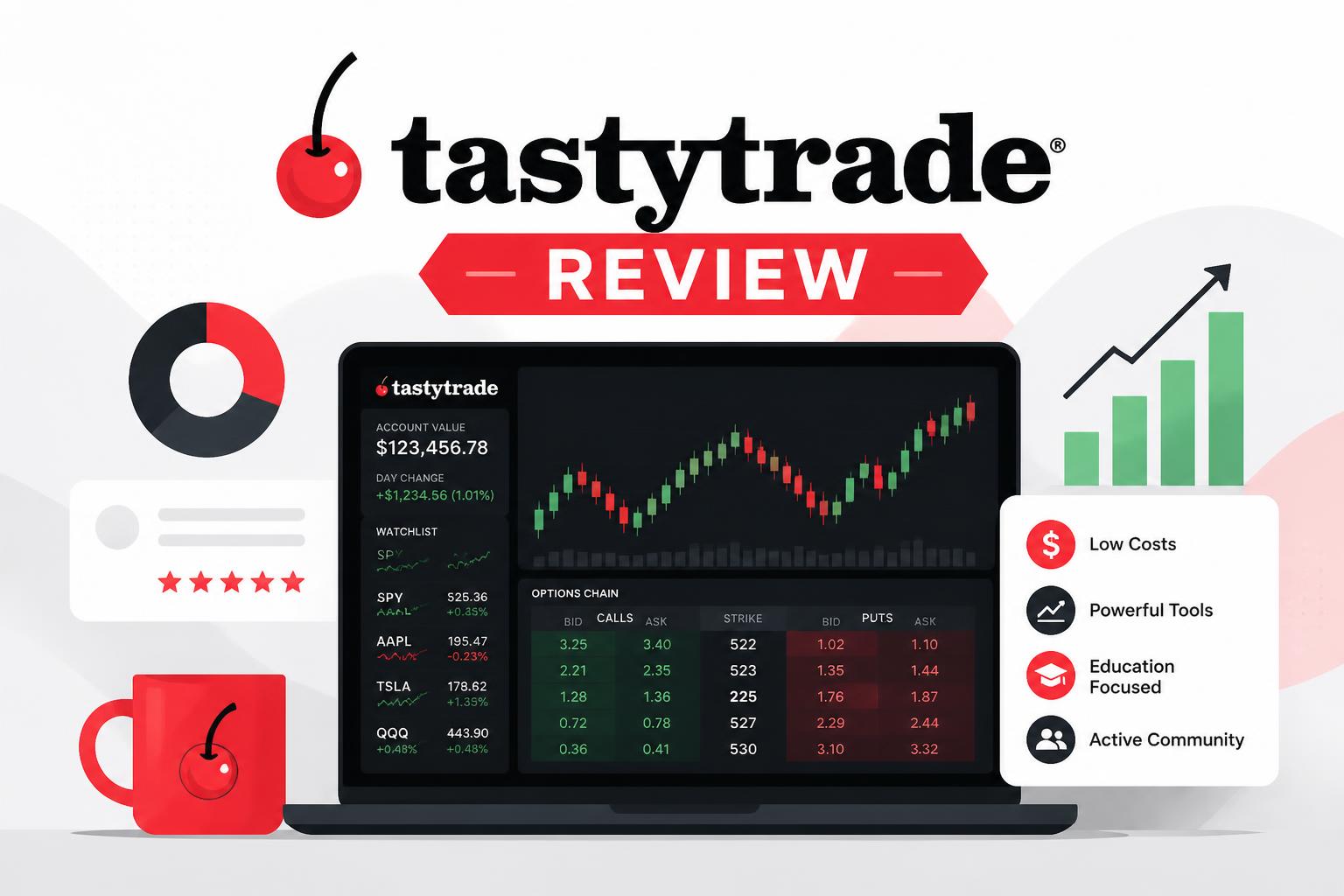
If you trade options regularly, you’ve probably come across tastytrade at some point. It’s a platform built with active traders in mind, especially people who are constantly working spreads, straddles, and other multi-leg strategies.
The real question in 2026 isn’t whether it exists or gets attention. It’s whether it still makes sense compared to newer, simpler trading apps.
This review breaks it down in plain terms: pricing, tools, trading experience, and who it actually fits.
—
What tastytrade is
tastytrade is a brokerage focused on active trading rather than long-term investing. Most of its design choices revolve around options strategies and fast decision-making.
You’ll see a lot of emphasis on:
- Options spreads like iron condors and butterflies
- Shorter-term trading activity
- Probability-based trade analysis
It’s not really built for someone who just wants to buy a few ETFs and forget about them. It’s closer to a working tool for people who trade often.
—
Fees and pricing
This is one of the main reasons traders look at tastytrade in the first place.
Stocks and ETFs
- No commission to trade
- Standard regulatory fees still apply
Options
- No commission per contract to open or close equity options
- Low contract-related fees compared to older brokers
Futures
- Pricing varies by contract, but stays competitive for active traders
There are no obvious hidden pricing tricks like wide built-in spreads. Costs mainly come down to standard market conditions and liquidity.
For active options trading, the overall cost structure is still one of its main advantages.
—
Platform and tools
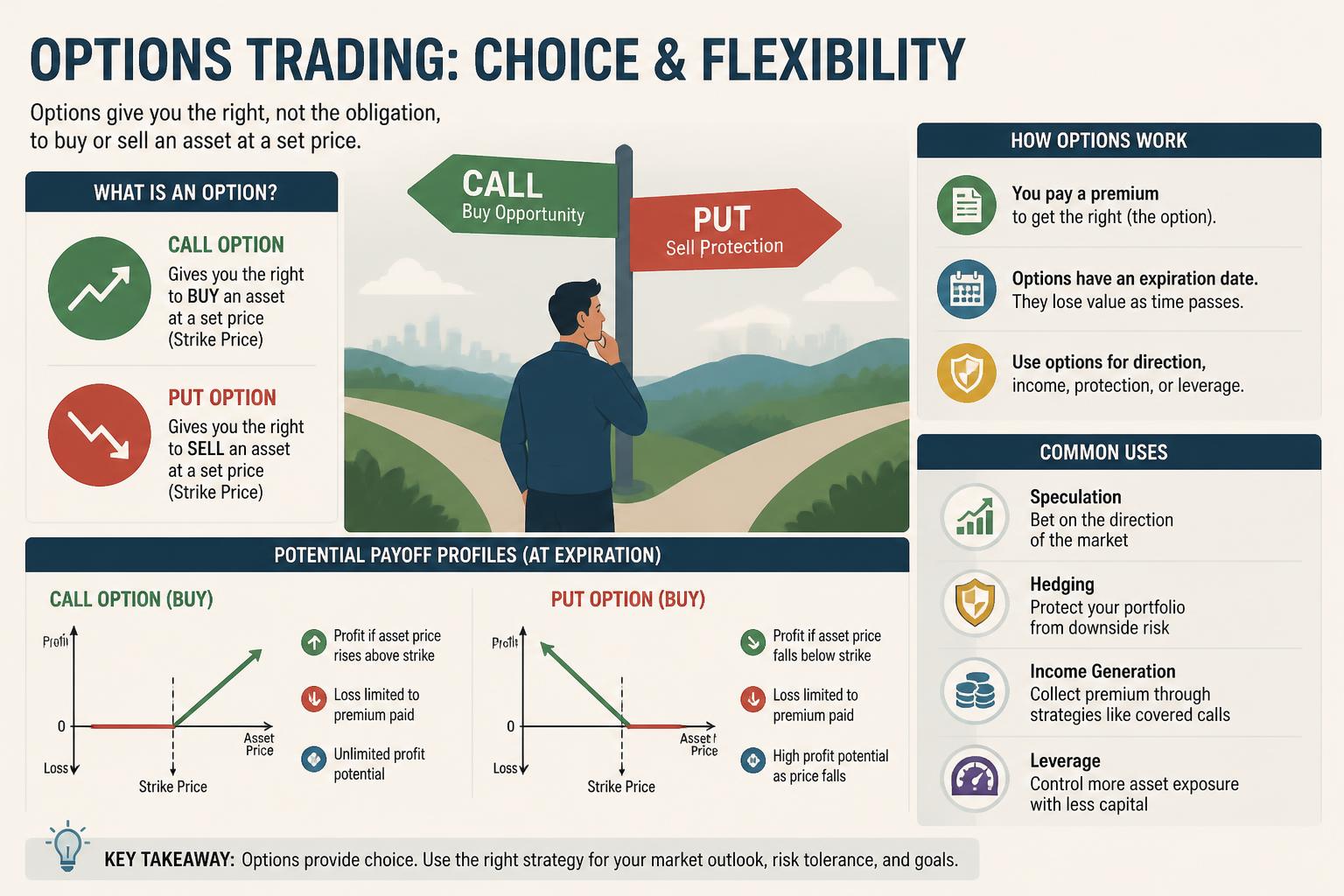
This is where people tend to either like tastytrade or bounce off it.
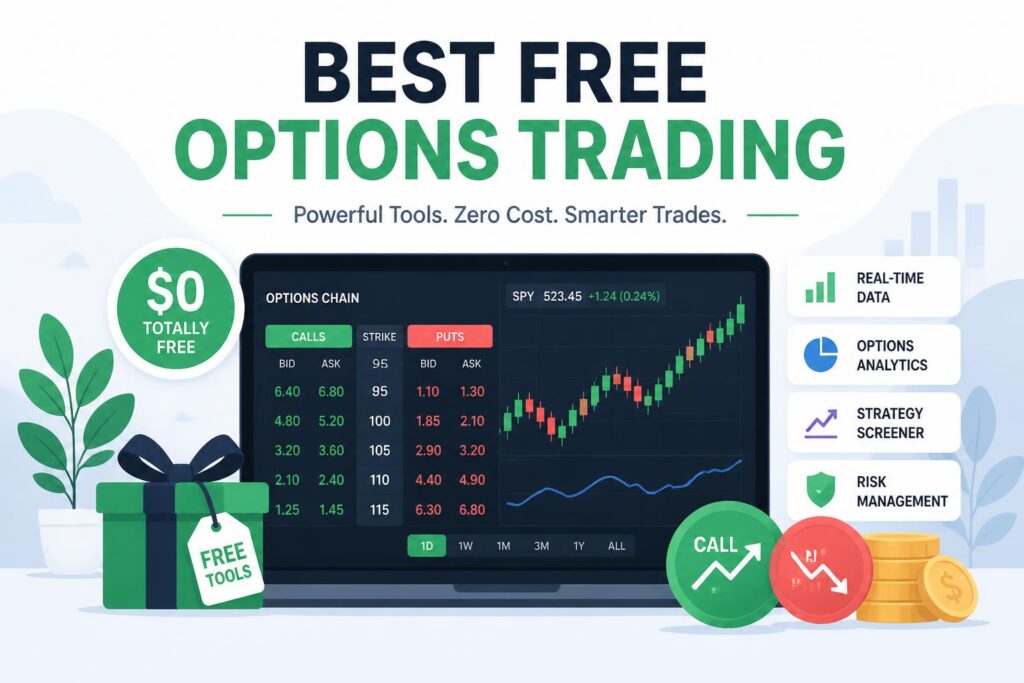
The platform is built for speed and structure. It gives you tools that let you see probability, expected move, and risk before you place a trade.
What stands out
- Fast options chain navigation
- Built-in probability tools like POP and delta
- Visual trade construction for spreads
- Real-time risk preview before execution
What takes time
- The interface assumes you already understand options
- It’s not designed to “teach as you go”
- The layout can feel busy at first
Once you get used to it, the workflow becomes efficient. But there is a learning curve, especially if you’re coming from simpler apps.
—
Options trading experience
This is the core of the platform.
tastytrade is built around structured trading, not guessing. You’re pushed toward thinking in probabilities rather than intuition.
What it does well
- Fast creation of multi-leg strategies
- Easy adjustments and position management
- Tools that highlight probability of profit
- Clear risk visualization before entering trades
A lot of beginners lose money in options because they overtrade or ignore risk structure. tastytrade doesn’t fix that for you, but it does make the structure more visible.
The downside is that if you’re new, it can feel like too much at once.
—
Mobile app
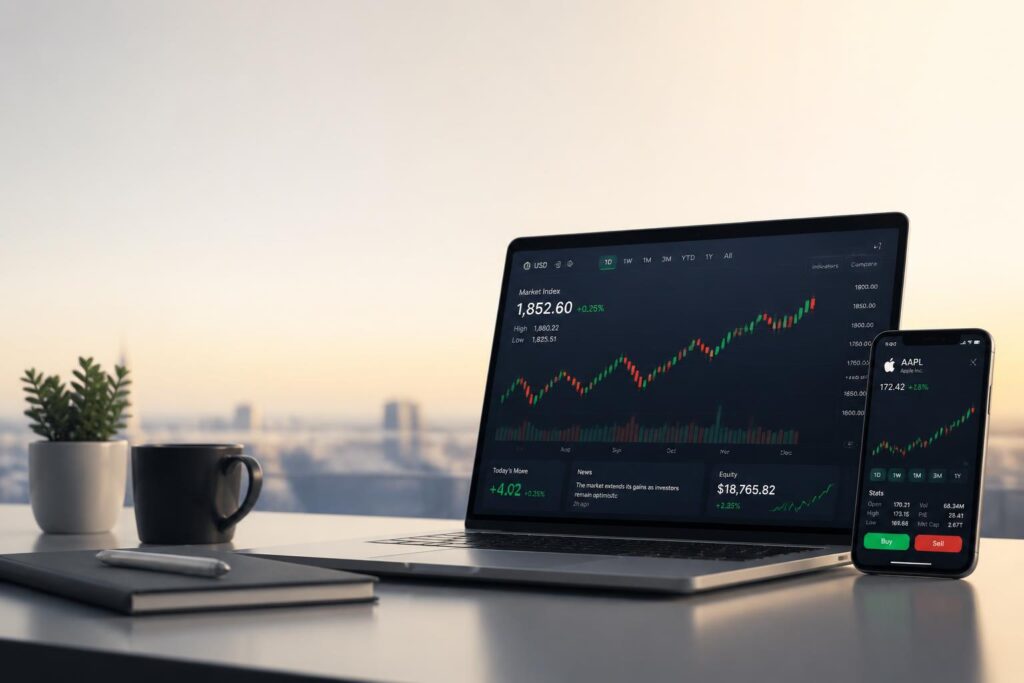
The mobile experience is solid if you’re already comfortable trading.
You can:
- Place and manage trades
- Monitor positions in real time
- Set alerts and watchlists
- Use full account functionality
It’s not a stripped-down “casual investing” app. It still feels like a tool for active traders, even on mobile.
—
Pros and cons
What works well
- Low-cost options trading
- Strong tools for multi-leg strategies
- Fast execution and workflow
- Clear focus on probability-based trading
Where it falls short
- Not friendly for beginners
- Interface can feel overwhelming
- Overbuilt if you only invest occasionally
- Assumes some prior knowledge of options
—
How it compares
Robinhood
Robinhood is simpler and easier to start with. tastytrade gives you far more depth, but at the cost of complexity.
Thinkorswim
Thinkorswim is more powerful overall, but heavier and harder to move through quickly. tastytrade feels more streamlined.
Webull
Webull is more beginner-friendly visually. tastytrade is stronger if you’re actively building and managing options strategies.
—
Who it fits
tastytrade tends to work best for:
- Active options traders using spreads or combinations
- Traders who already understand basic options mechanics
- People who want speed and structured risk tools
It’s probably not the right fit for:
- Long-term passive investors
- Complete beginners
- Anyone looking for a very simple investing app
—
Common mistakes people make
Even with good tools, the same issues show up repeatedly:
- Trading too often just because execution is fast
- Ignoring probability metrics like POP and delta
- Jumping into complex strategies too early
- Treating active trading like gambling instead of planning
The platform doesn’t cause these problems, but it also doesn’t stop them.
—
FAQ
Is it beginner-friendly?
Not really. You can learn it, but it assumes you’re willing to understand options in depth.
Are the fees high?
No. Options trading is very low cost compared to traditional brokers.
Is it a regulated broker?
Yes, it operates under standard brokerage regulation and protections.
Can you trade on mobile?
Yes, and the mobile app supports full trading, not just monitoring.
—
Final thoughts
tastytrade is not trying to compete for casual investors. It’s built around a specific type of user: someone actively trading options and thinking in terms of strategy and probability.
If that’s your style, the platform still holds up well in 2026. It’s fast, structured, and relatively low cost.
If you’re just investing passively or getting started, it may feel like more than you need.