TradingView Review 2026: Is It Still Worth It?
Why TradingView still matters in 2026
Most traders don’t struggle because they lack ideas. They struggle because their tools get in the way.
Charts lag, data sits in different places, and switching between platforms breaks focus.
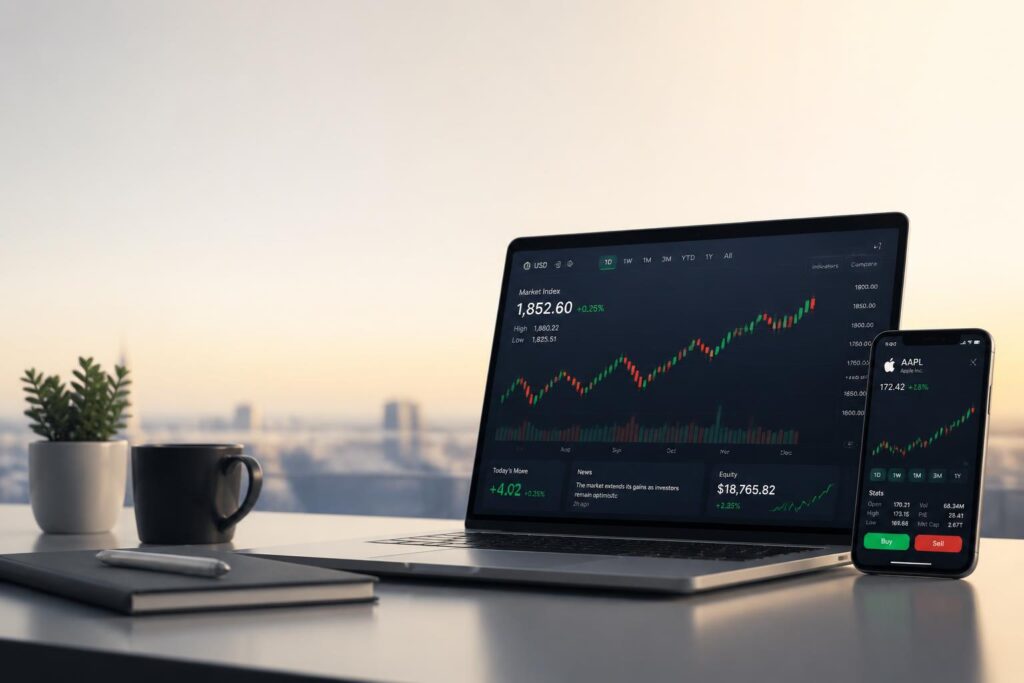
That’s part of why TradingView is still widely used in 2026. It brings charting, analysis, and market discussion into one place, accessible from a browser or mobile app.
The real question isn’t whether it works. It’s whether it still makes sense to pay for it when free tools exist everywhere.
—
What TradingView actually is
TradingView is a web-based platform for tracking and analyzing markets like stocks, forex, crypto, and commodities.
It runs in the browser, so there’s nothing to install. You log in and your charts are already there, synced across devices.
At a practical level, it’s built around three things:
- Charting tools for technical analysis
- A library of community-made indicators
- A scripting system called Pine Script
That mix is what turned it into a default tool for many retail traders.
—
Key features
Charting tools
The charting experience is still the main reason people use the platform.
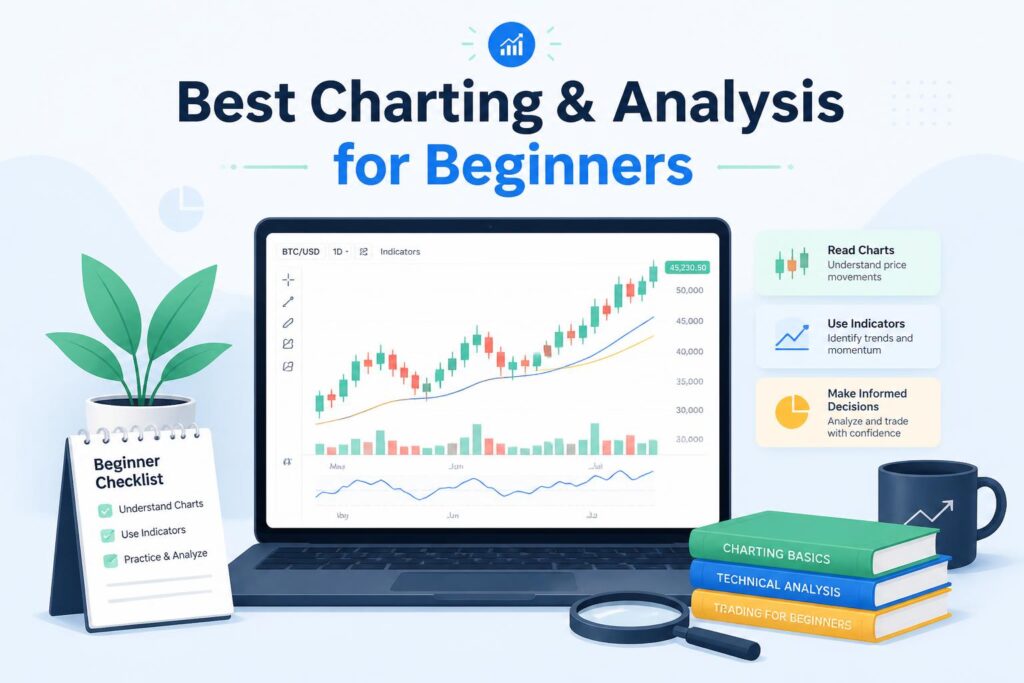
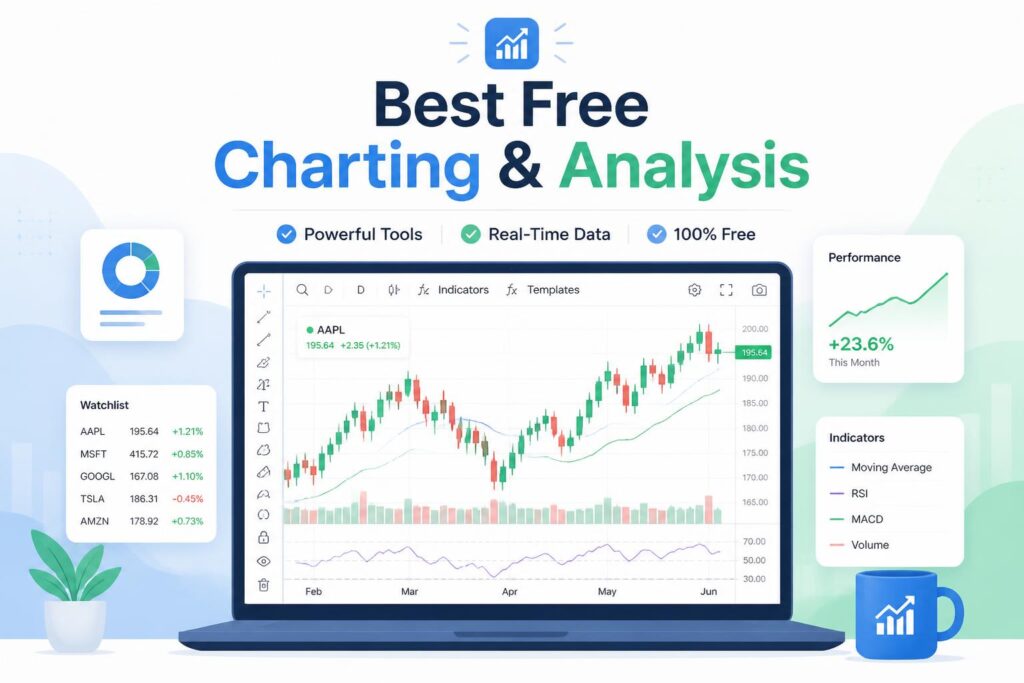
You can switch between candlesticks, Heikin Ashi, Renko, and other chart types, draw trendlines, mark levels, and compare multiple timeframes on the same screen.
It feels fast and flexible compared to many older desktop platforms.
—
Pine Script and indicators
Pine Script lets users build and share their own indicators and strategies.
Some use it to test simple ideas. Others publish tools that get widely reused across the community.
Over time, this has created a large public library of indicators that you won’t find on most competing platforms.
—
Markets in one place
One thing that stands out is coverage. You can switch between stocks, crypto, forex, and commodities without changing tools.
For many retail traders, that removes the need for multiple platforms.
—
Social layer
There’s also a social side. Users post chart ideas, comment on setups, and share indicators.
It’s not essential, but it does turn the platform into something closer to a learning space than a pure charting tool.
—
Alerts
Alerts are flexible. You can set them on price levels or indicators, and in some cases connect them to external systems through webhooks.
For active traders, this is what keeps them from watching screens all day.
—
Pricing in simple terms
The free version is usable, but limited. You’ll run into restrictions on indicators and alerts fairly quickly, and ads are part of the experience.
Paid plans mainly expand those limits. Higher tiers give you more charts, more alerts, and faster data access.
In practice, casual users stay on free or Pro. More active traders tend to move up once they rely on alerts and multi-chart layouts.
—
What it does well
The strongest part of the platform is how smooth it feels. Everything loads quickly, and the interface is easy to navigate even when you’re working with multiple charts.
The second strength is the ecosystem. Indicators, scripts, and shared ideas create a kind of network effect that’s hard for smaller tools to match.
Finally, it’s flexible. You can move between different asset classes without changing platforms, which simplifies workflows.
—
Where it falls short
There are still limits.
You’ll need a separate broker to actually place trades in most cases, since the platform is mainly for analysis.
Some real-time data feeds also come with extra costs depending on the market you’re tracking.
And for beginners, it can feel like too much. With so many indicators available, it’s easy to overcomplicate simple decisions.
—
How it compares
Compared to MetaTrader, TradingView feels more modern and easier to use, especially in the browser. MetaTrader still has stronger support for automated trading.
Against ThinkorSwim, TradingView is simpler and more accessible, while ThinkorSwim goes deeper on advanced analytics.
Compared to free charting tools, the difference usually comes down to data quality, features, and reliability rather than just visuals.
—
Who it’s for
It fits best for traders who rely on technical analysis: swing traders, crypto traders, and retail investors who spend time reading charts.
It’s less suited for high-frequency trading or for people who don’t use charts as part of their decision-making.
—
Final thoughts
For chart-based trading, TradingView is still one of the most complete tools available in 2026.
It’s not trying to replace your broker, and it’s not the cheapest option. But as a place to analyze markets, build ideas, and track setups, it’s still hard to fully replace.
If you’re just starting out, the free version is enough to learn the basics. If you trade regularly, the paid plans start to make more sense once you rely on alerts and multi-chart setups.
—