What Is a Budgeting App? The 2026 Guide to Not Wasting Money on the Wrong One
You open the App Store, type “budget,” and suddenly there are 47 options staring back at you. Some are free. Some cost $15/month. One has a 4.8-star rating but the reviews say it stopped syncing three months ago. Another has “AI-powered categorization” but you’re not even sure what that means.
Most budgeting apps do the same core job (they track where your money goes), but the way they do it determines whether you’ll actually use it or abandon it by March. In 2026, that difference matters more than ever because the gap between a genuinely helpful app and expensive bloatware has never been wider.
This guide covers what budgeting apps actually are, what they do behind the scenes, how to pick one that fits your life (not someone else’s), and which ones are worth the cost based on 684 data points collected across 38 apps evaluated this year.

Table of Contents
- What Budgeting Apps Actually Do (and What They Don’t)
- How Budgeting Apps Work Under the Hood
- Manual vs. Automated Tracking
- What to Look for in a Budgeting App in 2026
- The Apps That Actually Deliver (Based on 684 Data Points)
- Pricing Reality Check: What You’re Actually Paying For
- Common Mistakes People Make When Choosing a Budgeting App
- FAQ
—
What Budgeting Apps Actually Do (and What They Don’t)
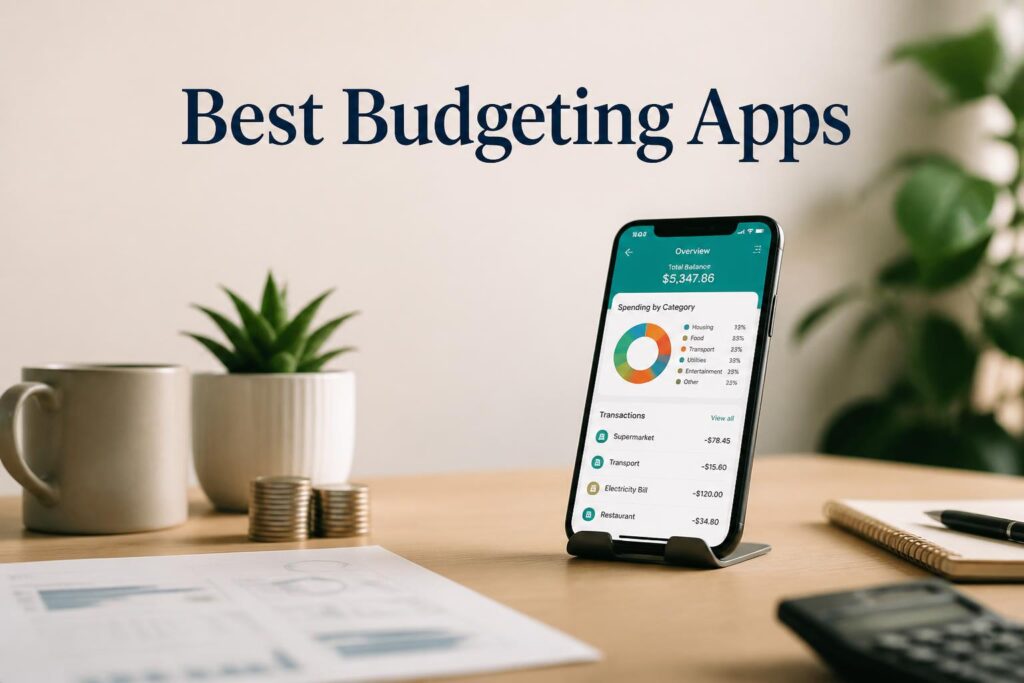
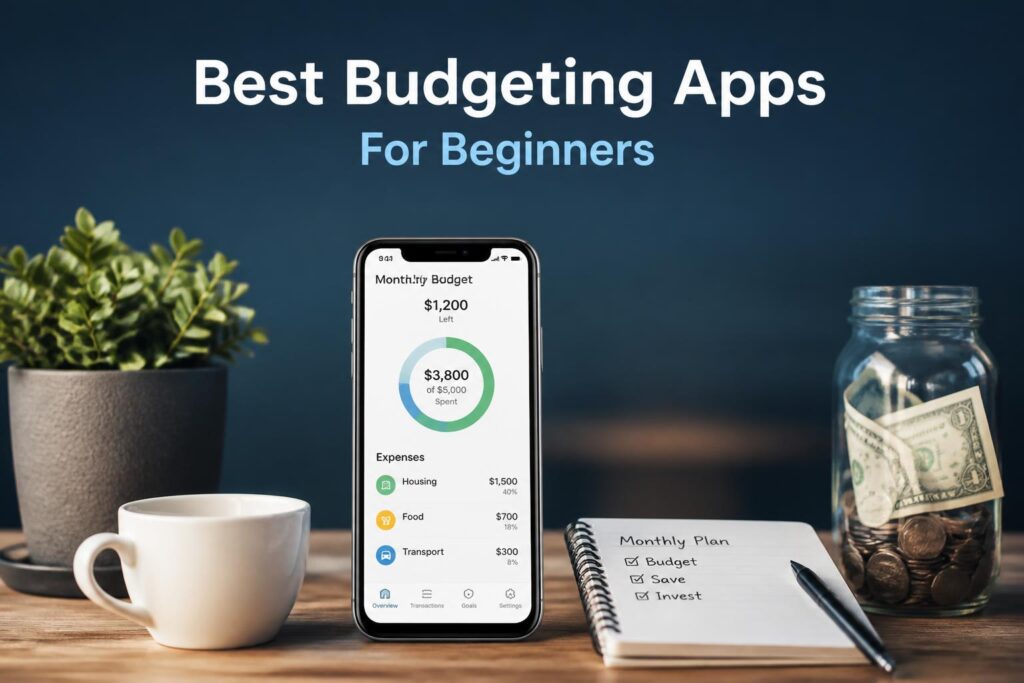
A budgeting app is software (mobile, desktop, or both) that tracks your income and expenses, categorizes transactions, and shows you where your money is going. That’s the base layer. Everything else is an add-on.
The core job is simple: instead of manually writing down every coffee purchase in a spreadsheet, the app pulls transaction data from your bank and credit card accounts and organizes it into categories like “Groceries,” “Rent,” “Subscriptions,” and “That Thing You Bought at 2 AM and Forgot About.”
Budgeting apps handle these well:
- Transaction aggregation (pulling data from multiple accounts into one dashboard)
- Spending categorization (sorting purchases into predefined or custom buckets)
- Trend visualization (showing you monthly spending patterns and where spikes happen)
- Goal tracking (letting you set savings targets and monitor progress)
- Bill reminders (alerting you before payments are due)
- Subscription identification (flagging recurring charges you might have forgotten)
They don’t do these things:
- Make financial decisions for you
- Fix overspending if you ignore the data
- Replace a conversation with a financial advisor for complex situations
- Work well if you refuse to connect your bank accounts (most features break)
The gap between expectation and reality is where most people quit. NerdWallet cited 2026 data showing 75% of budgeting app users abandon the tool within months. The apps aren’t broken. The mismatch between what the user needs and what the app offers is.
—
How Budgeting Apps Work Under the Hood
Most budgeting apps use a system called bank account aggregation. You link your checking, savings, credit cards, and sometimes investment accounts by entering your login credentials. The app uses a secure third party service (like Plaid, Finicity, or Yodlee) to pull transaction data in real time or near real time.
Once connected, the app categorizes each transaction. Some do this automatically using machine learning to recognize patterns (“$4.75 at Starbucks every Tuesday = Coffee”). Others ask you to manually assign categories, which sounds tedious but gives you more control.
The app then calculates:
- Income vs. expenses (how much came in, how much went out)
- Category breakdowns (where the money actually went)
- Budget vs. actual (if you set limits, it shows whether you stayed under or blew past them)
- Net cash flow (what’s left at the end of the month)
Some apps add extra layers:
- Credit score tracking, pulled from credit bureaus (Rocket Money includes this in the $7-$14/month tier)
- Net worth tracking, aggregating all assets and liabilities into one number (Empower does this for free)
- Debt payoff planning, showing how long it’ll take to clear balances (PocketGuard offers this at $12.99/month or $74.99/year)
- AI powered insights, flagging unusual spending or suggesting optimizations (Copilot Money uses this at $13/month)
The more advanced the features, the higher the price, but not always. Empower includes investment grade tools at no cost, while Copilot charges $13/month but only works on Apple devices.

—
Manual vs. Automated Tracking
This is where people split into two camps, and picking the wrong one is why so many apps end up uninstalled.
Manual budgeting apps require you to enter every transaction by hand or assign categories yourself. Examples: EveryDollar (free version), YNAB’s envelope system. The upside? You’re forced to engage with every dollar, which builds awareness. The downside? It’s time consuming, and if you skip a week, you’re behind.
Automated budgeting apps pull everything in automatically and categorize most transactions without your input. Examples: Monarch Money ($14.99/month or $99.99/year), Quicken Simplifi (from $3.99/month), Empower (free). The upside? Minimal effort after setup. The downside? You can ignore it completely, which defeats the purpose.
Which one works depends on your personality:
You’re a control freak who wants to “feel” every transaction? Go manual. YNAB scored highest in user feedback for people who want hands on zero based budgeting at $14.99/month or $109/year.
You hate admin work and just want a dashboard that tells you the truth? Go automated. Monarch Money earned top marks for flexible, automated budgeting in NerdWallet’s 2026 analysis.
You want a hybrid (mostly automated but with the ability to tweak categories)? Quicken Simplifi and Rocket Money both offer this middle ground.
Automated apps save time and increase accuracy, but they only work if you actually check the dashboard. Setting it up and forgetting it is not budgeting. It’s just data collection.
—
What to Look for in a Budgeting App in 2026
Not all budgeting apps are created equal, and the differences matter.
Bank connectivity The app needs to connect to your financial institutions. Quicken Simplifi connects to 14,000+ institutions, which covers most U.S. banks and credit unions. If your credit union isn’t supported, you’re stuck with manual entry, which breaks the automation promise.
Security You’re handing over bank login credentials. The app should use 256 bit encryption for data transmission, read only access (it can see transactions but can’t move money), two factor authentication for app login, and third party security audits (look for SOC 2 compliance).
Every app evaluated by Forbes and NerdWallet in 2026 met these standards, but smaller or newer apps might not.
Categorization accuracy Automated categorization sounds great until the app tags your $200 car repair as “Entertainment.” Look for apps that let you create custom categories, learn from your corrections, and allow category splitting (one transaction, multiple categories).
Copilot Money uses AI powered transaction categorization, which NerdWallet flagged as more accurate than rule based systems.
Goal setting tools If you’re budgeting for something (an emergency fund, a vacation, paying off debt), the app should let you set specific goals and track progress. Rocket Money and YNAB both scored high here in the 2026 evaluations.
Debt payoff features If you’re carrying balances, the app should show total debt across accounts, interest accrual, and payoff timelines under different payment scenarios.
PocketGuard includes detailed debt payoff plans starting at $6.25/month (as of June 2026 data from Quicken’s blog).
Reporting and insights A good app doesn’t just show data. It tells you what it means. Look for month over month comparisons, spending trends by category, alerts when you’re about to exceed a budget, and cash flow projections.
Tiller Money provides 30 to 60 years of financial projections, which is overkill for most people but useful if you’re planning long term.
Collaboration features If you share finances with a partner, the app should support multiple users without forcing you to share login credentials. Lunch Money offers collaboration features starting at $10/month or $50-$150/year.
Platform compatibility Some apps are mobile only. Some are desktop first. Some work on both but the experience is wildly different. Copilot is optimized for the Apple ecosystem. There’s no Android app. If you’re on Android, Copilot is off the table.
—
The Apps That Actually Deliver (Based on 684 Data Points)
Forbes evaluated 38 budgeting apps across 18 metrics, collecting 684 data points, and published their findings in July 2026. NerdWallet’s editorial team ran a parallel analysis in June 2026, evaluating apps based on features, user reviews, and usability.
Best Overall: EveryDollar
Price: $17.99/month or $79.99/year Best for: Beginners with tight budgets who want zero based budgetingEveryDollar scored highest in Forbes’ evaluation for usability and cost. It’s built around the zero based budgeting method: every dollar gets assigned a job before the month starts. The free version requires manual transaction entry, but the paid version (Ramsey+) includes bank syncing. User friendly interface and custom budget categories make it approachable for first timers.
Best for Automation: Monarch Money
Price: $14.99/month or $99.99/year Best for: People who want flexible, automated budgeting without manual inputNerdWallet called Monarch Money “highly customizable and automated” in their 2026 analysis. It pulls data from all your accounts, categorizes transactions automatically, and offers a customizable dashboard so you see what matters to you. The flexible budgeting strategies mean you’re not locked into one method. You can use envelopes, percentage based budgets, or a hybrid.
Best for Hands On Zero Based Budgeting: YNAB (You Need a Budget)
Price: $14.99/month or $109/year Best for: People who want to actively manage every dollarYNAB is the gold standard for zero based budgeting. It forces you to assign every dollar before you spend it, which builds serious financial awareness. NerdWallet noted it as a top choice among users despite the cost. The learning curve is steep, but the goal setting tools and intelligent budget allocation make it worth it if you’re committed. Expense tracking is detailed enough to catch spending leaks most people miss.
Best Free Option: Empower
Price: Free Best for: Investment tracking and net worth monitoring at no costEmpower (formerly Personal Capital) is the rare free app that doesn’t feel like a freemium trap. It includes investment grade tools like portfolio analysis, retirement planning, and net worth tracking. NerdWallet and Forbes Advisor both recognized it in 2026 for delivering premium features without a subscription. The catch? The interface is geared toward people with investments, so if you’re just tracking a checking account, it might feel like overkill.
Best Value: Quicken Simplifi
Price: From $3.99/month (with 50% off discount) Best for: Automated budgets based on income with subscription trackingPC Magazine named Quicken Simplifi “Best Overall” for 2024 and 2025, and it carried that momentum into 2026. It connects to 14,000+ financial institutions, builds an automated budget based on your income, and includes custom savings goals and subscription tracking. Quicken has served over 20 million customers, and Simplifi is their streamlined, mobile friendly offering. At $3.49/month with the current discount (as of Forbes’ July 2026 article), it’s the lowest cost premium option.
Best for Apple Users: Copilot Money
Price: $13/month Best for: AI powered categorization in the Apple ecosystemCopilot is optimized for iPhone, iPad, and Mac. There is no Android app. It uses AI powered transaction categorization, which adapts as you correct its guesses. The interface is clean, the insights are actionable, and it doesn’t try to sell you financial products. The downside? It’s Apple only, and at $13/month with no annual discount, it’s pricier than competitors.
Best for Spreadsheet Lovers: Tiller Money
Price: $79/year Best for: People who want raw data in Google Sheets or ExcelTiller Money doesn’t have an app. It pipes your transaction data directly into Google Sheets or Excel. If you’re the type who likes to build custom formulas and pivot tables, this is your tool. It provides 30 to 60 years of financial projections, which is extreme but useful for long term planning. The downside? No mobile app, and if you don’t know your way around a spreadsheet, the learning curve is brutal.
Best for Subscription Management: Rocket Money
Price: Free + Premium ($7-$14/month) Best for: Identifying and canceling unwanted subscriptionsRocket Money (formerly Truebill) made a name by helping users find and cancel forgotten subscriptions. It includes free credit score tracking, specific savings goals, and budget management tools. The premium tier adds negotiation services where Rocket Money contacts providers on your behalf to lower bills. According to Forbes’ July 2026 data, pricing is $7-$14/month depending on what you negotiate. Yes, even the subscription price is negotiable.
Best for Net Worth Tracking: PocketGuard
Price: From $6.25/month or $12.99/month, or $74.99/year Best for: Detailed spending view and debt payoff plansPocketGuard shows you your “In My Pocket” number: how much you can safely spend after accounting for bills, goals, and necessities. It includes debt payoff plans, subscription management, and a detailed view of spending by category. Quicken’s blog listed it at $6.25/month in June 2026, though PocketGuard’s own site shows $12.99/month or $74.99/year, so pricing may vary by promotion.
—
Pricing Reality Check: What You’re Actually Paying For
Most budgeting apps cost around $100/year, according to the 2026 research.
App Monthly Annual What You’re Paying For EveryDollar $17.99 $79.99 Zero based budgeting + bank syncing Monarch Money $14.99 $99.99 Automated budgeting + customizable dashboard YNAB $14.99 $109 Hands on zero based budgeting + goal tools Quicken Simplifi $3.99+ ~$48+ Automated budget + 14,000+ bank connections Copilot Money $13 — AI categorization (Apple only) Rocket Money $7-$14 — Subscription tracking + bill negotiation PocketGuard $6.25-$12.99 $74.99 Debt payoff + detailed spending view Tiller Money — $79 Raw data in Google Sheets/Excel Empower Free Free Investment tracking + net worth monitoring
If you’re just starting out and want to see where your money goes, start with Empower (free) or Quicken Simplifi (cheap). If you’re serious about behavior change and want to actively manage every dollar, YNAB or EveryDollar are worth the cost. If you’re an Apple user who hates manual work, Copilot’s $13/month is defensible.
Don’t pay for features you won’t use. If you don’t have investments, Empower’s portfolio tools are wasted on you. If you don’t care about projections 30 years out, Tiller Money’s $79/year is overkill.
—
Common Mistakes People Make When Choosing a Budgeting App
Picking based on price alone The cheapest app isn’t always the best deal. If a $5/month app doesn’t connect to your bank and forces you to manually enter 50 transactions a week, you’ll quit. Features matter more than price. A $15/month app you actually use beats a free app you ignore.
Not checking bank compatibility first You download the app, set it up, and then discover your credit union isn’t supported. Always check the supported institutions list before signing up. Quicken Simplifi’s 14,000+ connections cover most cases, but smaller apps might not.
Ignoring platform lock in Copilot is Apple only. Some apps don’t have desktop versions. If you switch from iPhone to Android in two years, you’ll have to migrate your entire budget to a new app. Check platform compatibility upfront.
Overcomplicating it You don’t need AI powered projections, debt payoff calculators, investment tracking, and a built in credit score monitor if all you want is to stop overspending on takeout. Start simple. Add features later if you need them.
Setting it up and never checking it Automated budgeting apps only work if you look at them. Set a weekly reminder to review spending. If you don’t, you’re just collecting data, not budgeting.
Not giving it a real trial Most apps feel clunky for the first two weeks while they learn your patterns. Don’t bail after three days. Give it a month. If it still doesn’t fit, move on.
Trusting auto categorization blindly Even the best AI gets it wrong. Your $300 home repair might get tagged as “Shopping.” Review categories weekly and correct errors so the app learns.
—
FAQ
What is the best budgeting app not linked to a bank account? EveryDollar’s free version and Wallet by BudgetBakers both support manual entry without bank linking. You lose automation, but you keep full control.
Is it safe to link my bank account to a budgeting app? Yes, if the app uses 256 bit encryption, read only access, and is SOC 2 compliant. Every app evaluated by Forbes and NerdWallet in 2026 met these standards. The bigger risk is reusing passwords. Use a unique, strong password and enable two factor authentication.
What is the best free budget app? Empower. It includes investment tracking, net worth monitoring, and portfolio analysis at no cost. Rocket Money’s free tier is also solid if you want subscription tracking without paying.
Do budget apps improve credit score? Not directly. They don’t report to credit bureaus. But apps like Rocket Money include free credit score tracking, and using a budget to pay down debt will improve your score over time.
What features should I look for in a budgeting app? Bank connectivity, automated categorization, goal setting tools, security (256 bit encryption + two factor auth), and platform compatibility. If you’re paying off debt, add debt payoff planning. If you have investments, add net worth tracking.
How often should I track net worth? Monthly is standard. Quarterly works if your finances are stable. Weekly is overkill unless you’re actively paying down debt or building savings aggressively.
Can I share net worth tracking with a partner or advisor? Yes, but not all apps support multi user access. Lunch Money includes collaboration features. Monarch Money lets you share dashboards. Check the app’s sharing settings before committing.
What is the best app for long term net worth projections? Tiller Money provides 30 to 60 years of financial projections. Empower also offers retirement planning tools with long term forecasts, and it’s free.
—
A budgeting app is only as good as your willingness to use it. The “best” app isn’t the one with the most features. It’s the one that matches how you actually think about money. Start with a free or low cost option, give it a real trial, and upgrade only if you’re hitting limits. The $100/year you spend on the right app will pay for itself if it helps you find even one forgotten subscription or avoid a single overdraft fee.