PocketGuard Review 2026: Is It Actually Worth Using?
Budgeting apps tend to fall into two camps. Some drown you in charts and categories. Others hide useful features behind paywalls that don’t feel great once you hit them.
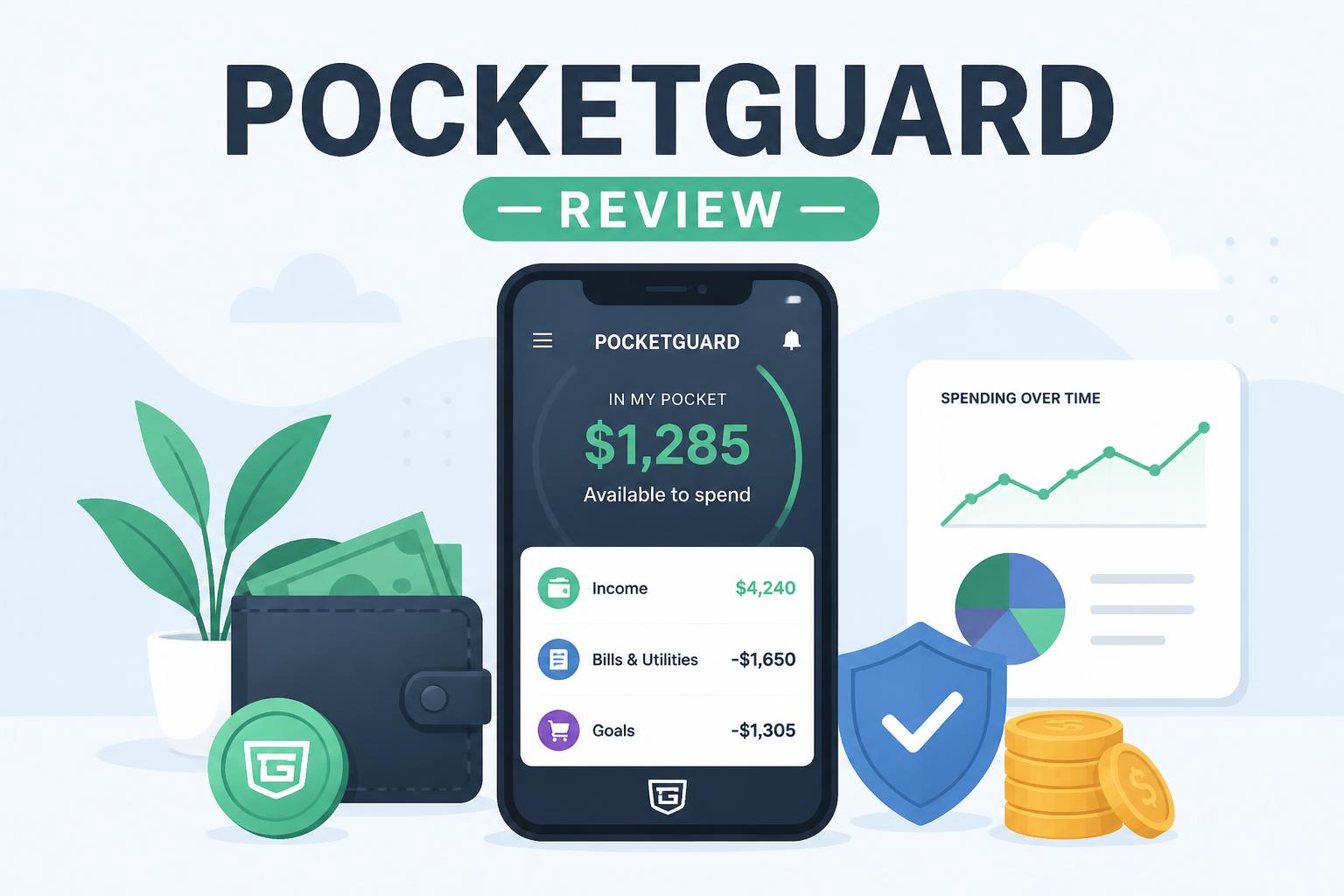
PocketGuard goes in the opposite direction. It tries to answer a much simpler question: how much money can you safely spend right now?
That’s it. No complicated setup. No digging through dashboards.
But in 2026, with apps like Monarch, YNAB, and Rocket Money doing much more, the real question is whether that simplicity still holds up—or if PocketGuard is something you quickly outgrow.
This review breaks it down in plain terms so you can decide for yourself.
—
What PocketGuard actually does
PocketGuard is built to reduce the noise around personal finance. Instead of making you build a detailed budget from scratch, it connects to your bank accounts and pulls everything in automatically.
Once it’s set up, it tracks:
- Income
- Bills
- Recurring spending
- Savings goals
Then it subtracts all of that from your income and shows what’s left. That remaining amount is your “safe to spend” money.
There’s not much more to it, and that’s intentional. It’s designed for people who don’t want to manage a budget every day.
The trade-off is obvious: the simpler it gets, the more it depends on the app getting your data right.
—
Key features in 2026
Bank syncing and automatic tracking
Once you connect your accounts, PocketGuard pulls in transactions automatically and sorts them into categories.
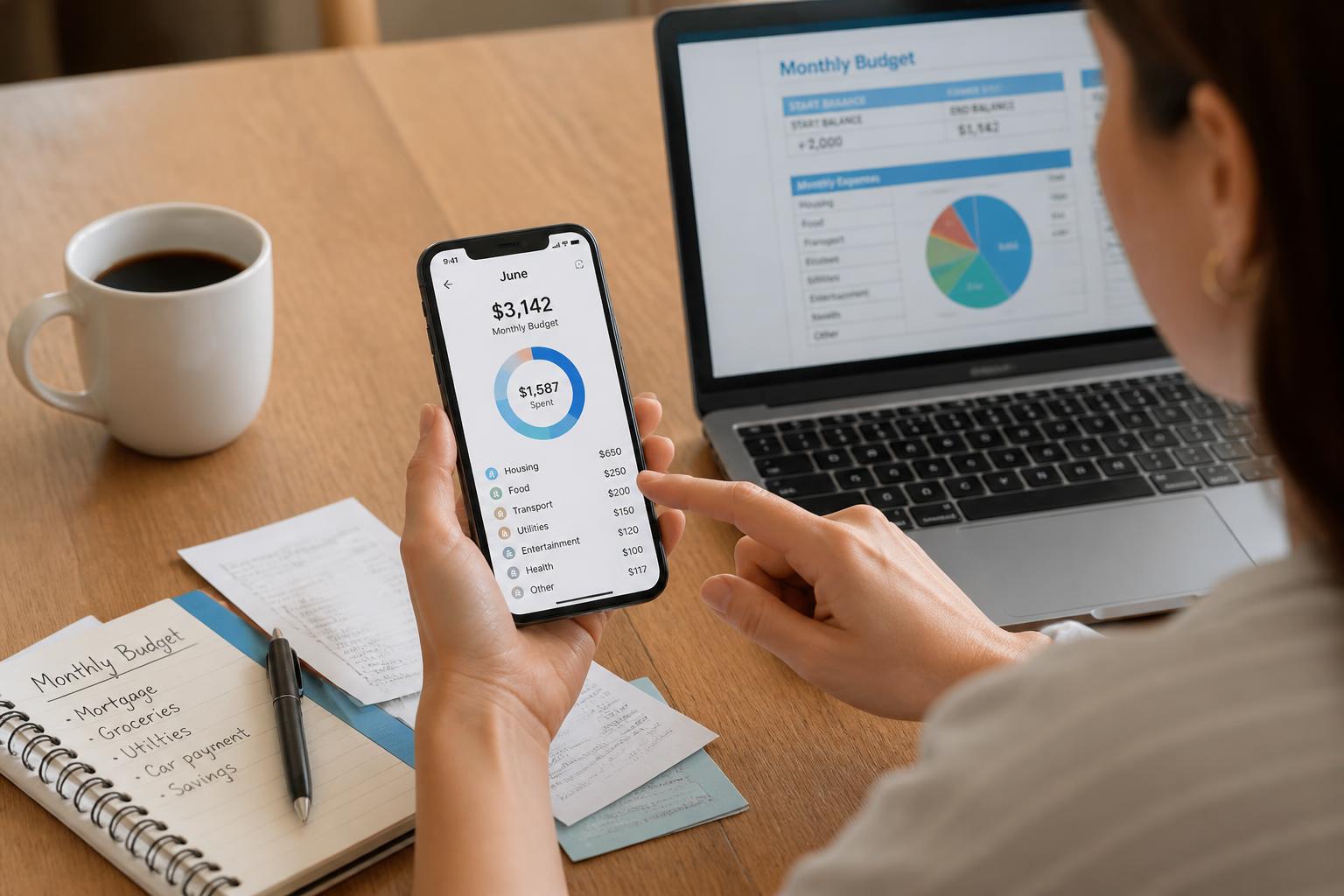
It’s smooth when it works well. You mostly just check in rather than manage anything manually.
That said, categorization isn’t perfect. Some transactions land in odd places, and you’ll occasionally need to fix them yourself. It’s not a dealbreaker, but it matters if you want accurate numbers.
—
“In My Pocket” system
This is the feature PocketGuard is known for.
Instead of showing you dozens of budget categories, it gives you one number:
Income – Bills – Essentials – Savings = what you can spend
That final number shows up as “In My Pocket.”
It answers a simple question: can I afford this purchase right now?
For someone trying to stop overspending, this works surprisingly well. It removes a lot of second-guessing.
But if you like seeing where every dollar goes, it can feel a bit too stripped down. You don’t get much insight into patterns, just a summary.
—
Bills and subscriptions
PocketGuard automatically detects recurring payments like rent, insurance, utilities, and subscriptions.
This part is genuinely useful. It’s easy to forget about small monthly charges, and seeing them grouped together makes it clearer where your money quietly disappears.
—
Savings goals
You can set goals and track progress over time.
It works fine, but it’s fairly basic. You won’t find much in the way of strategy or optimization. It’s more “track this” than “help you plan this better.”
—
How the “In My Pocket” number works (simple example)
Let’s say you earn $4,000 a month.
- Bills: $2,000
- Essentials: $800
- Savings: $400
That leaves:
$4,000 – $2,000 – $800 – $400 = $800
So PocketGuard tells you that $800 is what you can safely spend.
Instead of juggling categories, you’re just working with one number.
That simplicity is the whole point. It’s also where things can break down if the app misclassifies expenses.
—
Pricing in 2026
PocketGuard uses a freemium model.
Free version includes:
- Account syncing
- Basic overview of spending
- Limited budgeting tools
Premium unlocks:
- More detailed categories
- Better reporting
- Some bill-related features (depending on region)
- Extra controls for budgets
It’s not the cheapest app out there, but it’s also not the most expensive. The value comes down to whether you want simplicity more than depth.
—
Pros and cons
What it does well
- Easy setup
- Clean, simple interface
- One clear “safe to spend” number
- Automatic tracking reduces effort
- Helpful for people trying to control overspending
Where it falls short
- Not built for detailed budgeting
- Limited customization
- Categorization isn’t always accurate
- Too simple for investors or planners
- Some useful features sit behind premium
—
Who PocketGuard is actually for
PocketGuard fits a pretty specific type of user.
It works well if you:
- Struggle with overspending
- Don’t want to manage categories manually
- Prefer automation over control
- Want quick clarity instead of deep analysis
It’s probably not a good fit if you:
- Like detailed budgeting systems
- Track investments closely
- Prefer spreadsheets or structured planning
- Want full control over categories and rules
At its core, PocketGuard is about behavior, not strategy.
—
How it compares to other apps
YNAB
YNAB gives you full control but asks for effort. You assign every dollar and actively manage your money.
PocketGuard removes that effort and gives you a single number instead.
YNAB is for people who want to plan everything. PocketGuard is for people who don’t.
—
Rocket Money
Rocket Money focuses more on subscriptions and bill negotiation. It’s more aggressive in finding ways to save you money.
PocketGuard is quieter. It just shows you what’s happening.
—
Monarch
Monarch is closer to a full financial dashboard. It’s built for people who want to track everything in one place.
PocketGuard keeps things minimal. Less power, less setup, less complexity.
—
Common mistakes people make
One issue is expecting PocketGuard to behave like a full financial planning tool. It isn’t built for that, and trying to force it into that role usually leads to frustration.
Another common problem is ignoring incorrect transaction categories. If those aren’t fixed, the “safe to spend” number becomes less reliable over time.
And finally, relying entirely on automation without checking in occasionally can slowly drift your numbers off track.
—
Final thoughts
PocketGuard doesn’t try to compete with the most advanced budgeting apps. It’s not aiming for power users or detailed financial planners.
It’s aiming for simplicity.
And in that, it does a good job. If your main problem is overspending or just feeling overwhelmed by money tracking, it can genuinely help by cutting everything down to one number.
But that simplicity is also the limit. At some point, if your finances get more complex, you’ll probably want something more flexible.
So the real decision isn’t whether PocketGuard is impressive.
It’s whether you want more clarity or more control.
PocketGuard leans heavily toward clarity—and it stays there.