Best AI Video: Your Complete Guide to Choosing the Right Tool Without Overpaying

Choosing the best AI video generator in 2025 feels overwhelming. Dozens of platforms promise professional results. How do you know which one delivers without draining your budget or wasting hours learning it?
This guide cuts through the noise. You’ll learn which AI video tools offer real value, what features actually matter, and how to avoid the expensive mistakes most people make.
Why the Right AI Video Tool Matters
The wrong choice costs more than money. It costs time, opportunity, and frustration.
I’ve seen creators spend $300+ on enterprise plans they didn’t need. I’ve watched businesses struggle with tools too complex for what they were doing. And I’ve heard countless stories of people who picked the cheapest option, only to realize it couldn’t handle their project halfway through.
The problem is real: you need professional video content, but you can’t afford to overpay or waste weeks on complicated software.
What Makes an AI Video Tool Good?
Before diving into specific tools, here’s what actually matters:
Quality of output — Does it generate videos that look professional? Can you use them for business without embarrassment?
Ease of use — Can you create your first video in under 30 minutes? Does the interface make sense?
Value for money — Are you paying for features you’ll actually use? Is there a free tier or trial?
Speed — How long does it take to generate a video? Can you iterate quickly?
Customization — Can you control the style, pacing, and details? Or are you stuck with templates?
Use case fit — Does it excel at what you need? Social media clips are different from training videos are different from marketing content.
Top AI Video Tools for Different Needs
For Complete Beginners
If you’re new to AI video creation, complexity is your enemy. You need something that works immediately.
InVideo AI
InVideo AI helps beginners create professional videos fast. You describe what you want in plain English, and it generates a complete video with script, visuals, voiceover, and music.
Pros:
- Natural language interface (just describe your video)
- Massive stock media library included
- Templates for every niche
- Free tier available
Cons:
- Watermark on free plan
- Limited fine-tuning control
- Export quality caps at 720p on basic plans
Price: Free with watermark, paid plans from $20/month
For more beginner-focused options, check out our detailed guide on best AI video for beginners.
For Budget-Conscious Creators
Not everyone has $50-100/month to spend on video tools. Some platforms offer real capabilities at zero cost.
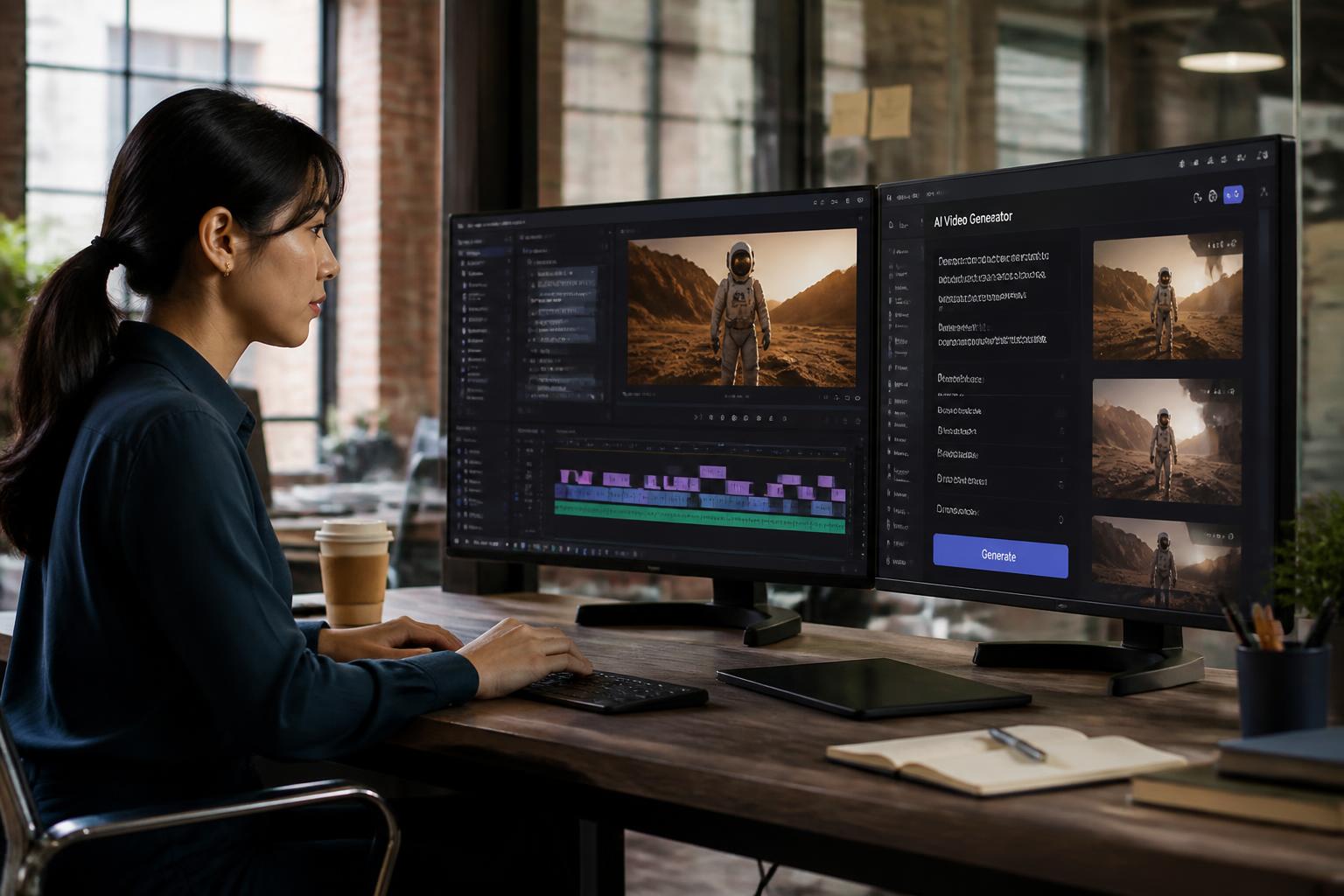
Runway Gen-2 (Free Tier)
Runway’s free tier gives you genuine AI video generation, not just template editing. You get limited credits monthly, but the quality rivals paid tools.
Pros:
- True AI video generation from text prompts
- No watermark on free tier
- Professional-grade output quality
- Great for short-form content
Cons:
- Limited monthly credits
- Generation can be slow during peak times
- Learning curve for prompt writing
Price: Free tier with 125 credits/month (approximately 4-5 short videos)
We’ve compared the best free AI video tools if you want more zero-cost options.
For Business and Marketing
Business needs are different from personal projects. You need consistency, brand compliance, and scalability.
Synthesia
Synthesia dominates the corporate AI video space. Built for training videos, product demos, and professional presentations.
Pros:
- AI avatars that look remarkably human
- Multi-language support (120+ languages)
- Brand kit integration
- Team collaboration features
- Screen recording + AI avatar combination
Cons:
- Expensive ($29-89/month minimum)
- Less creative freedom than generative tools
- Not ideal for artistic or social media content
Price: Starts at $29/month (billed annually)
For Social Media Content Creators
Social media demands volume, speed, and platform-specific formatting. Generic tools won’t cut it.
Opus Clip
Opus Clip turns long videos into viral short clips. It analyzes your content, identifies the best moments, and reformats them for TikTok, YouTube Shorts, and Instagram Reels.
Pros:
- Automatically identifies viral-worthy moments
- Platform-specific formatting (9:16, captions, hooks)
- Virality score prediction
- Batch processing
Cons:
- Requires source video (doesn’t generate from scratch)
- Best for talking-head or podcast content
- Limited customization of AI decisions
Price: Free tier available, paid from $9/month
For Creative and Artistic Projects
If you’re creating art, music videos, or experimental content, you need tools that embrace creativity over corporate polish.
Pika Labs
Pika Labs offers the most artistic control in AI video generation. Excels at stylized, imaginative content rather than realistic corporate videos.
Pros:
- Strong creative control
- Unique artistic styles
- Active community and prompt sharing
- Regularly updated with new features
Cons:
- Can be unpredictable
- Requires prompt engineering skills
- Not ideal for standard business content
Price: Free tier with limited generations, paid plans from $8/month
The 2025 AI Video Landscape: What Changed
AI video technology evolves quickly. Here’s what’s different in 2025 compared to six months ago:
Better consistency — Early AI video tools produced wildly inconsistent results. Today’s platforms maintain style and quality across generations.
Longer videos — Most tools maxed out at 4-5 seconds in 2023. Now you can generate 30-60 second clips routinely.
Text rendering — AI struggled with text in videos. New models handle titles, captions, and overlays much better.
Voice cloning — You can now clone your own voice for narration, making videos sound authentic without recording audio.
Cost decreases — Competition has driven prices down significantly. What cost $100/month in 2023 now costs $20-30.
For the latest developments, see our 2025 AI video roundup.
How to Choose Without Overpaying
Here’s a practical process to find your best fit without wasting money:
Define your primary use case
Don’t say “I need AI video.” Be specific:
- Social media clips (under 60 seconds)?
- Explainer videos (2-5 minutes)?
- Training content (5-30 minutes)?
- Product demos?
- Creative/artistic projects?
Each category has different optimal tools.
Determine your volume needs
How many videos do you actually need monthly?
- 1-5 videos: Free tiers may suffice
- 5-20 videos: Mid-tier plans ($20-40/month)
- 20+ videos: Consider enterprise or unlimited plans
Most people overestimate their volume and overpay for capacity they never use.
Start with free tiers
Every tool above offers free trials or free tiers. Use them. Spend a week actually creating videos before paying anything.
Test with your real projects, not toy examples. You’ll quickly discover if a tool fits your workflow.
Evaluate your skill level honestly
Advanced tools offer more control but demand more expertise. If you’re not willing to learn prompt engineering or video editing basics, stick with beginner-friendly platforms even if they seem “less powerful.”
A simpler tool you’ll actually use beats a sophisticated one you’ll abandon.
Calculate true cost
Don’t just compare monthly prices. Consider:
- Time to learn the platform
- Time per video creation
- Quality of output (will you need to redo videos?)
- Export limitations
- Asset libraries included vs. separate purchases needed
A $50/month tool that saves you 10 hours monthly is cheaper than a $10/month tool that requires 20 hours of work.
Common Mistakes That Waste Money
Buying annual plans immediately
Platforms push annual subscriptions with discounts. Resist until you’ve used the tool for at least a month. Software that seems perfect on day one often reveals limitations by week three.
Choosing based on feature lists
More features doesn’t mean better for you. Most users employ 20% of available features. A tool with 100 features you don’t need isn’t better than one with 20 features you’ll use constantly.
Ignoring generation speed
Some AI video tools take 10-15 minutes per generation. Others deliver results in 2-3 minutes. That difference compounds fast when you’re iterating or producing volume.
Overlooking export quality
Free tiers often cap exports at 720p or add watermarks. If you need 1080p or 4K without branding, you’ll need paid plans. Factor this into your budget from the start.
Forgetting about commercial rights
Can you use the generated videos commercially? Some free tiers restrict business use. Read the license terms before creating client work.
Budget-Friendly Strategies That Actually Work
Combine tools
No single platform excels at everything. Many creators use:
- One tool for script generation
- Another for video creation
- A third for editing/refinement
This costs less than an all-in-one enterprise solution.
Leverage free tiers strategically
Create your video assets during free trial periods, then cancel until you need more. Many platforms reset credits monthly — use them fully before upgrading.
Annual billing only after validation
Once you’ve confirmed a tool fits your needs, annual billing saves 20-40%. But only commit after genuine testing.
Student and creator discounts
Many platforms offer 30-50% discounts for students, educators, and content creators. Check eligibility — definitions are often broader than expected.
Group/team plans
Sharing a team plan with a colleague or friend often costs less per person than individual plans, even for two users.
Technical Considerations
Generation speed — How long you wait per video affects productivity dramatically. Test this during trials.
Resolution options — Ensure the platform exports at your required quality (720p, 1080p, 4K).
Format flexibility — Can you export for different platforms (square for Instagram, vertical for TikTok, landscape for YouTube)?
Editing after generation — Can you tweak results without starting over? Non-destructive editing saves time.
API access — For developers or high-volume users, API access enables automation. Most consumer tools lack this.
Storage and organization — How does the platform handle your video library? Can you find past projects easily?
When to Upgrade (and When Not To)
Upgrade when:
- You’re consistently hitting your plan limits
- Watermarks harm your professional image
- Export quality limits your distribution
- You need features your current plan lacks
- Time savings justify the cost increase
Don’t upgrade when:
- You’re using less than 50% of your current capacity
- The upgrade offers features you won’t use
- You can achieve results through workflow changes instead
- The cost increase isn’t justified by revenue or time savings
The Future of AI Video
AI video technology continues evolving rapidly. Expect these developments soon:
Full movie generation — Current tools max out around 60 seconds. We’re moving toward multi-minute coherent narratives.
Real-time generation — Today’s tools require minutes of processing. Future versions may generate video in real-time.
Better character consistency — Maintaining the same character across scenes remains challenging. This is improving fast.
Voice and lip sync perfection — AI-generated speech and lip syncing will become indistinguishable from real recordings.
Lower costs — Competition and efficiency improvements continue driving prices down.
Final Recommendations
If you need a single recommendation:
For beginners: Start with InVideo AI’s free tier
For budget users: Runway Gen-2 free tier
For business: Synthesia (if budget allows) or InVideo AI
For social media: Opus Clip
For creators: Pika Labs
But honestly? The best tool is the one you’ll actually use consistently. Start free, test thoroughly, and upgrade only when limitations clearly cost you money or opportunity.
Getting Started Today
Don’t overthink this. Here’s your action plan:
- Pick your primary use case from this article
- Sign up for the recommended tool’s free tier
- Create three test videos this week
- Evaluate: Does this fit your workflow and needs?
- If yes, continue with free tier until you hit limits
- If no, try the next recommendation
The worst choice is paralysis. Every tool mentioned here can produce professional results. The differences matter less than taking action.
You’re not looking for the “perfect” AI video tool — you’re looking for the one that’s good enough for your needs without costing more than necessary. That tool exists, and you can find it through systematic testing rather than endless research.
Now stop reading and start creating.