M1 Finance review 2026: is it still worth using?
A lot of investing apps end up feeling like a compromise. Either you give up control to a robo-advisor, or you manage everything yourself and spend more time on it than you planned.
M1 Finance sits somewhere in between those two. It doesn’t fully manage things for you, but it also doesn’t leave you alone to figure out every trade. That middle ground is the whole idea behind it.
With so many zero-fee brokers and automated investing tools now available in 2026, it’s fair to ask whether M1 still stands out or just blends in.
—
What M1 Finance is
M1 Finance is a mix of brokerage and automated investing.
You can:
- build your own portfolio
- invest in ETFs and stocks
- let the platform handle allocation automatically
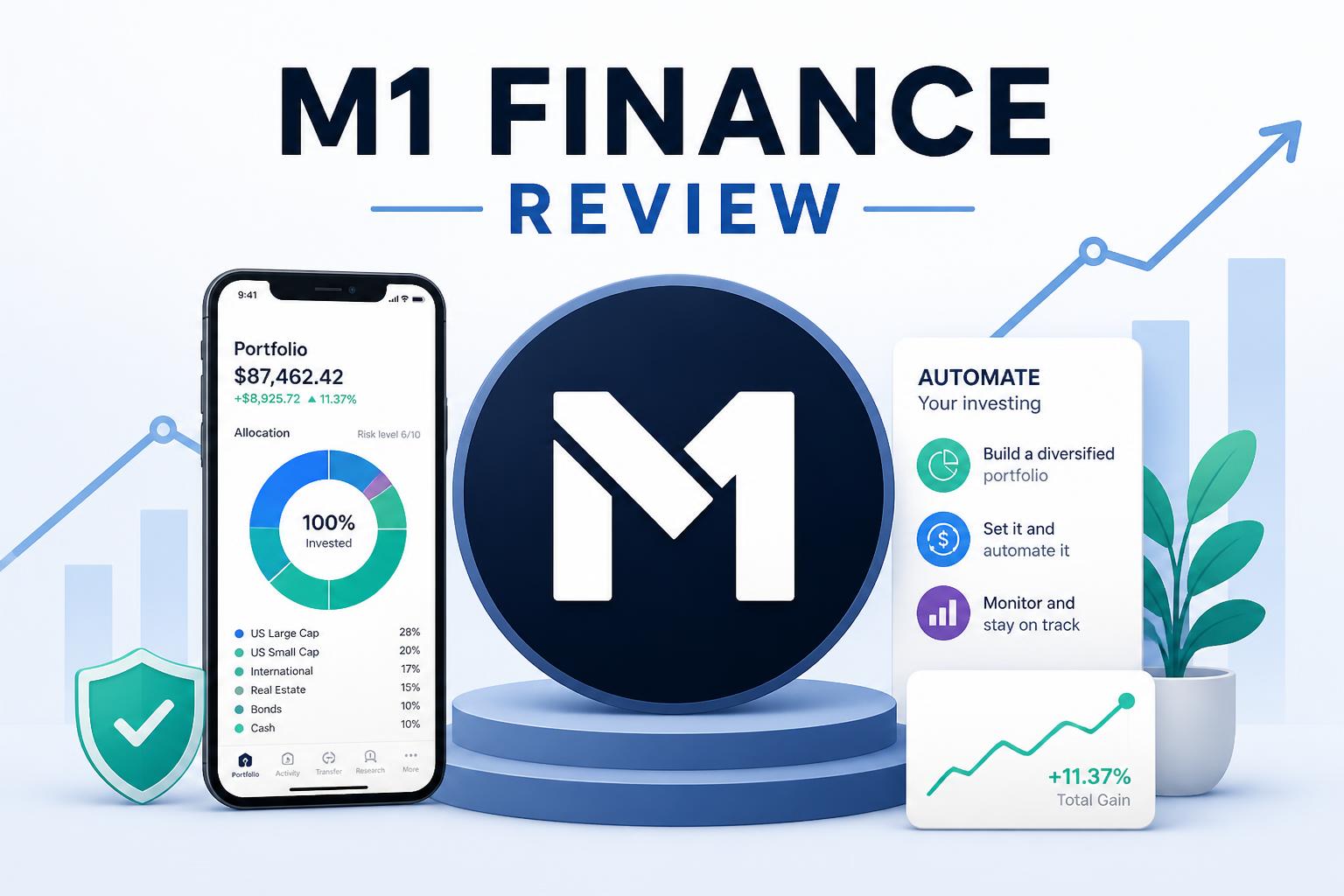
Instead of buying and selling individual positions every time, you build something called a “pie.” That pie is just your portfolio broken into slices, each with a target percentage.
You set the structure once, then the system keeps it aligned over time.
It’s not a robo-advisor in the traditional sense. There’s no constant algorithm reshaping your portfolio. It mostly follows your setup and executes it.
—
How it works in practice (2026)
The workflow is straightforward.
Building a portfolio
You create a pie made of different assets. That could be:
- broad market ETFs
- bonds
- individual stocks
- themed sectors like AI or clean energy
Setting allocations
Each slice gets a percentage. For example:
- 40% total market ETF
- 20% tech stocks
- 20% bonds
- 20% international ETFs
Adding money
When you deposit cash, the system spreads it across your pie based on those targets.
Keeping things balanced
Instead of selling assets all the time, it mostly uses new deposits to bring things back in line. If nothing is added for a while, the portfolio can drift a bit until more money comes in.
This approach tends to reduce taxable events compared to frequent selling.
—
Key features
Control with automation
M1 doesn’t override your choices. It follows them.
That works well if you already have an idea of what you want to hold. It’s less helpful if you’re looking for guidance on what to buy in the first place.
There’s no real financial planning layer built in, so you’re still responsible for the strategy.
—
The pie system
This is the main reason people use the platform.
You see your portfolio as a visual structure instead of a long list of holdings.
It helps with:
- tracking allocation
- avoiding constant tinkering
- keeping long-term plans visible
But there’s a downside. It’s easy to overbuild things. Some users end up with too many slices and too much overlap, which defeats the purpose of simplicity.
—
Rebalancing approach
Rebalancing happens mostly through new deposits rather than selling.
That keeps taxes lower in taxable accounts, but it also means adjustments can be slow if you’re not adding money regularly.
During volatile markets, it doesn’t react as aggressively as some robo-advisors.
—
M1 Borrow
You can borrow against your portfolio at margin rates.
People usually use it for short-term liquidity without selling assets.
It adds flexibility, but it also adds risk. If the market drops, borrowed positions can become a problem quickly.
—
Automation tools
You can set:
- recurring deposits
- dividend reinvestment
- allocation rules
It feels semi-automatic, but not fully hands-off.
—
Fees and pricing
For most users, trading is commission-free and there’s no basic management fee.
That said, the real cost isn’t in fees. It’s in how much responsibility shifts to you.
If your portfolio design is off, the platform won’t correct it. That’s on you.
—
Pros and cons
What works well
- flexible portfolio design
- automatic allocation handling
- low trading costs
- decent tax efficiency for long-term investing
- good for structured, long-term strategies
What doesn’t
- not friendly for complete beginners
- easy to overcomplicate portfolios
- limited planning and guidance tools
- margin borrowing adds risk
- weaker optimization compared to some robo-advisors
—
Who it tends to suit
It fits people who already think in terms of portfolios and asset allocation.
Usually:
- long-term investors
- ETF-focused users
- people who want rules instead of constant decisions
- investors building dividend or theme-based setups
It’s less about picking stocks and more about maintaining a structure over time.
—
Who it doesn’t suit
It’s probably not a good match if:
- you want full financial planning tools
- you prefer everything handled automatically
- you’re just starting out and want guidance
- you don’t want to think about allocation at all
—
Compared to other platforms
Betterment
Betterment is more hands-off. It handles goals, allocation, and adjustments without much input.
M1 gives you more control, but also more responsibility.
Wealthfront
Wealthfront tends to focus more on tax optimization tools.
M1 is more flexible in how you build portfolios, but less automated in optimization.
Robinhood
Robinhood is mainly for trading and quick execution.
M1 is built for structured, long-term investing rather than constant buying and selling.
—
Final take
M1 Finance still has a clear identity in 2026.
It’s not trying to simplify investing down to “set it and forget it.” It assumes you want some say in how things are built, but don’t want to manage every transaction.
That balance works for some people and feels unnecessary for others.
If you already know how you want your money allocated, it can stay useful. If you don’t, it may feel like extra work rather than help.