How to Compare Robo-Advisors: A Step-by-Step Guide (2026)
This article contains affiliate links. If you sign up through one of these links, we may receive a commission at no additional cost to you.
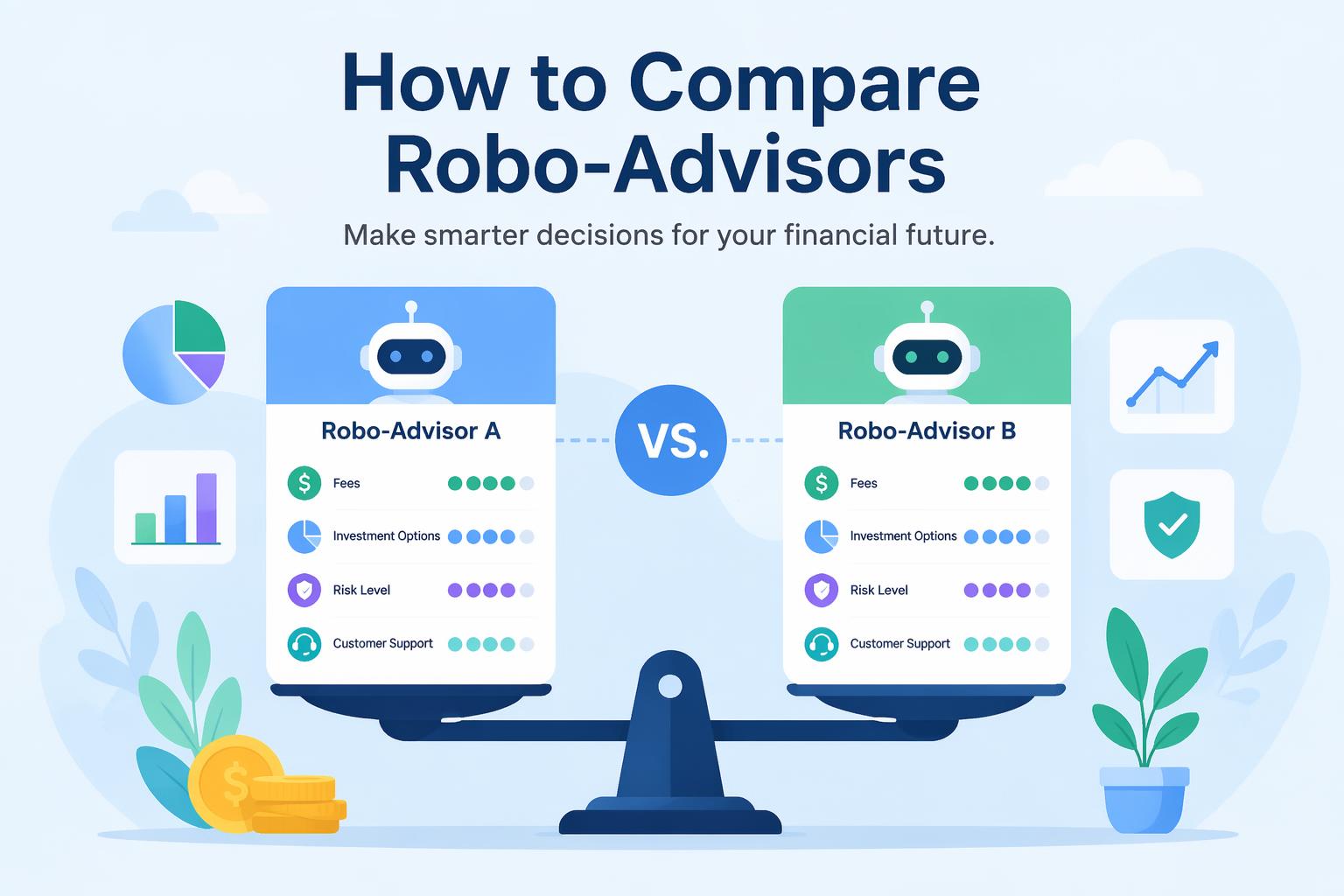
You know you should be investing. You’ve heard robo-advisors make it easy. But when you start comparing them, everything blurs together: Wealthfront, Betterment, Fidelity Go, Schwab. Different minimums, different fees, vague promises about personalized portfolios.
How do you actually pick without overpaying or spending weeks researching?
This guide walks through the comparison process step by step. By the end you’ll know which factors matter, how to calculate real costs, and which platform fits your situation. The whole thing takes about 30 minutes.
What you need:
- A rough idea of how much you want to invest (even $10 works)
- Your primary goal (retirement, general wealth, specific purchase)
- 20-30 minutes
- A notepad or spreadsheet to track your top choices
Step 1: Determine Your Account Minimum Reality
Account minimums in 2026 range from $0 to $5,000. If you’re starting with $100, platforms requiring $5,000 are off the table no matter how good their features look.
Current landscape:
- $0 minimum: Betterment ($10 to start investing), Fidelity Go
- $50 minimum: Robinhood Strategies, SoFi Robo Investing
- $500 minimum: Wealthfront
- $5,000 minimum: Schwab Intelligent Portfolios
Write down how much you’re starting with. Cross off any platform below that threshold.
> Note: Some platforms advertise “$0 to open” but require a minimum deposit to start investing. Betterment technically has a $10 investing minimum despite the $0 account minimum.
Step 2: Calculate Your True Annual Cost
Management fees sound small. 0.25% doesn’t feel like much. But on a $50,000 account that’s $125 per year. Every year. Compounded over decades, fees eat thousands in returns.
How to calculate what you’ll actually pay:
- Take your expected account balance (or starting balance if you’re unsure)
- Multiply by the platform’s management fee percentage
- Add any flat monthly fees
- Multiply by 12 if the fee is monthly
Example for a $10,000 account:
- Fidelity Go: $10,000 × 0% = $0/year (accounts under $25k are free)
- Betterment: $10,000 × 0.25% = $25/year
- Schwab Intelligent Portfolios: $10,000 × 0% = $0/year (no management fee)
- Wealthfront: $10,000 × 0.25% = $25/year
According to 2026 research, Vanguard Digital Advisor charges approximately $15-$16 annually per $10,000 invested in index portfolios—roughly 0.15-0.16%.
Create a simple spreadsheet with three columns: Platform, Your Balance, Annual Cost. Fill it in for your top 3-5 choices. The real dollar amounts make the cost difference visceral, not abstract.
> Pro tip: Don’t forget to factor in growth. If you start with $10,000 but expect to reach $50,000 in 5 years, calculate costs at both levels.
Step 3: Identify Your Non-Negotiable Features
Not all robo-advisors offer the same features. Some differences are cosmetic. Others are deal-breakers depending on your situation.
Go through this checklist and mark which features you actually need:
Tax optimization:
Tax-loss harvesting automatically sells losing investments to offset gains. According to 2026 data, Wealthfront offers daily tax-loss harvesting; Schwab requires $50k+ for this feature.
Account types:
Taxable brokerage, Traditional IRA, Roth IRA, 401(k) rollovers, joint accounts, trust accounts.
Investment approach:
Socially responsible investing (ESG), all-ETF portfolios, active fund options, custom portfolio building (M1 Finance allows this for sophisticated investors).
Human advisor access:
SoFi Automated Investing provides licensed financial advisor access as of 2026. Some platforms charge extra for human advisors; others include it.
Goal planning tools:
Retirement calculators, goal-based financial planning (Betterment offers this), detailed financial outlooks.
Write down your 2-3 must-have features. Then check which platforms on your list actually offer them. Some will drop off because they lack what you need.
Step 4: Check the Portfolio Construction Method
This is where robo-advisors actually differ in substance, not just marketing.
Most use Modern Portfolio Theory—they assess your risk tolerance, then build a diversified portfolio of ETFs. But the details vary:
All-index approach (Vanguard Digital Advisor):
Broad diversification using low-cost index ETFs. Invests across US and international markets. Lowest cost, tracks market returns.
Active/Index hybrid (Vanguard Digital Advisor option):
Combines index funds with actively managed funds. Higher potential returns (not guaranteed). Higher advisory fees.
ESG-focused (multiple platforms):
Applies environmental, social, governance criteria. May include some non-ESG bonds for diversification. Betterment offers socially responsible investment options.
Custom allocation (M1 Finance):
You build your own portfolio from available ETFs. Platform handles rebalancing. More control, more responsibility.
Look up each platform’s investment methodology. Most explain it on their “How it works” page. Ask yourself:
- Do I want pure index investing or active management?
- Do I care about ESG criteria?
- Am I comfortable with the platform’s asset allocation strategy?
> Reality check: Don’t overthink this. For most beginners, any diversified ETF portfolio from a reputable platform will perform similarly. The bigger difference is fees and whether you’ll actually stick with it.
Step 5: Evaluate the User Experience
You’ll interact with this platform for years, maybe decades. A clunky interface makes you less likely to check in, adjust goals, or add money—which means you invest less over time.
Visit each platform’s website and look for:
Mobile app quality:
Does it exist? What’s the app store rating? Can you do everything from mobile, or do some features require desktop?
Dashboard clarity:
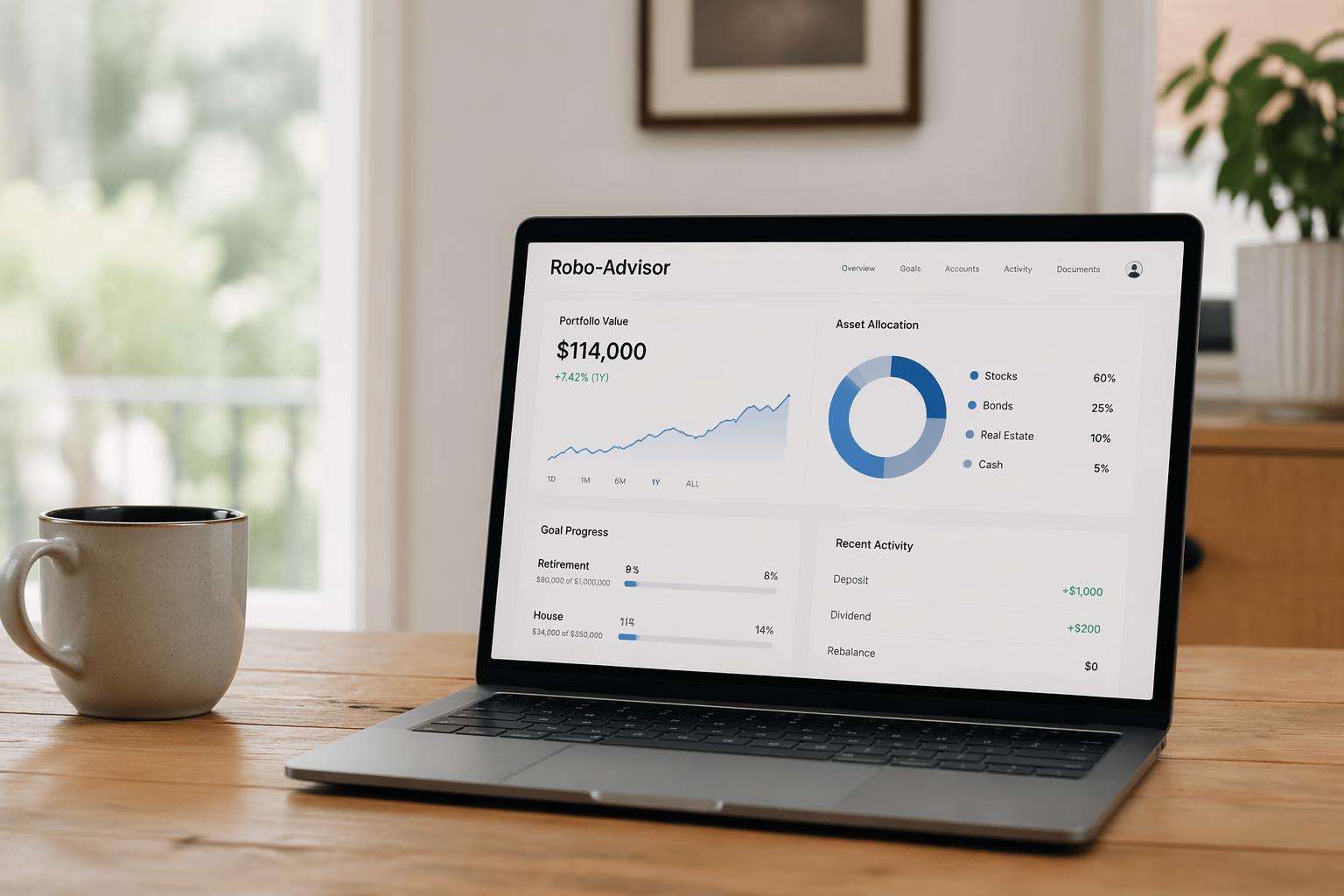
Can you see your portfolio performance at a glance? Is the goal tracking visual or buried in menus? How easy is it to deposit more money?
Educational resources:
Do they explain what they’re doing and why? Is there a knowledge base if you have questions?
Account setup complexity:
How many steps to open an account? Do they require a phone call or is it 100% online?
According to Investopedia’s 2026 evaluation of 20 digital wealth management platforms on 59 criteria:
- Wealthfront earned a 4.9 out of 5-star rating
- Betterment earned a 4.7 out of 5-star rating
- Fidelity Go earned a 4.3 out of 5-star rating
Create accounts (you don’t have to fund them) with your top 2-3 choices. Walk through the onboarding process. Notice which one feels intuitive versus which one feels like you’re filing taxes. One platform will likely feel more natural to you. Trust that instinct—it matters for long-term consistency.
Step 6: Read the Fine Print on Rebalancing and Trading
Automated rebalancing is one of the main benefits of robo-advisors, but platforms handle it differently.
Rebalancing frequency:
Daily, weekly, monthly, or quarterly? Triggered by portfolio drift thresholds or calendar-based? Wealthfront offers automated portfolio rebalancing as of 2026.
Trading costs:
Most robo-advisors don’t charge trading commissions. But some use proprietary ETFs that may have higher expense ratios. Check the underlying ETF costs, not just the management fee.
Cash drag:
How much uninvested cash do they typically hold? Schwab has been noted to keep higher cash allocations—which reduces returns but lowers risk.
Look for each platform’s rebalancing policy in their FAQ or methodology documentation. Add this to your comparison spreadsheet.
Step 7: Test Customer Support Before You Commit
You will eventually have a question. Maybe about a tax form. Maybe about rolling over a 401(k). Maybe about why your portfolio dropped 8% last month.
Before funding an account, test their support:
- Find the “Contact Us” or “Help” section
- Send a question via their preferred channel (chat, email, phone)
- Time how long it takes to get a real answer
- Evaluate the quality of the response
Questions to ask:
- “What’s the process for rolling over my 401(k) into your platform?”
- “How do you handle tax-loss harvesting in my state?” (pick your actual state)
- “Can I exclude specific companies or industries from my portfolio?”
Response time should be under 24 hours for email, under 5 minutes for chat. The answer should be specific, not a copy-paste from their FAQ.
> Red flag: If they can’t answer a basic question or make you wait 3+ days, imagine what happens when you need urgent help with a time-sensitive transaction.
Step 8: Understand the Exit Strategy
You might not stay with your first robo-advisor forever. Your needs will change. A better platform might launch. You might decide you want more control.
Before signing up, know how to get out:
Transfer process:
Can you transfer your investments to another brokerage (ACATS transfer)? Or do they force you to sell everything and withdraw cash (triggering potential tax events)?
Transfer fees:
Some platforms charge $50-$75 to transfer out. Others cover the fee if you’re transferring above a certain amount.
Account closing:
Is there a minimum time you must keep the account open? Any penalties for closing within the first year?
Check each platform’s “Closing Your Account” or “Transfer Out” documentation. This is usually buried in their terms of service or help center.
Step 9: Look for Promotional Offers (But Don’t Let Them Decide)
As of 2026, some robo-advisors offer sign-up bonuses or fee waivers:
- Vanguard Digital Advisor: $0 in advisory fees for first 90 days
- Other platforms occasionally offer deposit bonuses ($50-$500 for new accounts with minimum deposits)
These offers are nice, but they shouldn’t be your deciding factor. A 3-month fee waiver saves you maybe $15-$30. Choosing a platform with 0.10% higher fees costs you hundreds or thousands over a decade.
Treat promotions as tiebreakers, not primary criteria.
Step 10: Make Your Decision Matrix
You’ve gathered all the data. Now organize it to make your final choice obvious.
Create a comparison table with these columns:
| Platform | Cost/Year | Min Investment | Tax-Loss Harvesting | Human Advisor | ESG Options | Your Rating (1-10) |
|—|—|—|—|—|—|—|
Fill in each row with your findings from Steps 1-9.
Then add your subjective rating in the last column—a gut check based on user experience, trust, and overall fit.
Sort by:
- Your rating (highest to lowest)
- Annual cost (lowest to highest)
The platform at the top of your sorted list is likely your best choice.
> Decision paralysis hack: If you’re stuck between two platforms, flip a coin. If you feel disappointed by the result, go with the other one. Your emotional reaction reveals your true preference.
What to Do Next
Most platforms let you open an account and explore the interface before depositing money. Do this with your top choice. Walk through the risk assessment, see their recommended portfolio, and make sure everything still feels right.
If you need more detail on specific platforms, Investopedia’s 2026 evaluation provides detailed breakdowns of 20 platforms across 59 criteria. NerdWallet’s 2026 robo-advisor rankings offer another perspective.
If you’re stuck between two options, start with the lower-cost option. You can always transfer later, and you’ll save money while you decide.
Frequently Asked Questions
Do I need a paid plan to follow this comparison process?
No. You can research and compare robo-advisors entirely for free. Most platforms let you explore their interface and see sample portfolios without funding an account.
How long does it take to open a robo-advisor account?
Typically 10-20 minutes. You’ll need your Social Security number, employment information, and bank account details for funding.
Can I compare robo-advisors without switching my current investments?
Yes. You can open a new robo-advisor account and start fresh while keeping your existing investments elsewhere. Once you’re comfortable, you can decide whether to transfer old accounts.
What should I do if the robo-advisor I picked starts underperforming?
First, check if it’s underperforming the market or just following a down market. All diversified portfolios drop when the market drops. If it’s genuinely underperforming its benchmark for 2+ years, that’s when to reconsider.
Is Fidelity Go really free for accounts under $25,000?
Yes, as of 2026, Fidelity Go charges 0% management fees for balances under $25k. Accounts over $25k are charged 0.35% annually.
Should I pick the robo-advisor with the lowest fees?
Not automatically. Schwab Intelligent Portfolios charges 0% management fees, but it may hold more cash than other platforms—which reduces returns. Sometimes paying 0.25% for better tax-loss harvesting and lower cash drag is worth it.
The Bottom Line
Comparing robo-advisors doesn’t have to take weeks. Follow this 10-step process, fill in your comparison spreadsheet, and trust your decision.
The difference between choosing randomly and choosing systematically could save you thousands of dollars in fees and hundreds of hours in frustration over the next decade.