
“`markdown
Reclaim vs Motion (2026): AI Scheduling That Saves You Time
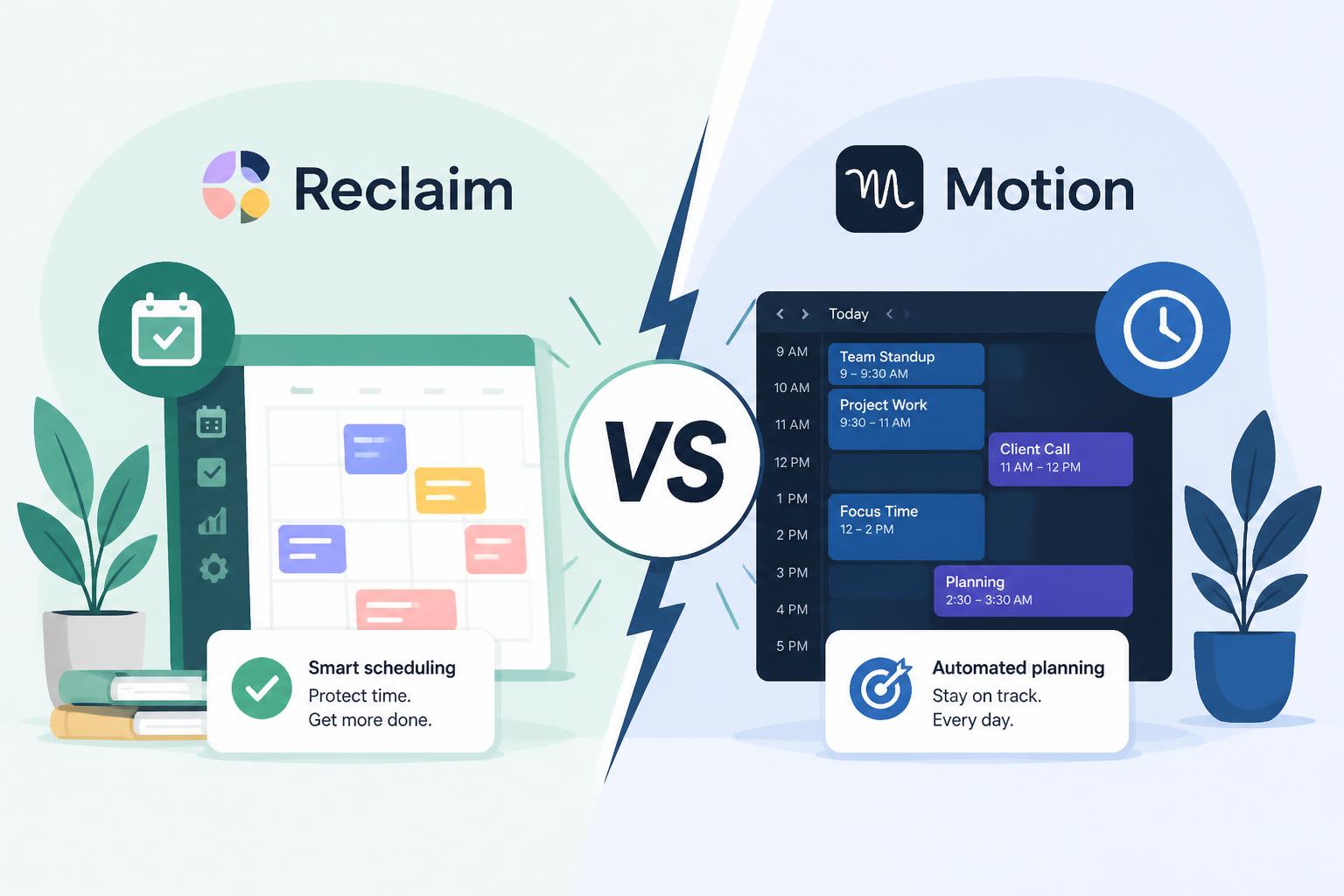
If your calendar feels like it runs the day instead of supporting it, you’re the kind of user both Reclaim AI and Motion are built for.
Most people don’t choose between them carefully. They go with whatever they hear first or whatever looks simpler in a demo. Then nothing really changes.
Both tools are strong in 2026. They just solve the same problem from different angles: keeping your time usable instead of constantly reshuffling it.
So the real question isn’t what they are. It’s how they change the way you actually work.
—
Table of Contents
- Why this comparison still matters
- Scheduling vs execution mindset
- Feature breakdown
- How the automation behaves
- Pricing and value
- When Reclaim makes sense
- When Motion makes sense
- Simple decision guide
- Bottom line
—
The Core Issue: Calendars Don’t Reflect Real Life
Most tools assume your day stays stable.
It doesn’t. Meetings move. Tasks grow. Priorities change halfway through the afternoon.
Reclaim AI and Motion both try to handle that mess.
They answer the same question in different ways:
> How do you plan a day that keeps changing without you constantly fixing it?
—
Two Different Approaches: Protection vs Execution
Reclaim AI: Time Protection
Reclaim AI is built around protecting your calendar first.
It works on top of Google Calendar and focuses on:
- Blocking focus time automatically
- Keeping routines like workouts or breaks in place
- Moving meetings when things shift
- Balancing the week instead of just the day
It doesn’t replace your task system. It sits around it.
The goal is simple: keep your schedule from eating all your time.
—
Motion: Execution Planning
Motion takes a different path.
Everything becomes a task, and the system decides when it gets done:
- Tasks with deadlines are added directly
- Your day is automatically scheduled
- Changes trigger a full reshuffle
- The focus is getting work done, not just organizing it
It behaves more like an active planner that keeps rebuilding your day as things change.
—
Feature Breakdown (What Actually Changes Your Day)
Task management
Motion is stronger here.
It handles projects, deadlines, and prioritization in one place. It also reschedules tasks when you fall behind.
Reclaim keeps things lighter. Tasks exist mainly to fill protected time blocks.
If you want one system for tasks and scheduling, Motion fits better.
—
Calendar control
Reclaim is stronger here.
It gives you tighter control over Google Calendar, especially:
- Focus time protection
- Habit scheduling
- Buffer creation between meetings
- Automatic rescheduling of events
Motion uses the calendar more as an output layer than a control surface.
If your calendar is full of meetings, Reclaim tends to feel more useful.
—
Scheduling behavior
Both are smart, but they behave differently.
Reclaim adjusts around constraints and tries not to disrupt your structure too much. It protects routines and spreads work more evenly.
Motion prioritizes deadlines and will reshuffle your day often to keep things moving.
In practice:
- Reclaim keeps things steady
- Motion keeps things moving
—
Control vs automation
This is where users usually decide.
Reclaim gives you more direct control over your schedule.
Motion removes more of that control in exchange for automation.
If you like adjusting your own day, Reclaim feels better. If you want the system to decide, Motion fits more naturally.
—
How the AI Actually Feels
Motion reacts constantly. If something changes, it rebuilds your schedule. It treats your day like something that should always be optimized.
Reclaim is quieter. It only moves things when it needs to. The structure stays mostly familiar.
That difference affects how the tools feel:
Motion can feel active and a bit unpredictable.
Reclaim feels steadier and easier to anticipate.
—
Pricing (2026)
Both tools now sit in a more premium range.
- Reclaim AI: lower entry cost, usable free and individual tiers
- Motion: higher price, positioned as an all-in-one system
A simple way to think about it:
- If you mainly want calendar improvement, Reclaim is usually enough
- If you want task + scheduling in one system, Motion costs more but covers more ground
—
When Reclaim AI Fits Better
Choose Reclaim if you:
- Spend most of your time in Google Calendar
- Have a lot of meetings
- Want to protect deep work time
- Already use a separate task tool
- Care about balancing work and personal time
Works well for managers, founders, and people with heavy meeting schedules.
—
When Motion Fits Better
Choose Motion if you:
- Struggle more with execution than planning
- Want tasks automatically placed into your day
- Prefer fewer tools
- Don’t want to manage multiple systems
- Like automation taking the lead
Works well for freelancers, solo builders, and high-output roles.
—
Simple Decision Guide
1. Do you want the AI to constantly reshuffle your day?
- Yes → Motion
- No → Reclaim
2. Do you already have a task system you like?
- Yes → Reclaim
- No → Motion
3. Are meetings a major part of your week?
- Yes → Reclaim
- No → Motion
4. What’s your main struggle?
- Too many meetings → Reclaim
- Too many unfinished tasks → Motion
—
Bottom Line
It’s not really about features.
It’s about how you want your time handled.
Reclaim AI protects your schedule and lets you stay in control.
Motion builds your schedule for you and pushes you to execute.
Most frustration comes from mismatch, not capability. Either tool works well when it matches how you already operate.
Pick the one that fits your working style, not the one that looks more advanced.
—
FAQ
Is Motion better than Reclaim AI?
It depends on the job you want done. Motion focuses on execution, Reclaim focuses on calendar control.
Can you use both together?
You can, but it often feels redundant unless you clearly separate tasks and calendar roles.
Which one is easier to start with?
Reclaim is simpler to set up and understand.
Which is better for busy executives?
Reclaim AI usually fits better because of meeting management.
Which is better for solo work?
Motion tends to work better for people managing their own workload end-to-end.










