Trade Ideas vs TradingView (2026): AI Scanner vs Charting Platform
Most traders eventually end up comparing two very different tools: a fast AI-driven scanner and a full charting platform.
Trade Ideas and TradingView often get mentioned in the same breath, but they’re built for different parts of the trading process. Picking the wrong one usually doesn’t break anything, but it can slow you down or force awkward workarounds.
—
Table of Contents
- What each platform is designed for
- Feature comparison
- AI and automation
- Charting vs scanning
- Pricing in 2026
- How traders actually use them
- Strengths and limitations
- Who each one fits
- Final takeaway
—
What Each Platform Is Built For
They start from different assumptions.
Trade Ideas: stock discovery tool
Trade Ideas is built around one question:> What looks worth trading right now?
It focuses on:
- Real-time stock scanning
- AI-generated trade ideas (Holly AI)
- Momentum and breakout detection
- Intraday opportunities
It works more like a live signal feed than a full analysis platform.
—
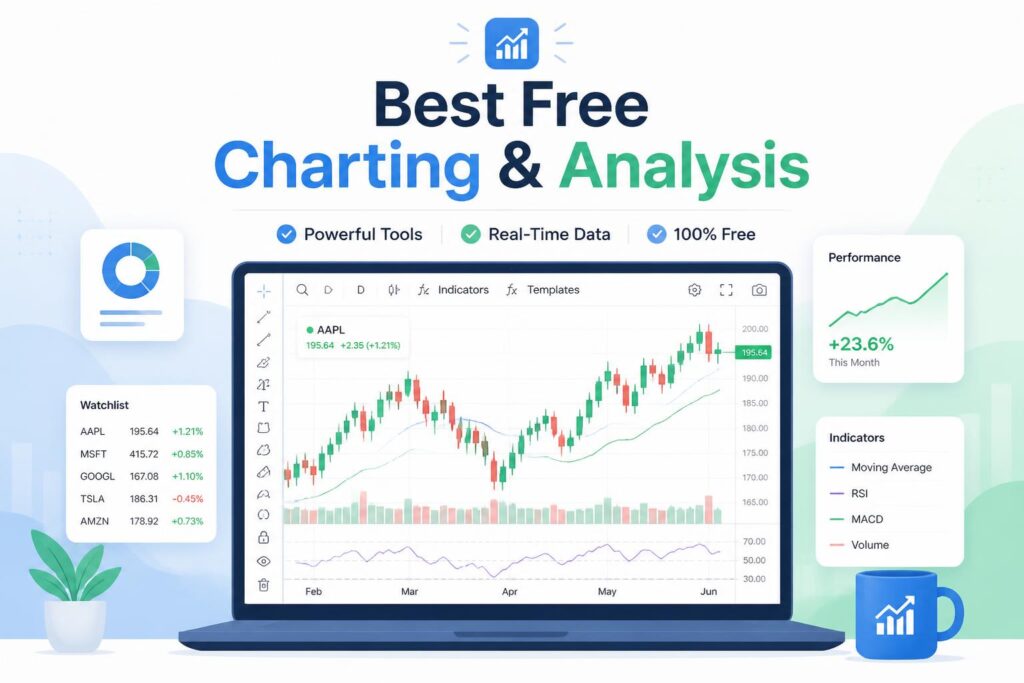
TradingView: charting and analysis platform
TradingView is closer to:> How is price behaving over time?
It focuses on:
- Technical charting tools
- Multi-market coverage (stocks, crypto, forex, indices)
- Community scripts and shared ideas
- Strategy building with Pine Script
It’s mainly a place to study price action and build analysis frameworks.
—
Core Feature Comparison
Feature Trade Ideas TradingView Real-time scanning High Low Charting depth Limited Strong AI signals Strong (Holly AI) Limited Strategy testing Moderate Strong Ease of use Moderate Moderate Market coverage Mostly US stocks Global, multi-asset Community features Minimal Large ecosystem
AI and Automation in 2026
Trade Ideas
The AI system (Holly) runs through large sets of historical and real-time conditions and produces trade ideas based on current market behavior.It can:
- Filter setups in real time
- Suggest long or short trades
- Adjust depending on volatility
It still doesn’t remove the need for chart confirmation. Most traders treat it as a filtered idea stream rather than a decision-maker.
—
TradingView
TradingView’s automation comes from:- Pine Script indicators
- User-built strategies
- Alerts and conditional logic
It’s flexible, but everything depends on how the user sets it up. There’s no built-in AI engine that generates trades.
—
Charting vs Scanning
TradingView: stronger for chart work
TradingView is where most technical analysis happens.It handles:
- Multi-timeframe structure
- Drawing tools for levels and zones
- Indicator stacking
- Long-term and swing analysis
It’s the more complete environment for reading charts.
—
Trade Ideas: stronger for scanning
Trade Ideas is built for speed.It’s good at:
- Pre-market scanning
- Momentum bursts
- Volume spikes
- Rapid stock filtering
For active intraday trading, it surfaces opportunities much faster than manual scanning.
—
Pricing in 2026
Trade Ideas
- Premium pricing
- Focused on active traders
- Cost reflects AI infrastructure
TradingView
- Free tier available
- Gradual pricing tiers
- More accessible for casual users
They also justify cost differently:
- Trade Ideas helps find trades
- TradingView helps analyze them
—
How Traders Use Them
Trade Ideas workflow
- Run scanners or AI signals
- Identify potential setups
- Move to execution platform
Works best for:
- Day trading
- Scalping
- Momentum strategies
—
TradingView workflow
- Mark key levels and structure
- Build watchlist
- Wait for setup confirmation
- Execute trade elsewhere
Works best for:
- Swing trading
- Technical analysis
- Multi-market trading
—
Strengths and Weak Points
Trade Ideas
Strengths- Fast scanning
- AI-driven filtering
- Real-time focus
Weak points
- Weak charting tools
- Narrow ecosystem
- Less suited for longer-term analysis
—
TradingView
Strengths- Strong charting
- Wide market coverage
- Large community and scripts
Weak points
- Limited real-time scanning
- No built-in AI trade engine
- More manual setup required
—
A Common Misunderstanding
A lot of traders try to force one tool to do everything.
In practice, that rarely works well.
Trade Ideas handles discovery. TradingView handles structure and context. When used alone, each leaves a gap:
- Trade Ideas alone can feel unconfirmed
- TradingView alone can feel slow to surface opportunities
—
Who Each One Fits
Trade Ideas fits if you:
- Trade intraday or scalping setups
- Want fast idea generation
- Prefer automated scanning over manual searching
TradingView fits if you:
- Focus on technical analysis
- Trade swings or longer setups
- Work across multiple markets
Using both makes sense if:
- You trade actively and full-time
- You want scanning plus confirmation
- You’re building a more complete workflow
—
Final Takeaway
There isn’t a single “better” platform.
They solve different problems:
- Trade Ideas helps you find movement early
- TradingView helps you understand what that movement means
The real difference comes from how they fit into your process, not which one is stronger on paper.
Instead of asking which to pick, it’s often more useful to ask where your current workflow slows down.
That answer usually makes the choice obvious.