TradingView vs TrendSpider (2026): which one fits your workflow better?
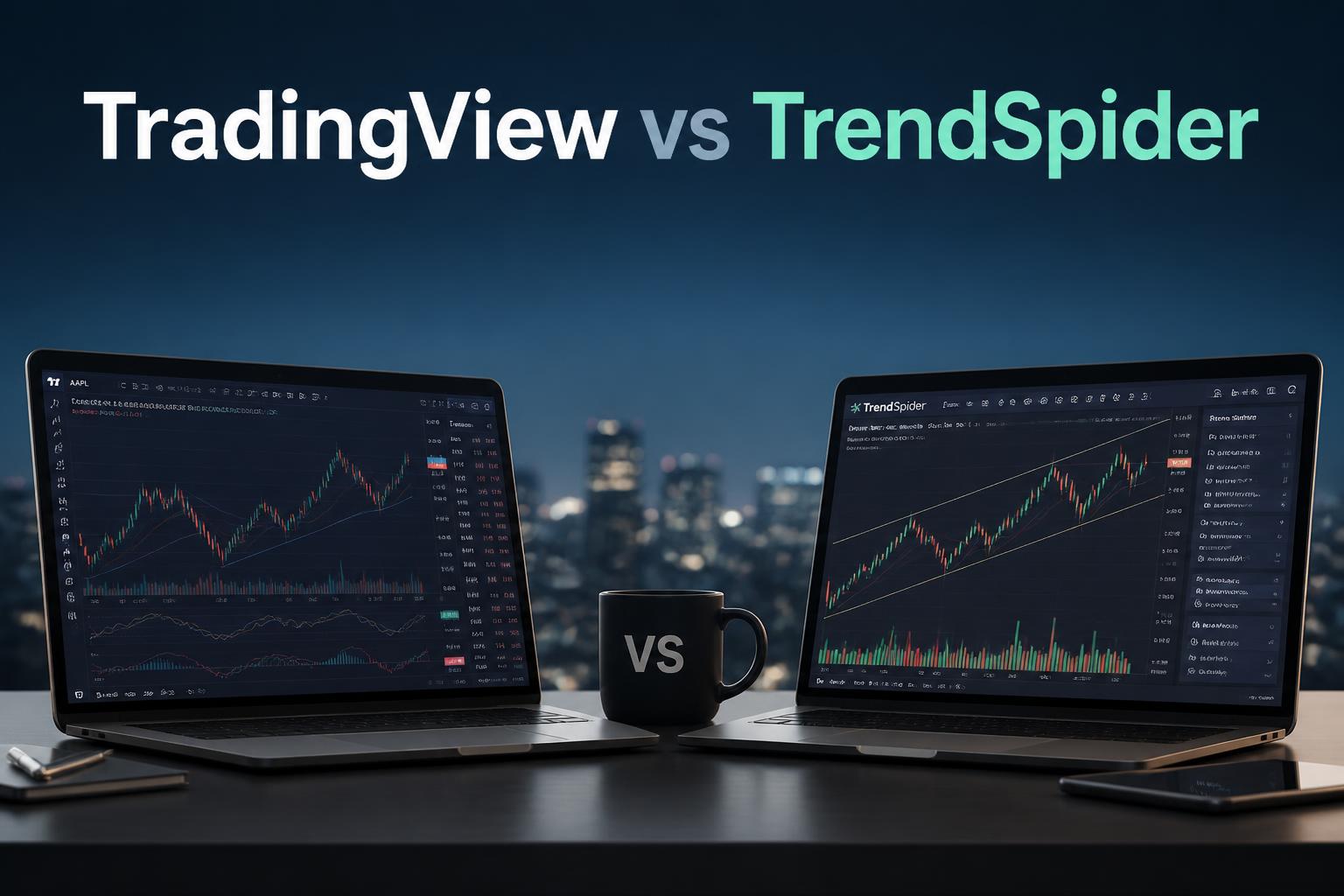
If you’re choosing between TradingView and TrendSpider, the real question is simple: do you want to do your own chart analysis, or let a system handle most of it for you?
Both tools are solid and widely used, but they approach trading in very different ways. That difference is what usually decides the choice.
—
table of contents
- quick verdict
- manual vs automated analysis
- charting and indicators
- automation and AI features
- backtesting
- market data and coverage
- pricing
- learning curve
- practical use cases
- pros and cons
- final thoughts
—
quick verdict
A simple way to split them:
- TradingView: better if you want control, drawing tools, and community ideas
- TrendSpider: better if you want automation and less manual chart work
If you like building your own setups, TradingView feels more natural.
If you prefer scanning and analysis to run in the background, TrendSpider fits better.
—
manual vs automated analysis
TradingView
Most of the work is manual:
- you draw trendlines yourself
- you apply indicators
- you read price action directly
It works like a flexible charting workspace.
The upside is control.
The downside is time and effort.
—
TrendSpider
TrendSpider shifts more of that work to the system:
- automatic trendline detection
- support and resistance mapping
- multi-timeframe scanning
Instead of drawing everything, you spend more time checking what it finds.
It’s faster, but less open-ended.
—
charting and indicators
TradingView
- large set of indicators
- community-built scripts
- very customizable layouts
- supports complex chart setups
You can build almost any visual setup you want.
TrendSpider
- fewer indicators overall
- focus on automated tools
- built-in multi-timeframe view
- dynamic levels that update as price moves
It leans more toward structured analysis than manual drawing.
—
automation and AI features
TradingView
Automation exists, but it’s mostly user-built:
- alerts and scripts
- community strategies
- Pine Script customization
You decide the logic and build around it.
—
TrendSpider
Automation is the core idea:
- auto trendlines
- scanning across markets
- multi-timeframe alignment checks
- rule-based strategy tools
It behaves more like a semi-automated analysis tool than a blank chart.
—
backtesting
TradingView
- uses Pine Script for backtesting
- strong community strategies available
- requires either coding or copying scripts
Works well if you’re comfortable with scripting or adapting others’ work.
—
TrendSpider
- no-code backtesting
- visual interface
- easier for non-programmers
More accessible, especially for discretionary traders testing ideas.
—
market data and coverage
Both cover stocks, forex, crypto, and futures (depending on plan).
TradingView
- wide broker integrations
- strong crypto presence
- active global data feeds
TrendSpider
- cleaner focus on US equities
- built for structured scanning and analysis
If crypto is a big part of your trading, TradingView usually feels more complete.
For US stock setups, TrendSpider is often more focused.
—
pricing
TradingView
- free plan available
- paid tiers scale with features like alerts, indicators, and layouts
Easier to start with.
TrendSpider
- paid only
- higher cost overall
- pricing reflects automation and scanning tools
You’re mainly paying for time saved.
—
learning curve
TradingView
- easy to start
- deeper features take time
- depends heavily on how disciplined your workflow is
TrendSpider
- takes a bit more setup early on
- becomes faster once configured
- reduces decision fatigue once running
—
practical use cases
TradingView fits better if you:
- prefer manual chart analysis
- use price action strategies
- rely on community indicators
- trade mixed assets like crypto and stocks
- want a lower-cost setup
—
TrendSpider fits better if you:
- want automated scanning
- prefer rule-based strategies
- don’t want to draw trendlines manually
- focus on swing trading equities
- want faster market filtering
—
pros and cons
TradingView
Pros:
- large community
- flexible charts
- affordable entry
- clean interface
Cons:
- more manual work
- easy to overbuild charts
- less built-in automation
—
TrendSpider
Pros:
- strong automation
- faster analysis workflow
- good multi-timeframe tools
- no-code testing
Cons:
- expensive
- smaller ecosystem
- less community content
—
final thoughts
There isn’t really a single winner.
TradingView works better if your edge comes from how you read charts and make decisions.
TrendSpider works better if your edge comes from scanning quickly and following structured rules.
Some traders end up using both:
TradingView for ideas and chart work, TrendSpider for filtering and confirmation.
In practice, the tool matters less than consistency. Most issues in trading come from switching systems too often, not from picking the “wrong” platform.