What Is Budgeting Apps (And Why Most People Quit)
You don’t know where your money goes until it’s gone. That’s the problem budgeting apps are supposed to solve.
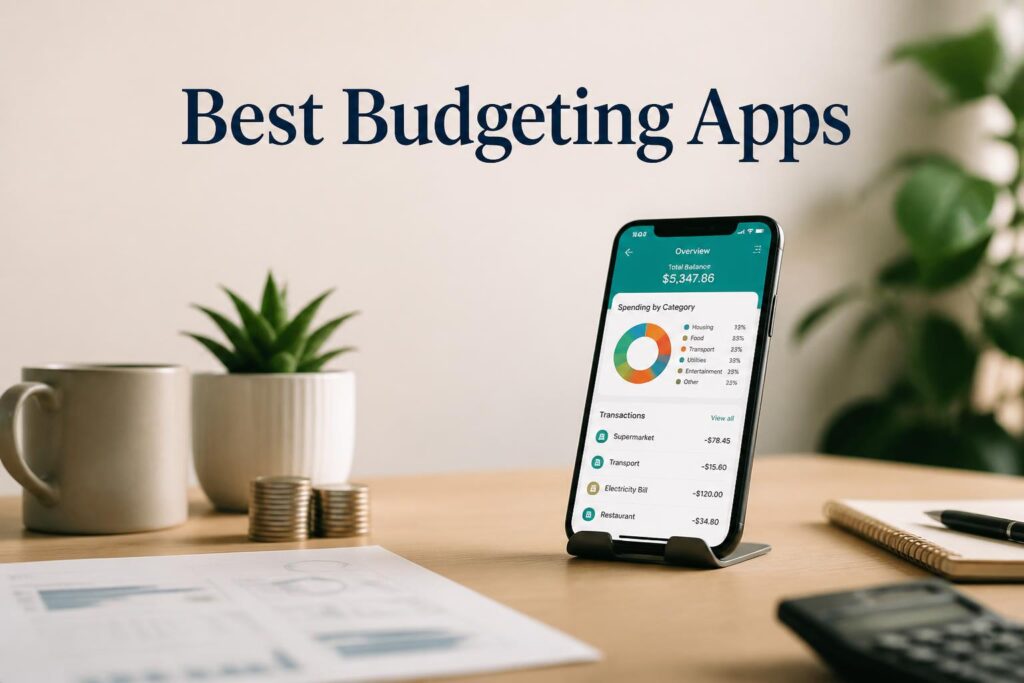
The manual version of tracking spending—spreadsheets, bank statements, receipts—takes hours and still misses recurring charges. Budgeting apps automate the work: they pull transactions, categorize spending, flag subscriptions, and surface patterns you’d never catch yourself.
But most people quit. Not because budgeting is hard, but because they picked the wrong app for how they actually manage money. Some apps want you to log every coffee purchase manually. Others connect to your bank and do the work automatically. The gap between those experiences is the difference between a tool you use and one you abandon by February.
This guide covers what budgeting apps actually do, which features matter (and which are filler), and how to pick one that fits your habits instead of someone else’s workflow.
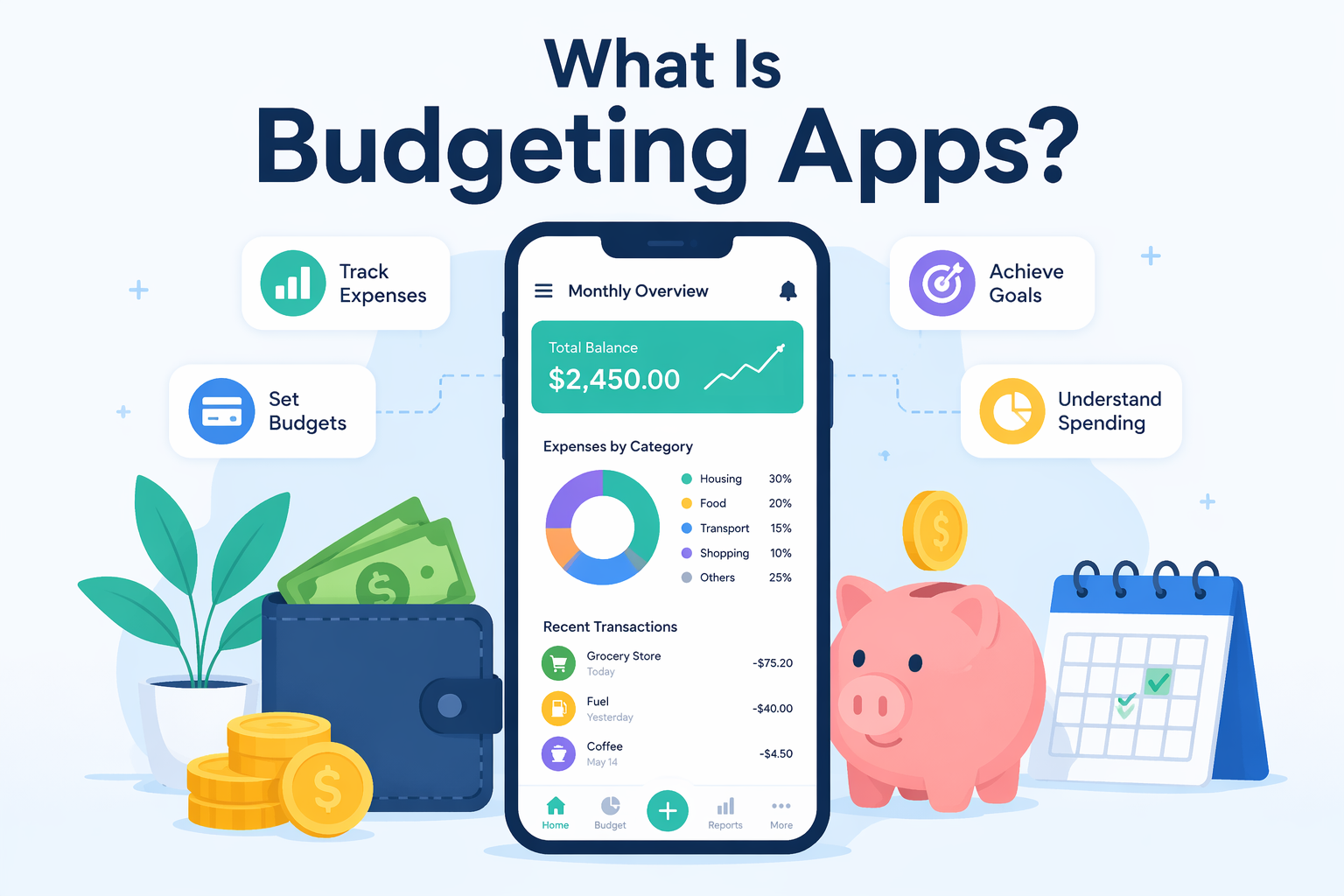
Table of Contents
- What Budgeting Apps Actually Do (The Core Job)
- The Three Types of Budgeting Apps (And Which One Fits You)
- Features That Actually Matter in 2026
- What You’re Really Paying For (Pricing Breakdown)
- Common Mistakes That Kill Your Budget Before You Start
- How to Pick Your First Budgeting App Without Wasting Time
- FAQ
What Budgeting Apps Actually Do (The Core Job)
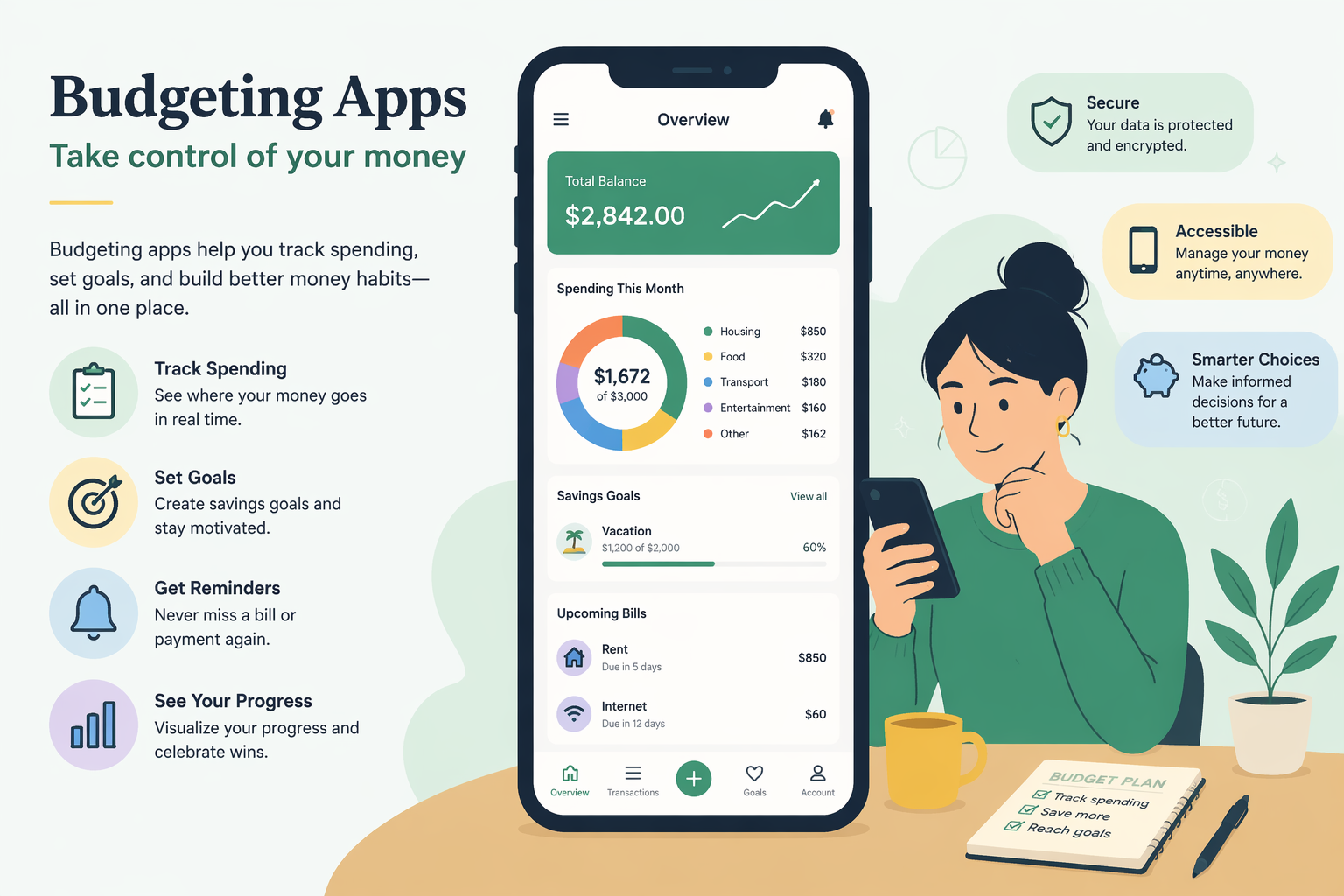
Every budgeting app does some version of the same five things:
- Pulls transaction data from connected bank accounts, credit cards, and investment accounts
- Categorizes spending (groceries, gas, dining, subscriptions) so you see where money goes
- Lets you set spending limits per category and alerts you when you’re approaching the cap
- Tracks bills and recurring subscriptions so nothing sneaks up
- Helps allocate money toward savings goals (emergency fund, vacation, down payment)
The differences are in how much manual work they demand and how much intelligence they add. Quicken Simplifi connects to 14,000+ financial institutions and builds your budget automatically. You open the app, the work is done. YNAB (You Need a Budget) forces you to manually assign every dollar before you spend it. Both are budgeting apps. The daily experience is completely different.
The Three Types of Budgeting Apps (And Which One Fits You)
The app that works for someone who loves financial control will frustrate someone who just wants automation. The market splits three ways:
Hands-on, zero-based budgeting
You assign every dollar a job before you spend it. No money sits unallocated.
This is for people who want full control and are willing to check the app multiple times per week. YNAB ($14.99/month or $109/year) and EveryDollar ($17.99/month or $79.99/year) both scored highest in Forbes’ 2026 evaluation. The tradeoff: high engagement required. If you don’t manually categorize and adjust weekly, the system breaks down.
Automated, passive tracking
Connect your accounts, let the app work, check in when you want.
This is for people who want visibility without daily maintenance. Quicken Simplifi (from $3.99/month) automates your budget based on income and spending patterns. Empower (free) adds investment-grade tools at no cost. It tracks net worth and investment performance without a subscription.
The tradeoff: less control. The app makes assumptions about categories and spending limits. Works great if its logic matches your habits, frustrating if it doesn’t.
Customizable, power-user setups
Flexible frameworks that let you build your own system.
This is for people with complex finances (multiple income streams, investments, shared accounts) who want full customization. Monarch Money ($14.99/month or $99.99/year) offers a customizable dashboard and supports multiple budgeting strategies. Tiller Money ($79/year) pulls your financial data into Google Sheets or Excel, so you can build any budget format you want. It even generates 30 to 60 years of financial projections.
The tradeoff: steeper learning curve. You need to invest time upfront to set it up the way you want.
Features That Actually Matter in 2026
Every app claims to be the best. The real question is which features make a daily difference and which are just marketing.
NerdWallet’s 2026 analysis of user feedback points to a few things that separate useful apps from bloated ones:
Must have
Bank sync with broad institution support. If your bank isn’t supported, the app is useless. Quicken Simplifi connects to 14,000+ institutions. Apps with smaller networks force you into manual entry, which is why people quit.
Automatic transaction categorization. Manual categorization is exhausting. Copilot Money ($13/month) uses AI-powered categorization that learns your spending patterns. It only works on iOS (no Android app), but if you’re in the Apple ecosystem, the accuracy is noticeably better.
Subscription tracking and cancellation. Recurring charges are budget killers. Rocket Money (free + premium at $7-$14/month) hunts down subscriptions you forgot about and lets you cancel in-app. This alone has saved people hundreds per year.
Real-time spending alerts. Passive tracking doesn’t work if you only check once a month. PocketGuard (from $6.25/month) and Monarch both send alerts when you’re approaching limits or when unusual spending appears.
Nice to have (but not essential)
Net worth tracking. Useful if you’re tracking investments and debt payoff, but not essential for basic budgeting. Empower and Monarch both include this. PocketSmith (from $9.99/month) is strong here too.
Shared budgets for couples. Lunch Money ($10/month or $50-$150/year) offers collaboration features, and Monarch supports multiple user logins. If you’re budgeting solo, you don’t need it.
Multi-currency support. Only matters if you manage finances across countries. Spendee ($5.99/month or $35.99/year) handles multiple currencies with a simple design, good for expats or frequent travelers.
Debt payoff planning. PocketGuard ($12.99/month or $74.99/year) includes structured debt payoff plans. Helpful if you’re tackling credit card debt, but most people can handle this manually.
Features that sound good but rarely get used
Investment tracking. Unless you’re actively managing a portfolio, this is overkill. Most people just need to know their net worth, not daily stock performance.
Credit score monitoring. Rocket Money includes free credit score tracking, but so do most banks now. Not a strong differentiator.
Financial advisor access. Albert ($11.99-$39.99/month) offers this, but it inflates the price and most users never book a call.
What You’re Really Paying For (Pricing Breakdown)
Most budgeting apps cost around $100/year. But pricing models vary wildly, and features matter more than price.
From cheapest to most expensive:
Free (with limitations)
Empower is free and includes investment-grade tools. The catch: revenue comes from upselling financial products (managed portfolios, loans). The budgeting features are genuinely free, but expect occasional prompts to upgrade.
Rocket Money’s free tier covers subscription tracking and basic budgeting. Premium ($7-$14/month) unlocks custom categories and priority support.
Budget-friendly paid
Quicken Simplifi: $3.99/month (often discounted to $3.49/month). Named Best Overall by PC Magazine for 2024 and 2025. Automation is strong, price is unbeatable.
Wallet by BudgetBakers: $5.99/month or $21.99/month for premium. Cash flow monitoring and automatic categorization at mid-tier pricing.
PocketSmith: from $9.99/month. Good for long-term financial projections.
Mid-tier (where most people land)
Copilot Money: $13/month. Apple-only, AI-powered categorization. Worth it if you’re deep in the Apple ecosystem.
Monarch Money: $14.99/month or $99.99/year. Highly customizable, supports multiple budgeting strategies. Received awards from NerdWallet and Forbes Advisor in 2026.
YNAB: $14.99/month or $109/year. Considered a top choice despite the cost. Zero-based budgeting requires commitment, but users who stick with it swear by it.
Premium
EveryDollar: $17.99/month or $79.99/year. Premium tier unlocks bank sync; free tier is manual entry only.
PocketGuard: $12.99/month or $74.99/year for the full feature set (debt payoff plans, custom categories).
Specialty
Tiller Money: $79/year. Pulls data into Google Sheets or Excel. Best for spreadsheet power users who want full control.
Lunch Money: $10/month or $50-$150/year depending on the plan. Optimized for desktop use, collaboration features for households.
Don’t pick the cheapest app if it doesn’t fit your workflow. A $100/year app you use daily is cheaper than a free app you abandon in two months.
Common Mistakes That Kill Your Budget Before You Start
Most people go wrong in predictable ways:
Picking the wrong budgeting philosophy. Zero-based budgeting (YNAB, EveryDollar) works great if you want control. But if you hate manual work, you’ll quit in a month. Automated apps (Simplifi, Empower) require less effort but give you less granular control. Match the app’s philosophy to your habits, not your aspirations.
Ignoring bank sync compatibility. If your bank isn’t supported, you’re stuck with manual entry. Check compatibility before you subscribe. Quicken Simplifi and Monarch have the broadest institution coverage in 2026.
Overcomplicating categories. Apps let you create dozens of spending categories. Most people only need 8-10 (groceries, dining, transportation, housing, utilities, entertainment, subscriptions, savings). Too many categories means decision fatigue, which means abandoned budget.
Not setting realistic limits. Your budget should reflect reality, not an aspirational version of your life. If you spend $400/month on dining out, don’t set a $150 limit. Start by tracking actual spending for a month, then adjust limits based on where you want to cut.
Treating security as an afterthought. Budgeting apps need read-only access to your bank accounts. That’s a lot of trust. Stick with apps that use bank-level encryption and have been independently audited. YNAB, Monarch, Simplifi, and Empower all meet this bar. Avoid obscure apps with no security track record.
Expecting the app to do the work for you. Even automated apps require weekly check-ins. If you never review spending or adjust limits, the app becomes useless. Budget 10-15 minutes per week to review transactions and make tweaks.
How to Pick Your First Budgeting App Without Wasting Time
A decision framework that cuts through the noise:
Identify your budgeting style. Answer this honestly: would you rather spend 30 minutes per week controlling every dollar, or let an app automate most of the work and check in occasionally?
Control freak: YNAB or EveryDollar. Automation lover: Quicken Simplifi or Empower. Power user with complex finances: Monarch Money or Tiller Money.
Check bank compatibility. Go to the app’s website and search for your bank or credit union. If it’s not supported, move on. Manual entry is a dealbreaker for most people.
Start with a free trial or free tier. Most paid apps offer 30-day free trials. Use the trial to test the daily workflow. Does the app categorize transactions accurately? Are alerts useful or annoying? Do you actually open the app, or does it sit ignored on your phone?
YNAB and Monarch both offer trials. Empower and Rocket Money have free tiers you can test indefinitely.
Commit for three months. The first month is setup. The second month is adjustment. The third month is when you know if it’s working. If you’re still using the app daily in month three, upgrade to the paid plan. If not, cancel and try something else.
Don’t chase features you won’t use. Investment tracking, multi-currency support, financial advisor access sound impressive, but most people never touch them. Pick the app that nails the basics (transaction tracking, categorization, alerts) rather than the one with the longest feature list.
FAQ
What is the best free budgeting app in 2026?
Empower is the strongest free option. It includes investment-grade tools, net worth tracking, and basic budgeting at no cost. The catch: Empower makes money by upselling financial products, so expect occasional upgrade prompts.
If you want free with zero upsells, Rocket Money’s free tier covers subscription tracking and basic budgeting, though premium features are paywalled.
Is it safe to link my bank account to a budgeting app?
Yes, if you stick with established apps. YNAB, Monarch, Quicken Simplifi, and Empower all use bank-level encryption and connect via read-only access. They can see transactions but can’t move money.
Avoid obscure apps with no security track record or apps that ask for your bank login credentials directly instead of using secure bank API connections.
What is the best budgeting app that isn’t linked to a bank account?
Tiller Money ($79/year) is your best bet. It pulls transaction data into Google Sheets or Excel, giving you full control. You can also use EveryDollar’s free tier, which requires manual transaction entry and doesn’t need bank sync.
The tradeoff: manual entry takes time and most people quit within weeks. Automation is the main reason budgeting apps work.
Do budgeting apps improve your credit score?
Not directly. Budgeting apps help you track spending, avoid overdrafts, and pay bills on time, which indirectly improves credit. Some apps (like Rocket Money) include free credit score monitoring, but the app itself doesn’t boost your score. Paying down debt and making on-time payments do.
How often should I check my budgeting app?
Weekly check-ins (10-15 minutes) are the sweet spot. Review transactions, adjust category limits, check for subscription charges you didn’t authorize. Daily checking becomes obsessive. Monthly checking means you miss overspending until it’s too late.
Set a recurring calendar reminder every Sunday to review your budget.
Which budgeting app is best for couples?
Monarch Money ($14.99/month or $99.99/year) and Lunch Money ($10/month or $50-$150/year) both support shared budgets with multiple user logins. Monarch is more polished and automated. Lunch Money is better if you want desktop-first collaboration. Both let you see a combined financial picture while tracking individual spending separately.
What’s the difference between budgeting apps and net worth tracking apps?
Budgeting apps focus on spending control (tracking daily transactions, setting category limits, avoiding overspending). Net worth tracking apps focus on big-picture wealth (assets minus liabilities, investment performance, long-term projections).
Some apps do both. Empower, Monarch, and PocketSmith all include net worth tracking alongside budgeting features. If you’re just starting out, prioritize budgeting. Once you have savings and investments, net worth tracking becomes more useful.
Can budgeting apps track cash spending?
Yes, but you have to enter it manually. Most apps assume spending happens via cards or digital payments. If you use cash regularly, look for apps with quick manual-entry workflows. YNAB and EveryDollar both make manual entry easy, but it still requires discipline.
The simpler move: switch to cards for everyday spending so the app can track automatically.
What happens if I stop using a budgeting app?
Your financial data stays in the app’s system (most apps retain data even after you cancel). Transactions won’t sync anymore, so the budget becomes outdated.
If you cancel a paid subscription, you usually lose access to premium features immediately, though some apps (like YNAB) give you read-only access to historical data. Export your data before canceling if you want a record. Most apps let you download transaction history as a CSV file.